Can I See My Team's Call History in One Place?
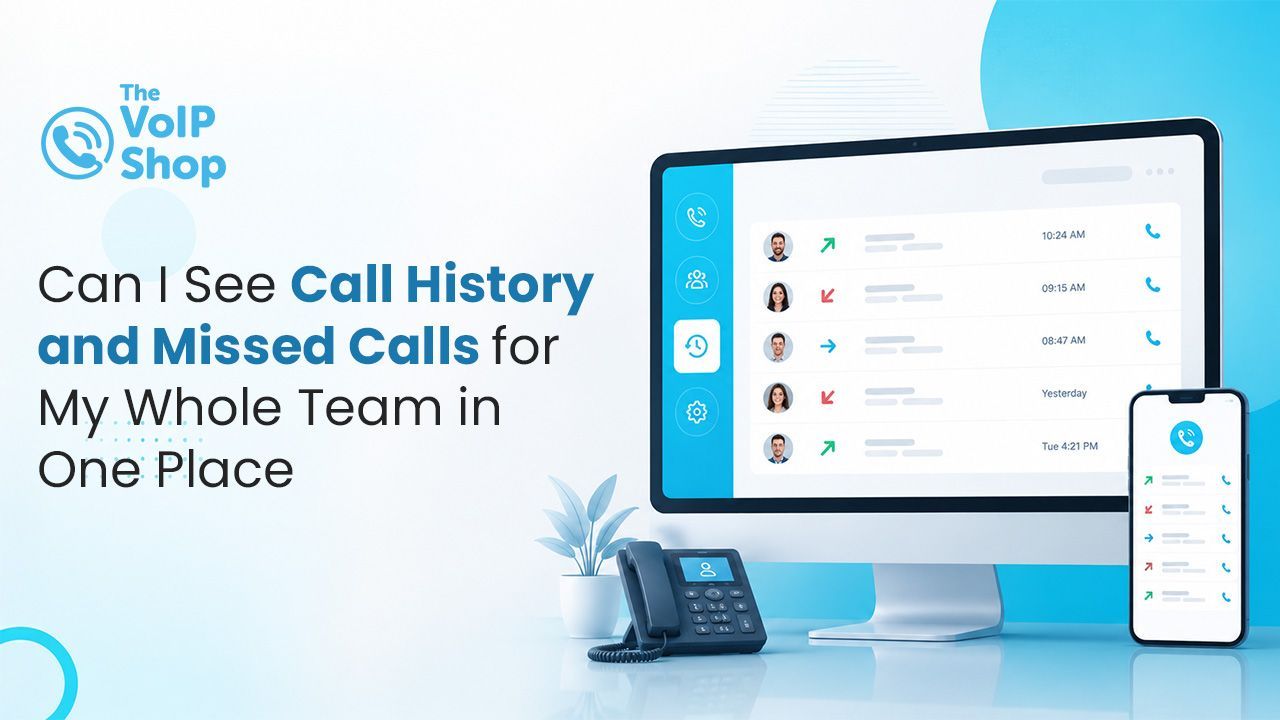
Yes. Most modern cloud VoIP systems automatically log every call across your organisation, including missed, answered, inbound, outbound and transferred calls, and display them in a single online portal. This gives managers and team leaders a complete overview of call activity without needing to collect information from multiple users or devices.

About the Author
What Is Call Logging and Reporting?
Call logging is the automatic recording of information about every call that passes through your phone system, including inbound, outbound, internal, missed, answered and transferred calls. This data is stored within a management portal, where it can be searched, filtered, sorted and exported as needed.
Most cloud VoIP systems include call logging as a standard feature, allowing businesses to maintain a complete record of communications without requiring additional software or manual record-keeping.
What Information Is Captured for Each Call?
| Call Information | What Is Captured |
|---|---|
| Date and time | Date and time of the call. |
| Caller ID | Caller ID, including the incoming number or name where available. |
| Extension, department, or queue | Which extension, department, or queue the call was directed to. |
| Call status | Whether the call was answered, missed, abandoned or transferred. |
| Call duration | Call duration. |
| Ring time | Ring time before the call was answered or abandoned. |
| User | Which user answered the call. |
| Call transfer | Whether the call was transferred and where it was routed. |
What Does a Real-Time Call Dashboard Show?
In addition to historical call reports, many cloud VoIP systems provide a real-time dashboard that shows what is happening across the phone system at any given moment. This typically includes:
- Which team members are currently on calls.
- Which users are available.
- How many callers are waiting in queues.
- Current queue wait times.
- Missed calls since the start of the day.
- Call volumes by extension, team or department.
Real-time visibility allows managers to respond quickly to changes in demand, redistribute resources when needed, and maintain service levels during busy periods.
What Are VoIP Wallboards and What Do They Display?
Many cloud VoIP systems include wallboard functionality, allowing live call statistics to be displayed on screens throughout the workplace. A wallboard can display:
- Live queue lengths and wait times.
- Calls answered and missed.
- Agent availability and status.
- Team performance metrics.
- Service level indicators.
Wallboards help teams stay aware of call volumes throughout the day and allow managers to identify potential issues before they affect customer service.
What Call Centre Analytics Are Available With VoIP?
For businesses with dedicated call handling teams, advanced analytics tools provide deeper insight into performance and workload. Typical reporting capabilities include:
- Tracking KPIs for individual users and teams.
- Monitoring average answer times.
- Measuring abandonment rates.
- Comparing performance across different periods.
- Identifying bottlenecks and peak demand times.
- Tracking trends over weeks and months.
Reports can usually be filtered by date range, extension, user, queue, department or call type, and exported for further analysis. These insights support workforce planning, performance management and customer service improvements.
How Does VoIP Help Manage Missed Calls?
Missed calls are typically highlighted within the reporting portal, making them easy to identify and follow up on. Businesses can often see:
Every missed call with the caller number and time.
- Which extension or queue received the call.
- Whether a voicemail was left.
- Whether the call was later returned.
- Any notes or call activity associated with the caller.
This is particularly valuable for businesses where missed calls may represent lost revenue, urgent enquiries or important customer communications. Pairing this with voicemail to email transcription speeds up follow-up further, since the message content is in the inbox alongside the missed-call record.
Can I Access Call Reports From Anywhere?
Yes. Most cloud-based phone systems allow call reports and dashboards to be accessed securely through a web browser from any location. Whether working in the office, from home, or while travelling, authorised users can view call activity, monitor performance and access reporting tools in real time.
Permission settings also allow businesses to control who can view reports and call data, ensuring appropriate access for managers, supervisors and administrators.
Why Does Centralised Call Reporting Matter?
Having all call activity available in one place helps businesses:
- Improve customer service.
- Reduce missed opportunities.
- Monitor team performance.
- Identify staffing requirements.
- Track call trends and demand patterns.
- Improve accountability and response times.
Instead of relying on individual users to report activity, managers can access accurate, real-time information whenever they need it. Out of hours, this pairs well with time-based call routing so that calls always reach the right person and still appear in the next morning's report.
What Should I Check Before Choosing a Provider?
Most cloud VoIP systems offer call logging and reporting, but the depth varies. Key things to check:
- Is call logging included as standard or as an add-on?
- Are real-time dashboards available, and on which devices?
- Is wallboard functionality included for screen-based team visibility?
- Can reports be exported and filtered by user, extension or date range?
- Can permissions be set so only the right people see reports?
- Are missed-call records linked to voicemail messages?
Final Thoughts
Centralised call reporting is one of the practical wins of moving to cloud VoIP. Every call across the business is logged automatically, missed calls are easy to spot and follow up, and managers get the same visibility from any location. For any team where phone communication is critical, this single-portal view replaces the manual chasing and spreadsheets that legacy systems required.
The VoIP Shop offers call logging, real-time dashboards, wallboards and analytics as part of our cloud phone systems, backed by UK-based support.
Get in touch to see how centralised call reporting could work for your team.
Written By | About the Author
Kully has over 15 years of experience in the VoIP and telecoms industry. Drawing on a background in telecoms sales and leadership, he provides expert, impartial advice on VoIP and cloud telephony solutions. As a lead author for The VoIP Shop, Kully helps businesses understand and adopt modern communication technologies