ConnectWise CRM Integration with The VoIP Shop
The VoIP Shop's ConnectWise CRM integration brings your phone system and customer records together in one place. Customer details surface automatically as calls come in, conversations log themselves against the right record, AI transcriptions capture what was discussed, and callbacks get tracked without anyone touching a spreadsheet. The result is a team with full visibility of every customer interaction and far less time spent on admin.
Connect ConnectWise CRM to The VoIP Shop and start cutting down on manual work while sharpening how your team engages with customers.

Key Features of ConnectWise CRM Integration
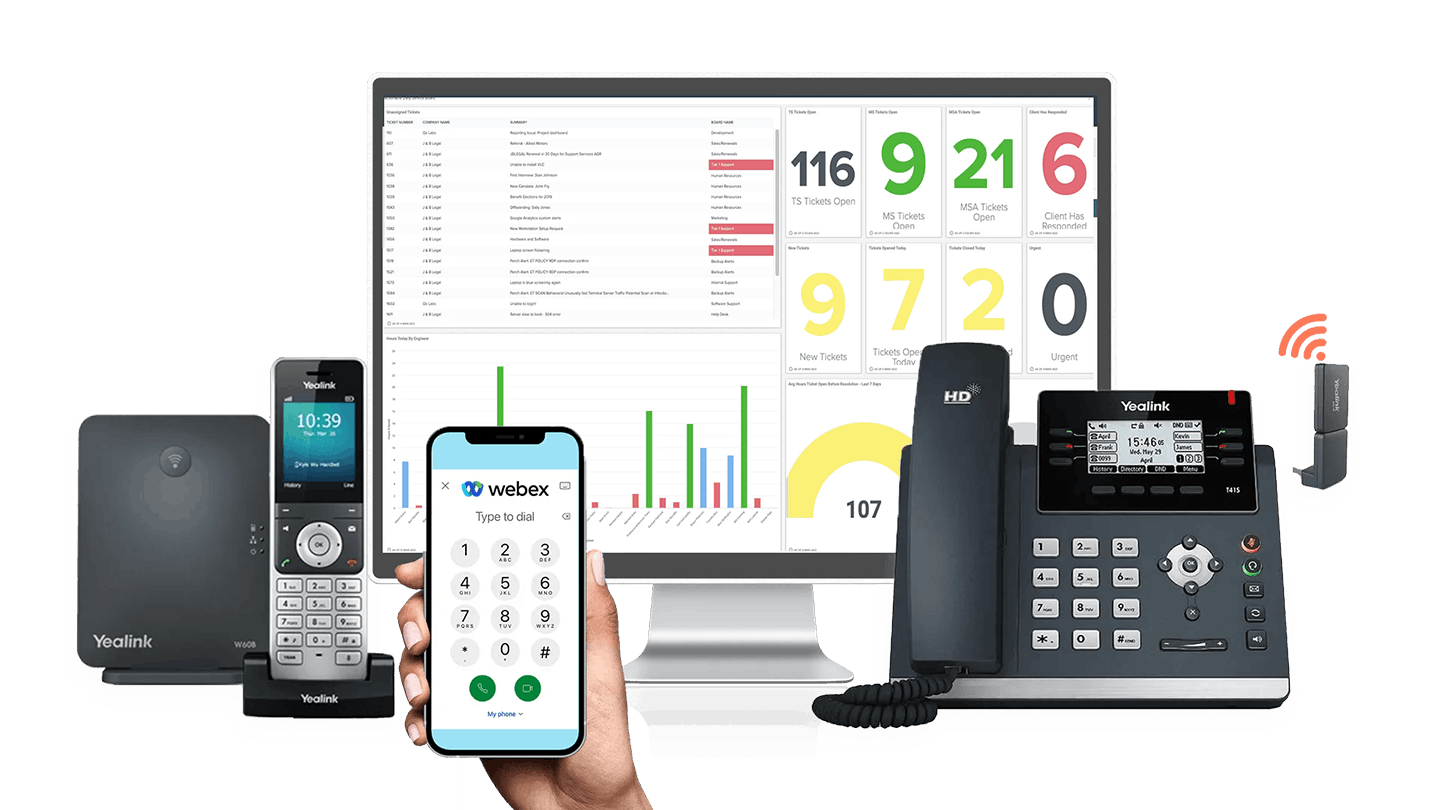
This integration pairs your telephony with ConnectWise to give teams the tools they need for smoother customer handling. Caller notifications appear in real time, CRM activity updates itself, AI picks up the transcription work, and every conversation gets logged without manual input, so your team can spend more time talking to customers and less time documenting it afterwards.
Pop-Up Caller Notifications
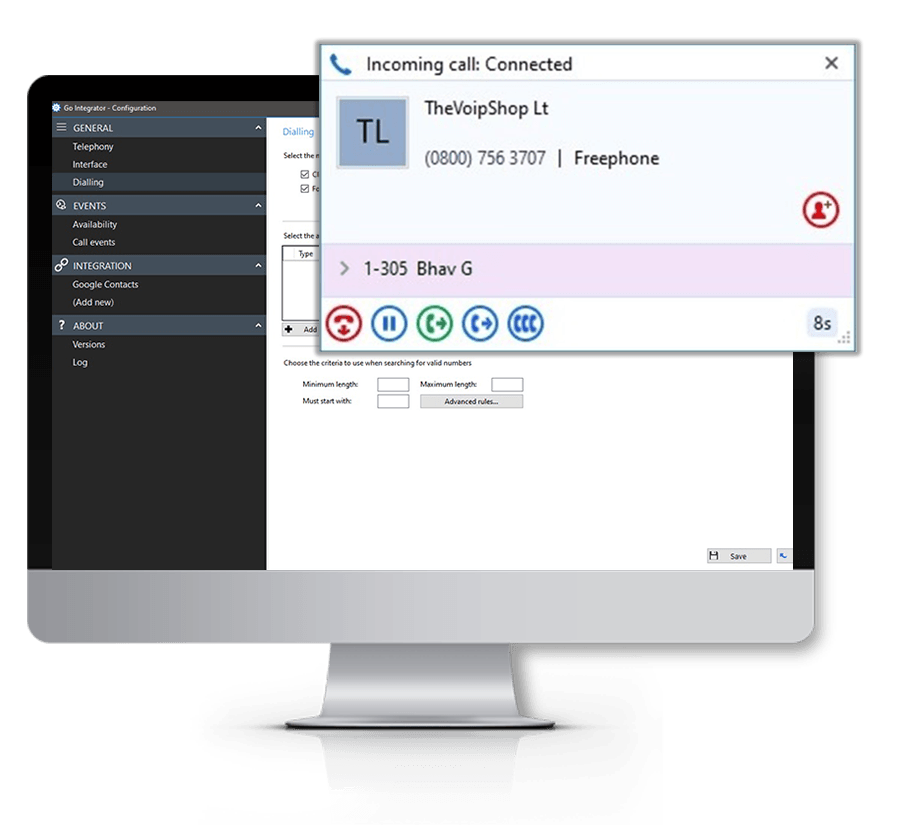
A notification appears the moment a call comes in, goes out, or gets forwarded, pulling in the relevant customer record, recent activity, and communication history from ConnectWise automatically.
Activity Hub
Review call logs, notes, and AI-generated transcriptions waiting to be saved into ConnectWise. Choose automatic or manual saving, and edit anything before it gets written to the CRM.
Automatic Call Logging
Every call gets recorded against the matching CRM record without anyone needing to enter it manually.
AI Call Transcription
Conversations are transcribed automatically and stored in ConnectWise alongside the call log, so the full context of past interactions is there whenever your team needs it. Less note-taking, more time spent actually helping customers.
Hotkey Dial from CRM
Set up keyboard shortcuts to dial numbers straight from ConnectWise, even ones that are not formatted as clickable links.
Call Notes
Capture notes and AI transcriptions against the customer record in ConnectWise, so the full picture of each conversation stays on file.
Copy to Dial
Highlight any phone number and get a one-click prompt to call it directly.
Multi-Result Caller Matching
When a number matches more than one record in ConnectWise, jump between the results instead of searching manually.
Callback Management
Log callback requests and track follow-ups so nothing falls through the cracks and response times stay tight.
Call Control Features
Manage calls (answer, transfer, and more) directly from the pop-up notification without switching screens.
Custom CRM Variables
Pull through specific ConnectWise fields, such as contact details, ticket status, and account information, so agents see what matters most during each call.
Single Sign-On (SSO)
Log in using existing Microsoft, Google, or Apple credentials rather than managing another set of passwords.
Computer Telephony Integration with
ConnectWise
When your phone system talks to ConnectWise, your team stops switching between tools and starts focusing on the conversation in front of them. Real-time caller ID, live CRM activity, full communication history, and built-in call controls all work together to take the admin out of every interaction.
How The VoIP Shop's
ConnectWise CRM Integration Empowers Customer Service Teams
Support teams get a clearer, faster way of handling every customer interaction once telephony and ConnectWise are working together.
Instant Customer Visibility
See customer history, notes, and recent activity the moment a call connects.
Reduce Manual Admin
Calls log themselves, cutting down on repetitive data entry.
Improve Customer Conversations
Check past interactions before you even pick up, so context is never missing.
Faster Response Times
Knowing who is calling before you answer means quicker, more relevant responses.
Improve Internal Collaboration
Shared visibility of communication records keeps teams aligned across departments.
Better Customer Experience
Centralised CRM data means every conversation feels informed and personal.
How The VoIP Shop's
ConnectWise CRM Integration Supports Sales Teams
Sales teams gain a more efficient way of tracking leads and managing communication directly inside ConnectWise.
Better
Lead Management
Keep all engagement and activity tracking in one platform.
Improved Workflow Efficiency
Spend less time toggling between separate CRM and telephony tools.
Access Customer Information Instantly
Pull up records, notes, and history the second a call comes through.
Improve Follow-Up Processes
Track callbacks properly so no lead goes cold.
Support Hybrid Working
Use the integration across cloud and desktop setups, wherever your team is based.
Better Communication Visibility
Notes, activity, and conversation history stay organised in a single place.
Buttons
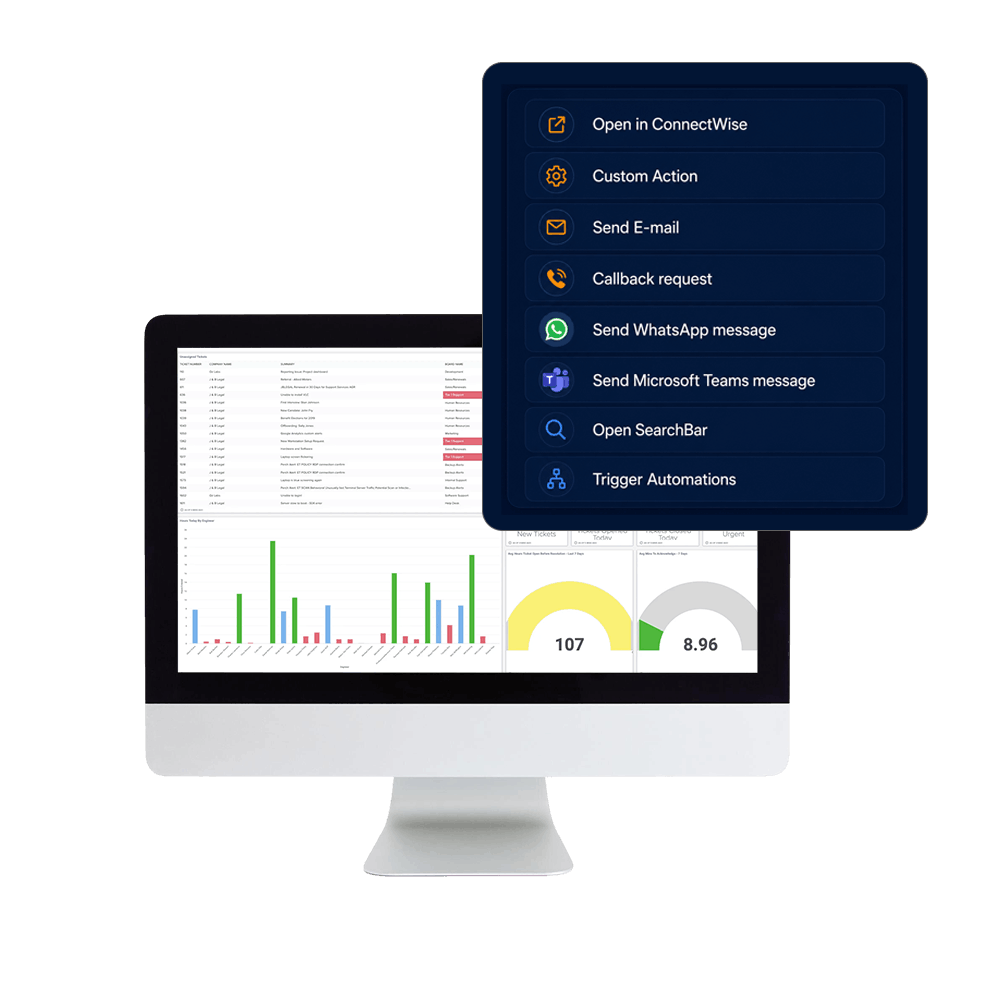
Below is the list of available buttons. These are both CRM specific- and generic Bubble functions.
Open in ConnectWise
Custom Action standard
Send E-mail standard
Callback request standard
Send WhatsApp message standard
Send Microsoft Teams message standard
Open SearchBar standard
Trigger Automations standard
Parameters
Determine the content of the pop-up per user, department or organisation with information from your CRM package. Below is the list of parameters available from your CRM software.
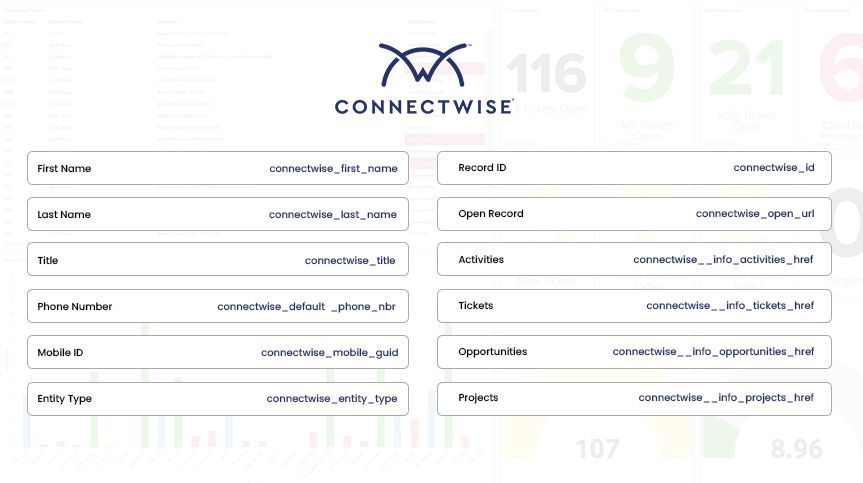
- connectwise_id
- connectwise_first_name
- connectwise_last_name
- connectwise_relationship_override
- connectwise_inactive_flag
- connectwise_title
- connectwise_married_flag
- connectwise_children_flag
- connectwise_unsubscribe_flag
- connectwise_mobile_guid
- connectwise_default_phone_type
- connectwise_default_phone_nbr
- connectwise_default_billing_flag
- connectwise_default_flag
- connectwise_communication_items_0_0_id
- connectwise_communication_items_0_0_type_id
- connectwise_communication_items_0_0_type_name
- connectwise_communication_items_0_0_type__info_type_href
- connectwise_communication_items_0_0_value
- connectwise_communication_items_0_0_default_flag
- connectwise_communication_items_0_0_communication_type
- connectwise_ignore_duplicates
- connectwise__info_last_updated
- connectwise__info_updated_by
- connectwise__info_communications_href
- connectwise__info_notes_href
- connectwise__info_tracks_href
- connectwise__info_portal_security_href
- connectwise__info_activities_href
- connectwise__info_documents_href
- connectwise__info_configurations_href
- connectwise__info_tickets_href
- connectwise__info_opportunities_href
- connectwise__info_projects_href
- connectwise__info_image_href
- connectwise_entity_type
- name
- connectwise_open_url
Available as a Windows desktop installation, CRM Connect allows you to offer unique CRM solutions that are tightly integrated with market leading communications services.

Easy to provision via Self-Service Portals
Windows based installation wizard

Full control of telephone handset from desktop

Instant access to CRM information
Advanced call control from within CRM applications
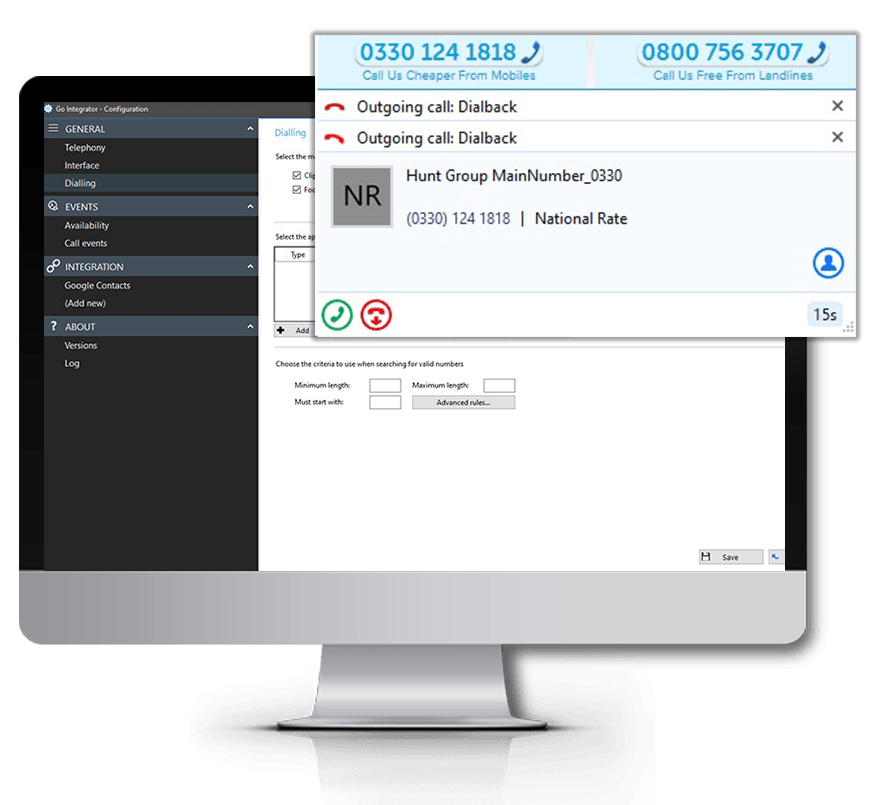
Click to Dial
Web-Page Dialing
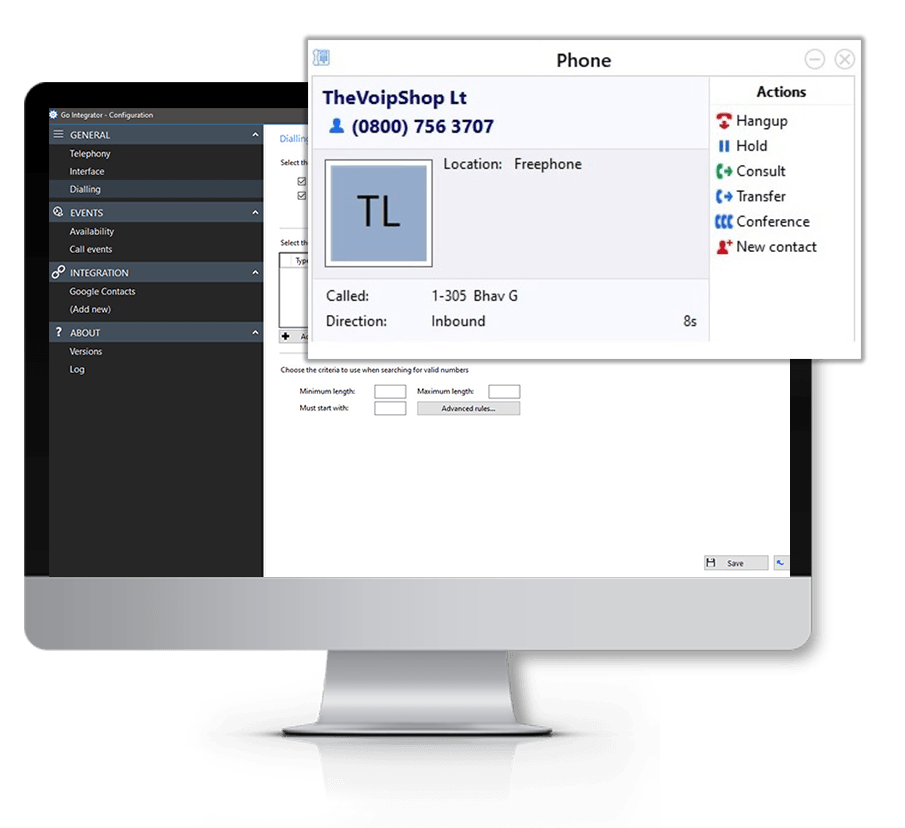
Click to Hold
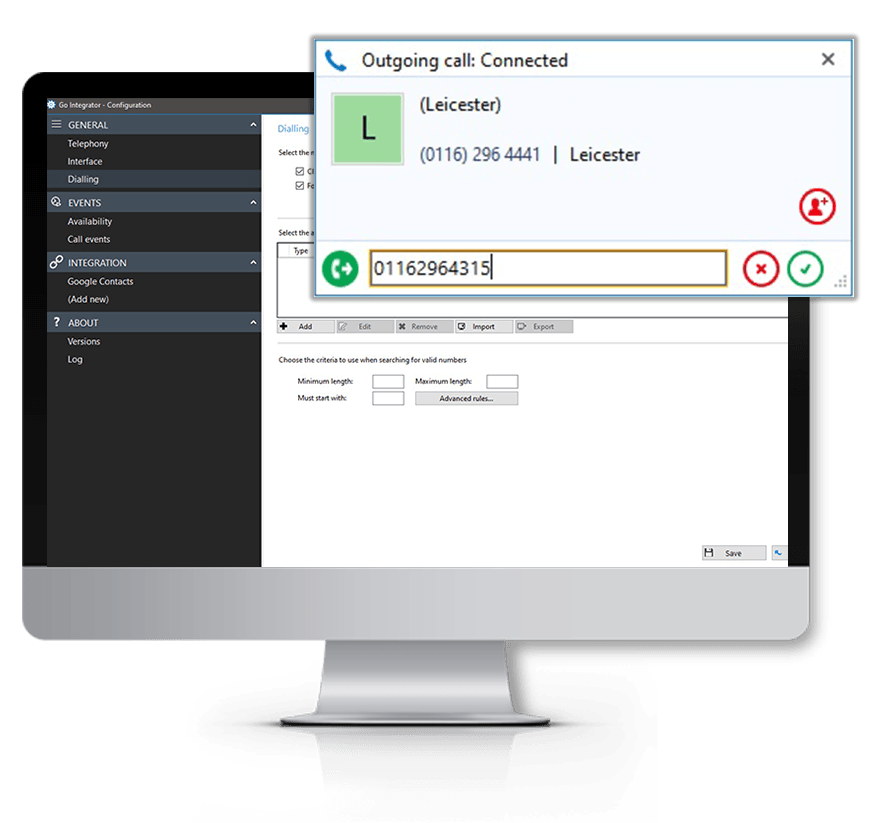
Click to Transfer
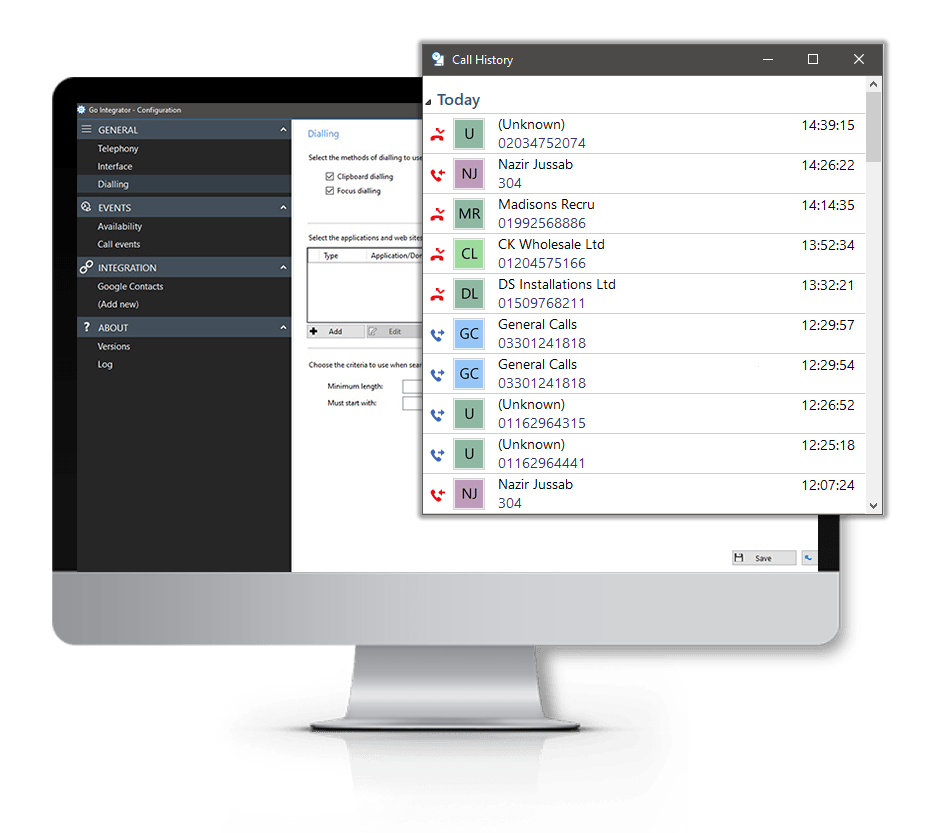
Built-in Call History
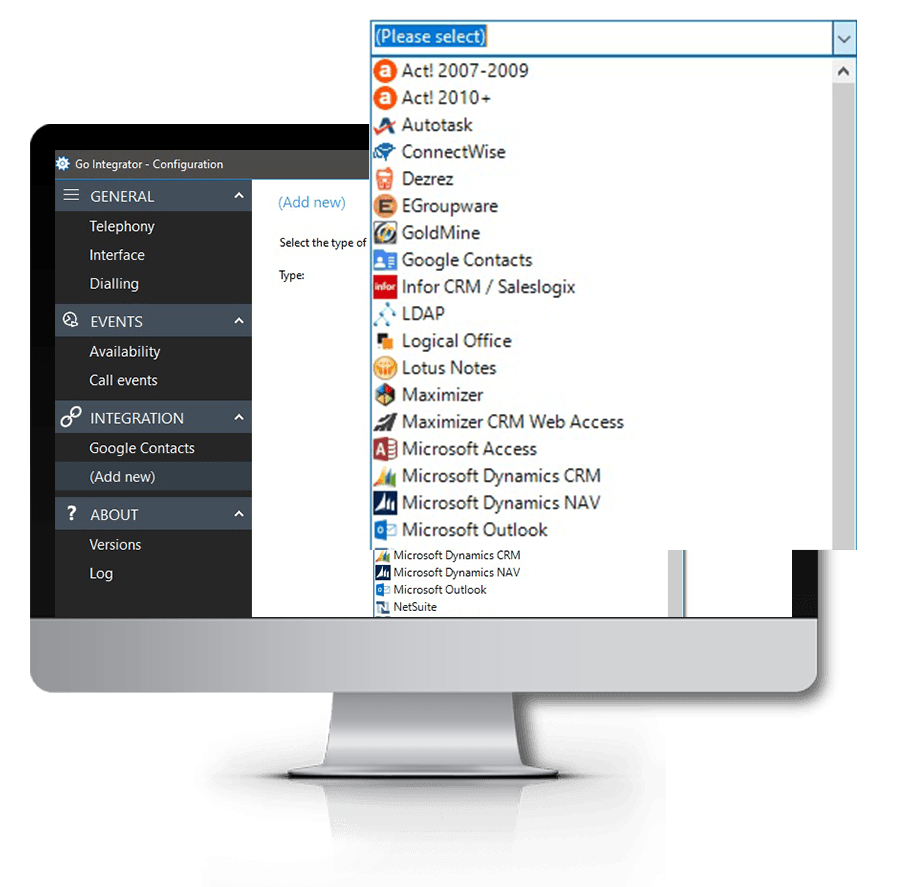
CRM Application Integration
Popular Similar Integrations to ConnectWise

Find out More
FAQs
Answers to some of our most commonly asked Street.co.uk CRM Integration questions…