
Bullhorn CRM Integration with The VoIP Shop
Improve recruitment communication workflows and manage candidate and client interactions more efficiently with The VoIP Shop's Bullhorn CRM integration. View candidate and client information during calls, automatically log call activity, access AI-generated call transcriptions and notes, manage callbacks, and streamline workflows directly within Bullhorn.
Give your recruitment teams complete visibility of candidate and client communications while reducing manual administration and improving productivity.
Integrate Bullhorn with The VoIP Shop today to improve collaboration, communication efficiency, and recruiter performance.
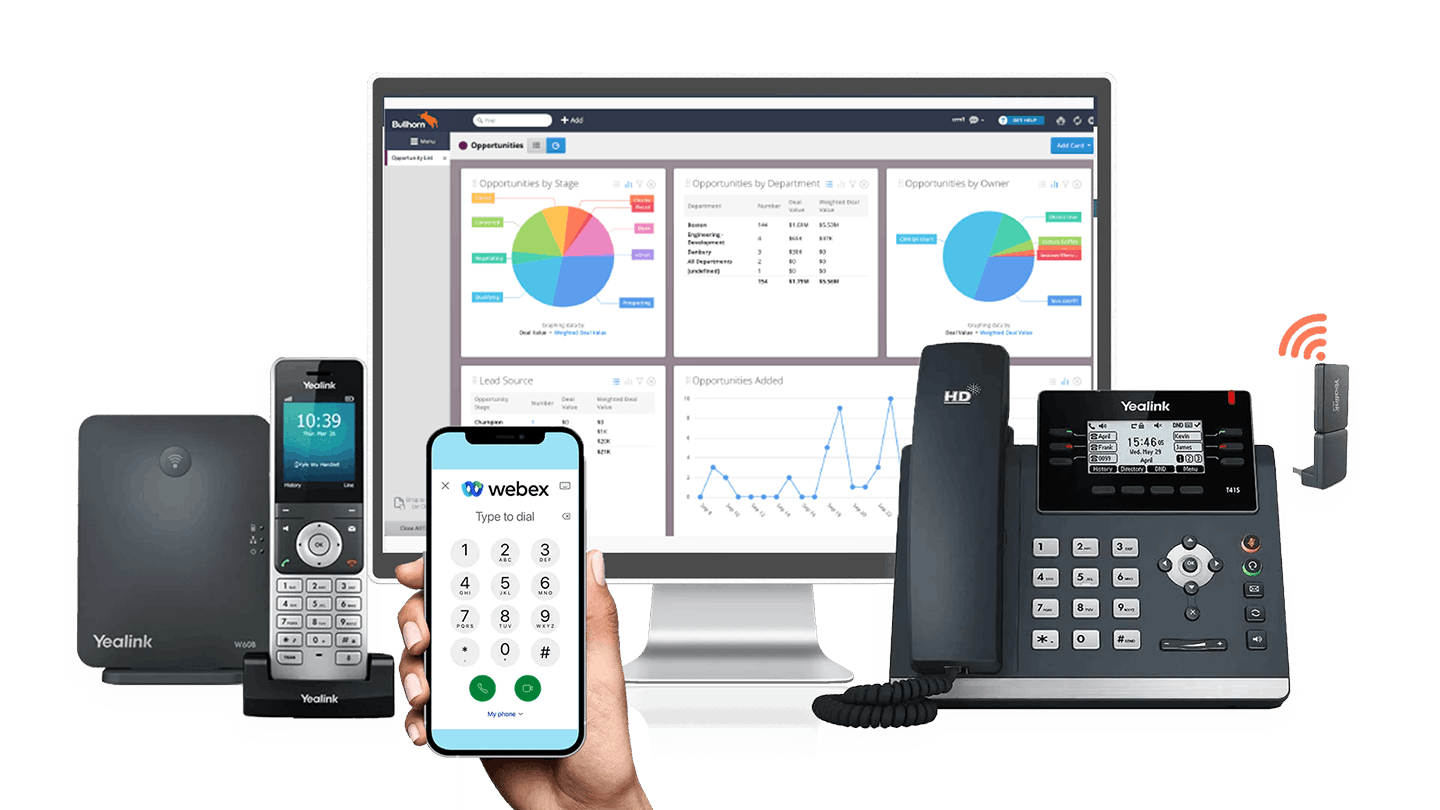

Key Features of Bullhorn CRM Integration
The VoIP Shop's Bullhorn CRM integration provides powerful communication and workflow tools to help recruiters, consultants, and account managers manage candidate and client interactions more effectively. From real-time caller notifications and automatic call logging to AI-powered call transcription and integrated call controls, your teams can stay organised and focused on building relationships.
Pop-Up Caller Notifications
Display incoming, outgoing, and forwarded call information instantly inside Bullhorn. Candidate and client records, activities, notes, and communication history appear automatically during calls.
Automatic Call Logging
Automatically log communication activity and call information directly against candidate, contact, company, placement, and job records within Bullhorn.
AI Call Transcription
Keep every recruitment conversation organised with automatic call logging and AI-powered transcription.
AI-generated transcripts can be stored directly within Bullhorn, providing instant visibility of previous conversations, candidate discussions, and client interactions.
This improves collaboration, reduces manual note-taking, and ensures important recruitment information is always available.
Click to Dial from CRM
Call candidates, clients, and contacts directly from Bullhorn with a single click. Click-to-dial functionality helps recruiters connect with contacts faster and reduces manual dialling errors.
Hotkey Dial from CRM
Quickly dial phone numbers directly from Bullhorn using configurable keyboard shortcuts. Hotkey dialling helps users initiate calls more efficiently.
Call Notes
Save communication notes and AI-generated transcriptions directly into Bullhorn for improved record-keeping and recruitment visibility.
Copy to Dial
Select a phone number anywhere on your desktop and receive an instant suggestion to place the call through your phone system.
Multi-Result Caller Matching
Quickly switch between multiple CRM matches when duplicate phone numbers exist across candidate, client, or company records.
Callback Requests
Create callback requests and manage follow-up activities more effectively, helping recruiters respond to candidates and clients promptly.
Call Control Features
Answer, transfer, hold, mute, and manage calls directly from pop-up notifications using integrated communication controls.
SearchBar
Search Bullhorn records instantly during or after calls to quickly locate candidates, contacts, companies, jobs, and placements.
Custom CRM Variables
Display Bullhorn contact, candidate, company, placement, and custom field information during calls to provide users with relevant context before answering.
Single Sign-On (SSO)
Secure login support through Microsoft, Google, and Apple authentication.
Computer Telephony Integration with Bullhorn
Discover how integrating your telephony environment with Bullhorn helps recruitment teams manage candidate and client communication more effectively. With real-time caller notifications, integrated CRM activity tracking, communication history visibility, and advanced call management functionality, your recruiters can focus on conversations and placements rather than repetitive administration tasks.
How The VoIP Shop's Bullhorn CRM Integration Empowers Recruitment Teams
The VoIP Shop's Bullhorn CRM integration is designed to improve recruitment communication workflows and help teams manage interactions more efficiently.
Instant Candidate and Client Visibility
View candidate details, client information, notes, activities, and communication history instantly during calls.
Reduce Manual Administration
Automatically log communication activity and reduce repetitive data entry tasks.
Improve Recruitment Conversations
Access previous interactions, notes, placements, and communication history before answering calls.
Faster Response Times
Real-time caller notifications help recruiters respond to candidates and clients more efficiently.
Improve Internal Collaboration
Keep communication records, notes, and recruitment activities visible across consultants and teams.
Better Candidate Experience
Provide more informed and personalised conversations using centralised CRM visibility.
How The VoIP Shop's Bullhorn CRM Integration Supports Recruitment Businesses
The integration helps recruitment agencies improve productivity, communication visibility, and candidate management directly inside Bullhorn.
Better Candidate Management
Track communication activity and candidate engagement from one platform.
Improved Workflow Efficiency
Reduce time spent switching between recruitment software and communication tools.
Access Recruitment Data Instantly
View candidate records, notes, activities, placements, and interaction history during calls.
Improve Follow-Up Processes
Manage callbacks, candidate nurturing, and client communication more effectively.
Support Hybrid Working
Access the integration through desktop deployment environments and support remote recruitment teams.
Better Communication Visibility
Keep candidate and client conversations, activities, and notes organised in one central location.
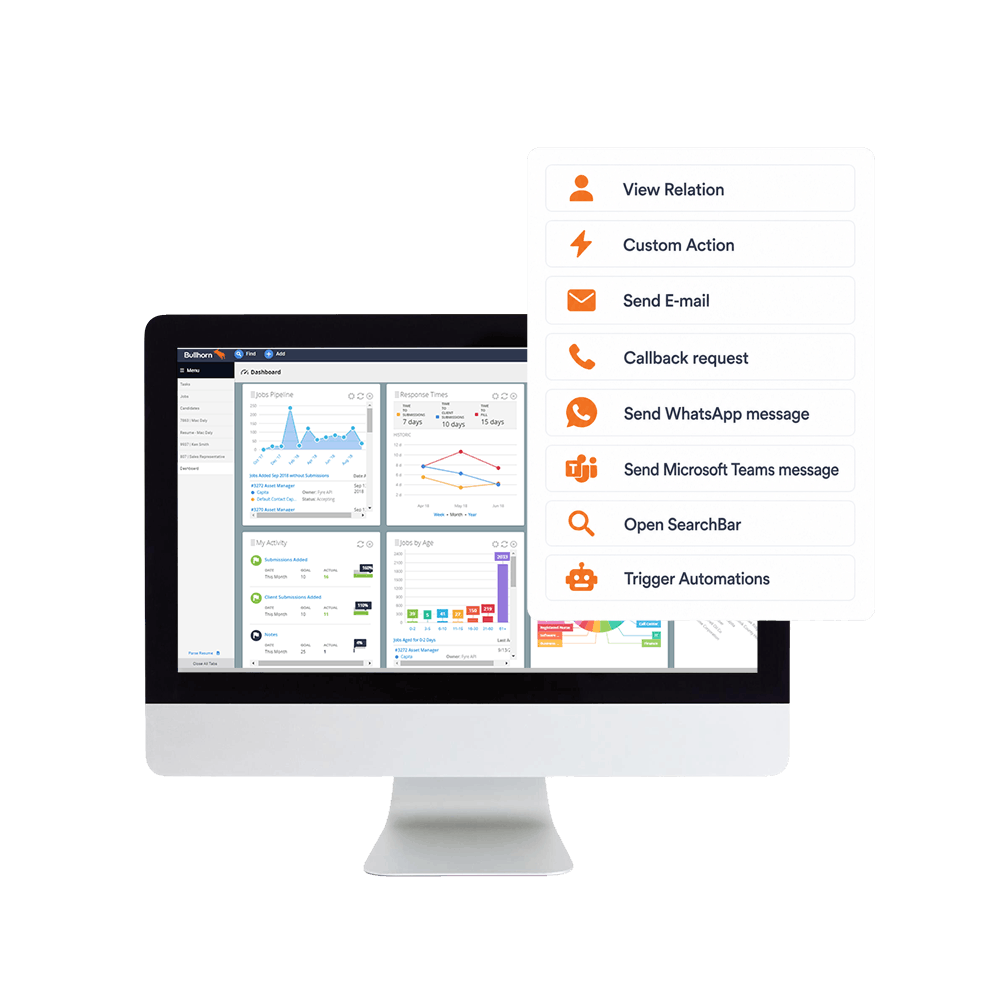
Buttons
Below is the list of available buttons. These are both CRM specific- and generic Bubble functions.
View Relation
Custom Action standard
Send E-mail standard
Callback request standard
Send WhatsApp message standard
Send Microsoft Teams message standard
Open SearchBar standard
Trigger Automations standard
Parameters
Determine the content displayed within pop-up notifications for individual users, departments, or your entire organisation using information from Bullhorn.
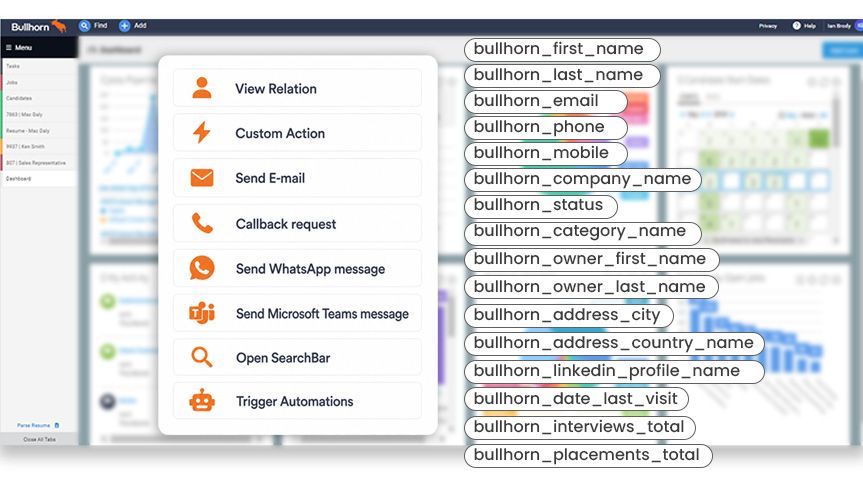
Identity
- name
- bullhorn_first_name
- bullhorn_last_name
- bullhorn_nick_name
- bullhorn_name_prefix
- bullhorn_company_name
- bullhorn_occupation
- bullhorn_employee_type
Contact
- bullhorn_email
- bullhorn_email2
- bullhorn_phone
- bullhorn_mobile
- bullhorn_work_phone
- bullhorn_preferred_contact
- bullhorn_sms_opt_in
- bullhorn_mass_mail_opt_out
Location
- bullhorn_address_city
- bullhorn_address_state
- bullhorn_address_country_name
- bullhorn_address_zip
- bullhorn_address_timezone
- bullhorn_desired_locations
- bullhorn_will_relocate
Sourcing & Attribution
- bullhorn_candidate_source
- bullhorn_source
- bullhorn_campaign_source
- bullhorn_lead_source
- bullhorn_referred_by
- bullhorn_url
- bullhorn_company_url
Skills & Categories
- bullhorn_category_name
- bullhorn_primary_skills_data_0_0_name
- bullhorn_primary_skills_data_1_1_name
- bullhorn_primary_skills_data_2_2_name
- bullhorn_desired_skills
- bullhorn_desired_categories
- bullhorn_desired_specialties
- bullhorn_experience
- bullhorn_education_degree
Engagement & Status
- bullhorn_status
- bullhorn_onboarding_status
- bullhorn_onboarding_percent_complete
- bullhorn_date_last_visit
- bullhorn_date_last_comment
- bullhorn_date_next_call
- bullhorn_placements_total
- bullhorn_submissions_total
- bullhorn_interviews_total
- bullhorn_web_responses_total
Company / Organisation
- bullhorn_client_corporation_name
- bullhorn_department_name
- bullhorn_division
- bullhorn_office
- bullhorn_industry_list
- bullhorn_business_sector_list
- bullhorn_num_employees
- bullhorn_annual_revenue
Owner / Recruiter
- bullhorn_owner_first_name
- bullhorn_owner_last_name
- bullhorn_role
- bullhorn_priority
Social Profiles
- bullhorn_linkedin_profile_name
- bullhorn_facebook_profile_name
- bullhorn_twitter_handle
Please note: Available CRM variables may vary depending on your Bullhorn configuration, custom fields, and API permissions.
Available as a Windows desktop installation, CRM Connect allows you to offer unique CRM solutions that are tightly integrated with market leading communications services.

Easy to provision via Self-Service Portals
Windows based installation wizard

Full control of telephone handset from desktop

Instant access to CRM information
Advanced call control from within CRM applications
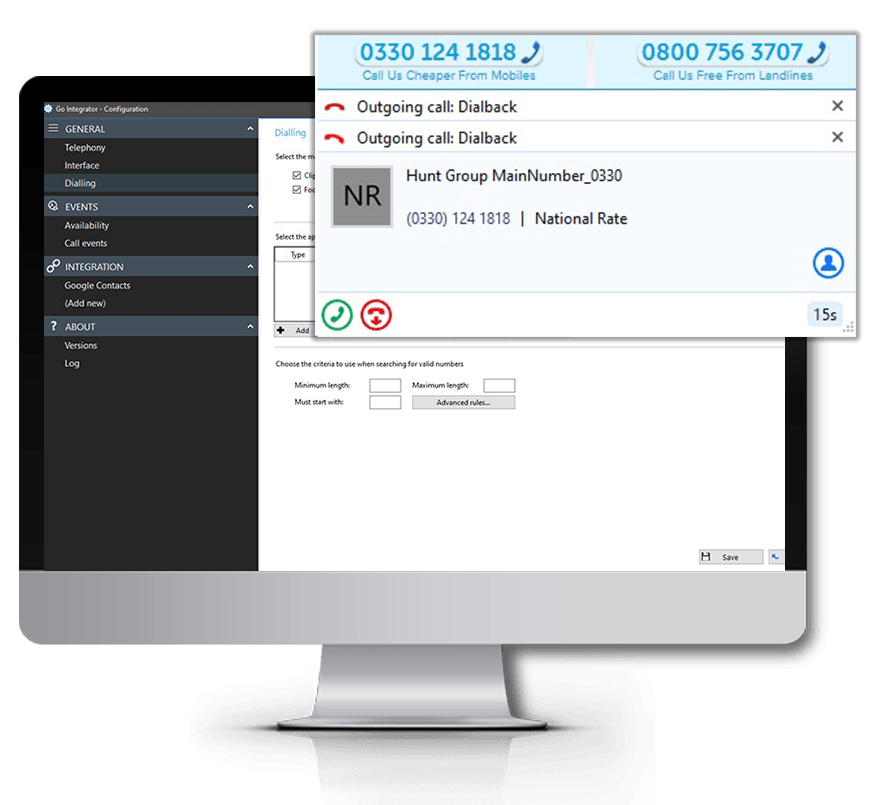
Click to Dial
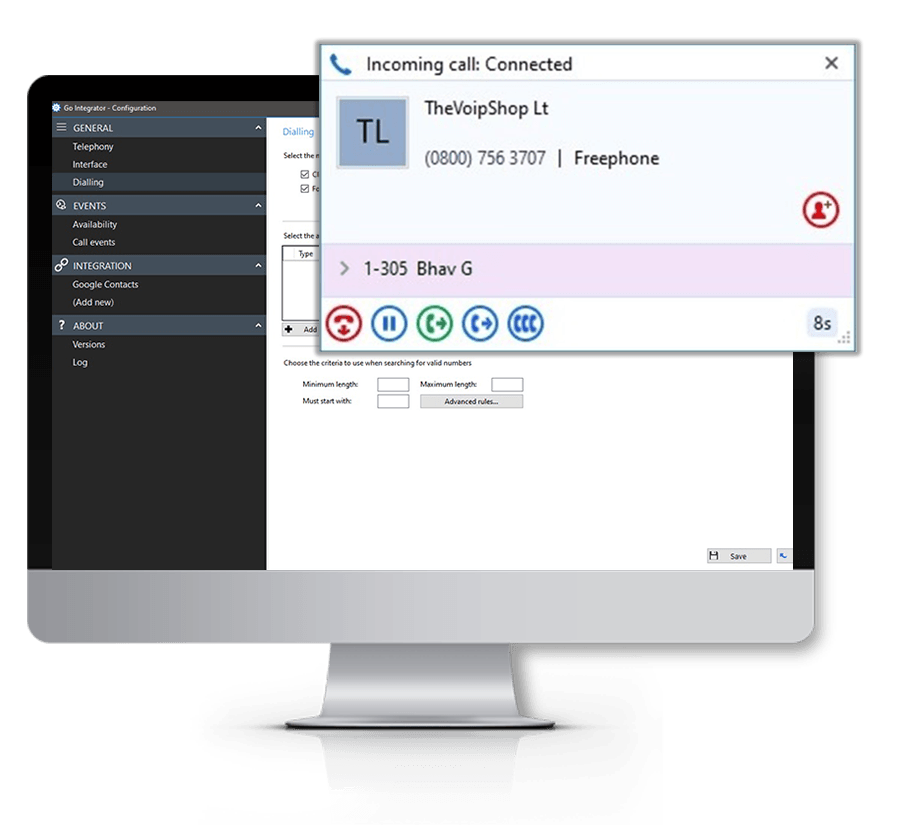
Web-Page Dialing
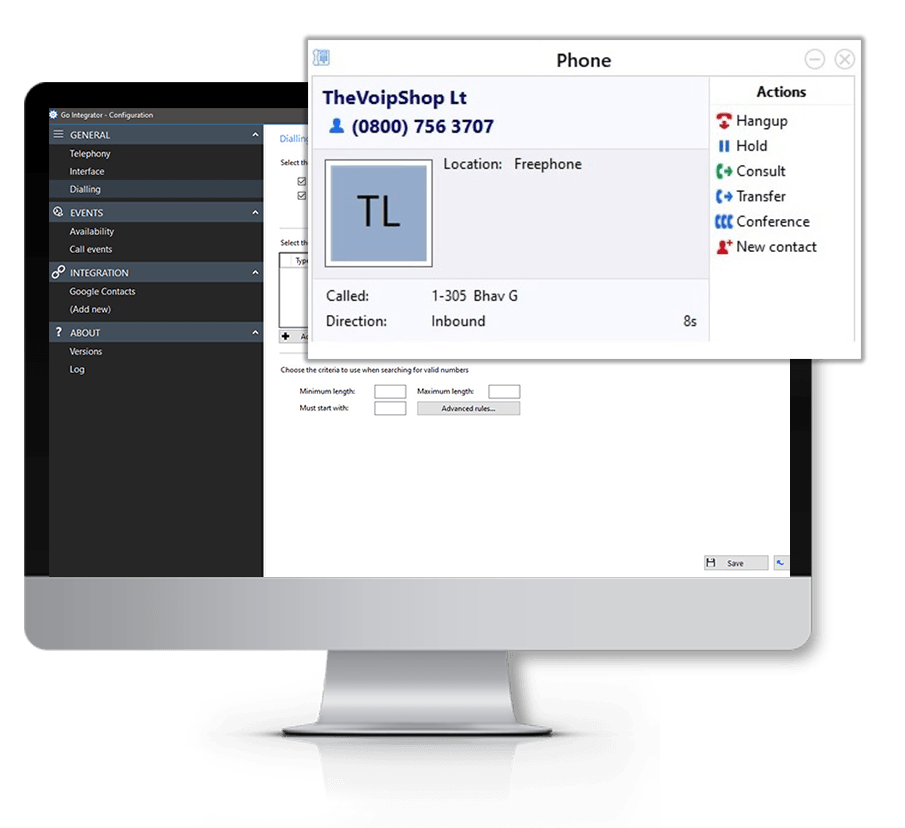
Click to Hold
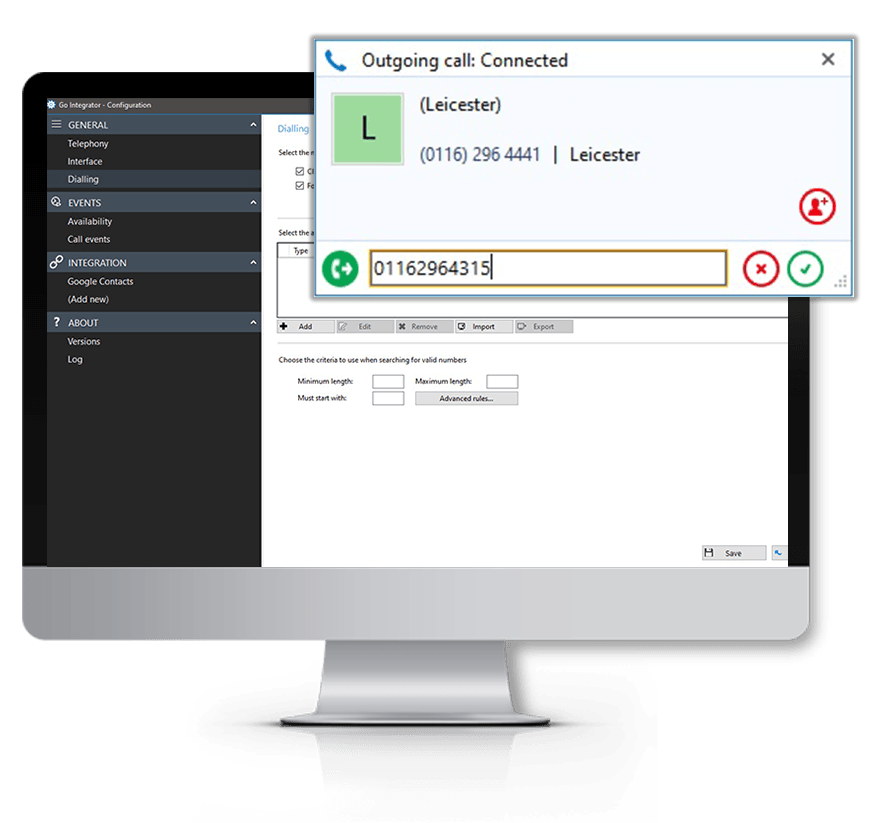
Click to Transfer
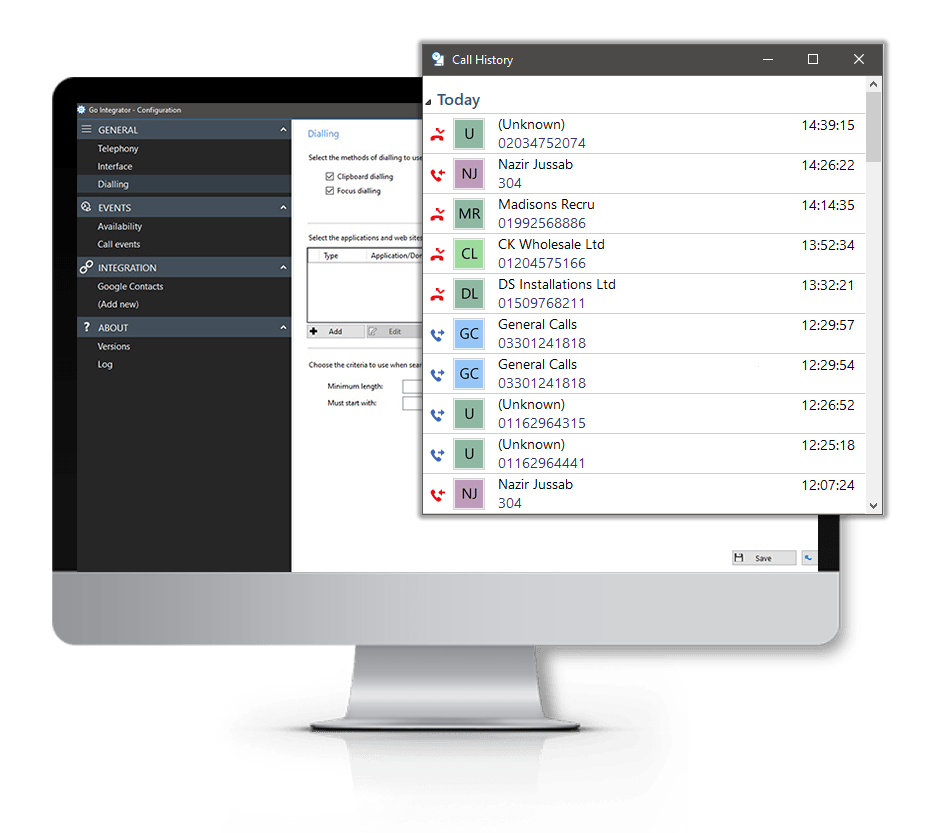
Built-in Call History
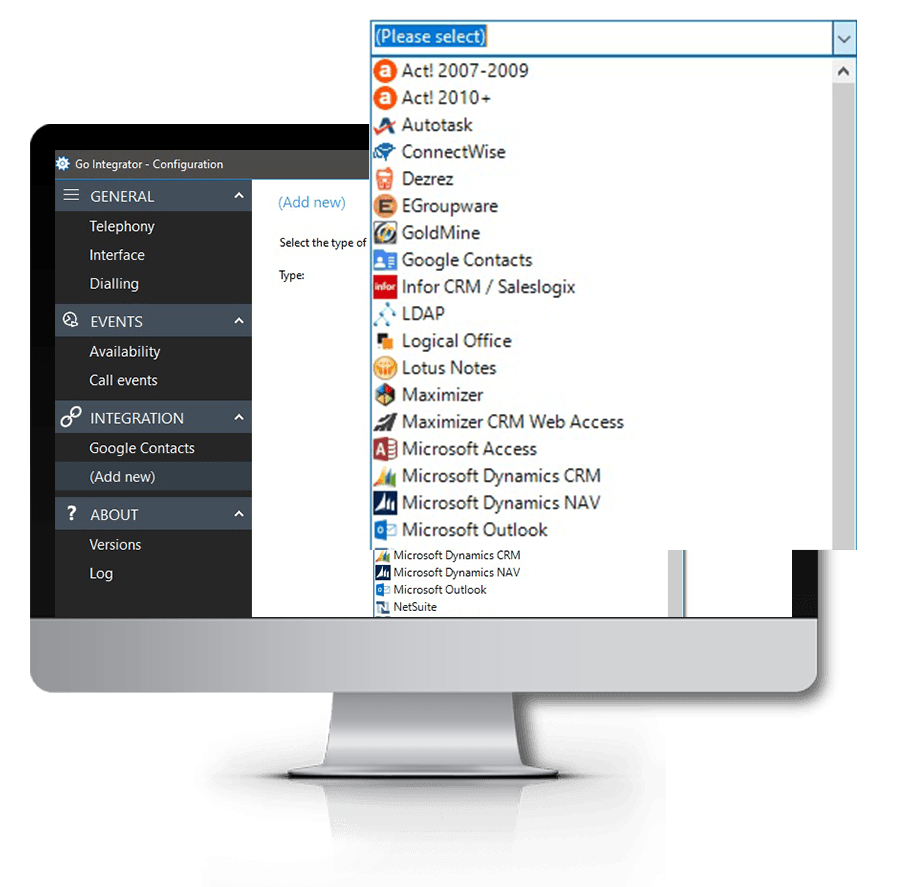
CRM Application Integration
Popular Similar Integrations to Bullhorn

Find out More
FAQs
Answers to some of our most commonly asked Bullhorn CRM Integration questions…