
Pipedrive CRM Integration with The VoIP Shop
Bring your telephony and Pipedrive together to give sales teams faster, more informed customer conversations. See contact and deal information the moment a call comes in, log calls automatically against the right record, capture AI-generated call notes and transcriptions, and manage the entire sales conversation without leaving Pipedrive.
Give your sales team complete visibility of every customer interaction while cutting down on manual data entry and keeping the pipeline moving.
Integrate Pipedrive with The VoIP Shop today to speed up
follow-ups, sharpen team collaboration, and close more deals.
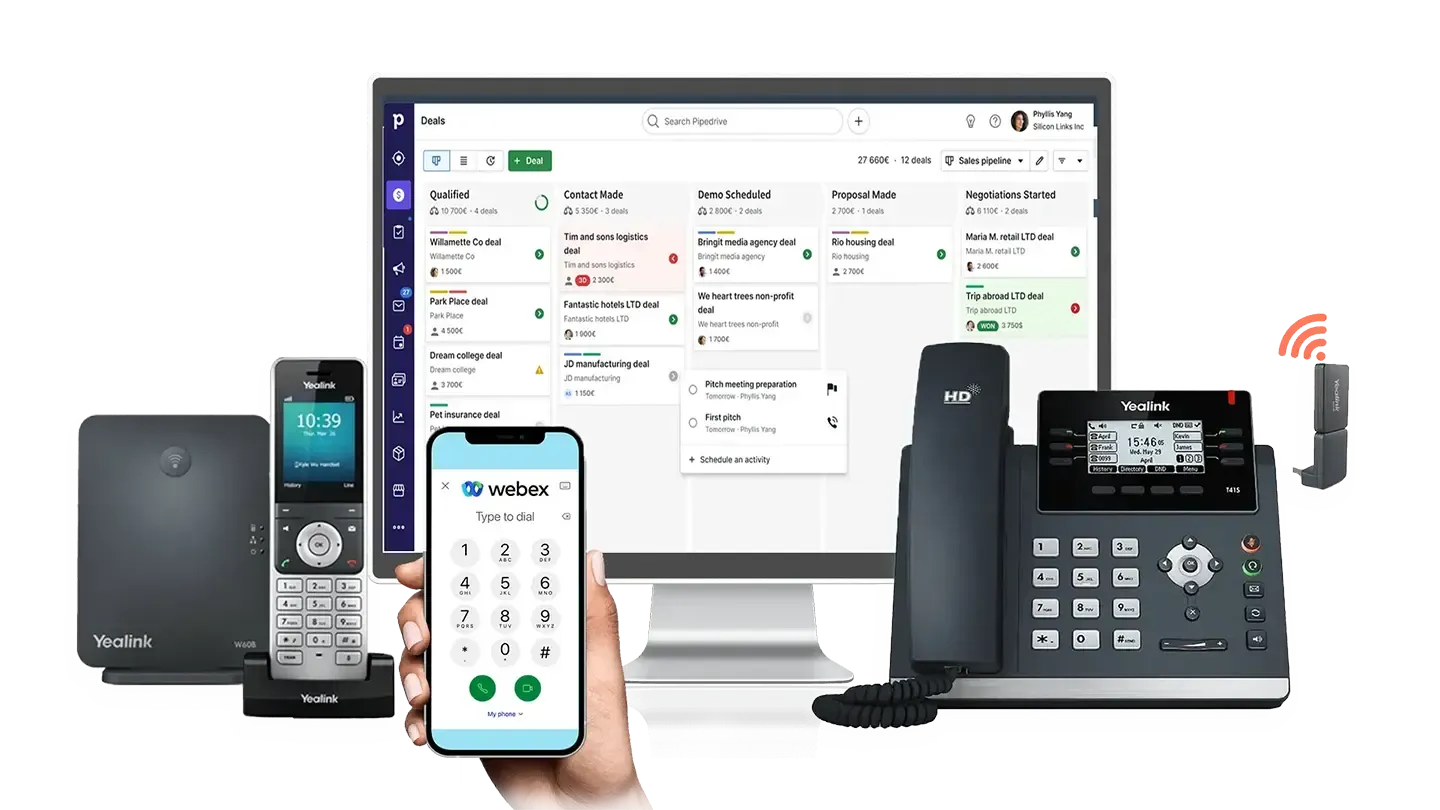

Key Features of Pipedrive CRM Integration
The VoIP Shop's Pipedrive CRM integration brings real-time caller recognition, one-click dialling, and automatic call logging into your sales workflow. From the moment the phone rings to the moment a note is saved against a deal, your team stays focused on the conversation rather than the admin around it.
AI Call Transcription
Store AI-generated transcripts directly within Pipedrive alongside call logs, giving your team instant visibility of what was discussed on previous calls.
Automatic Call Logging
Record call information directly against the relevant customer card in Pipedrive without manual entry.
Call Control
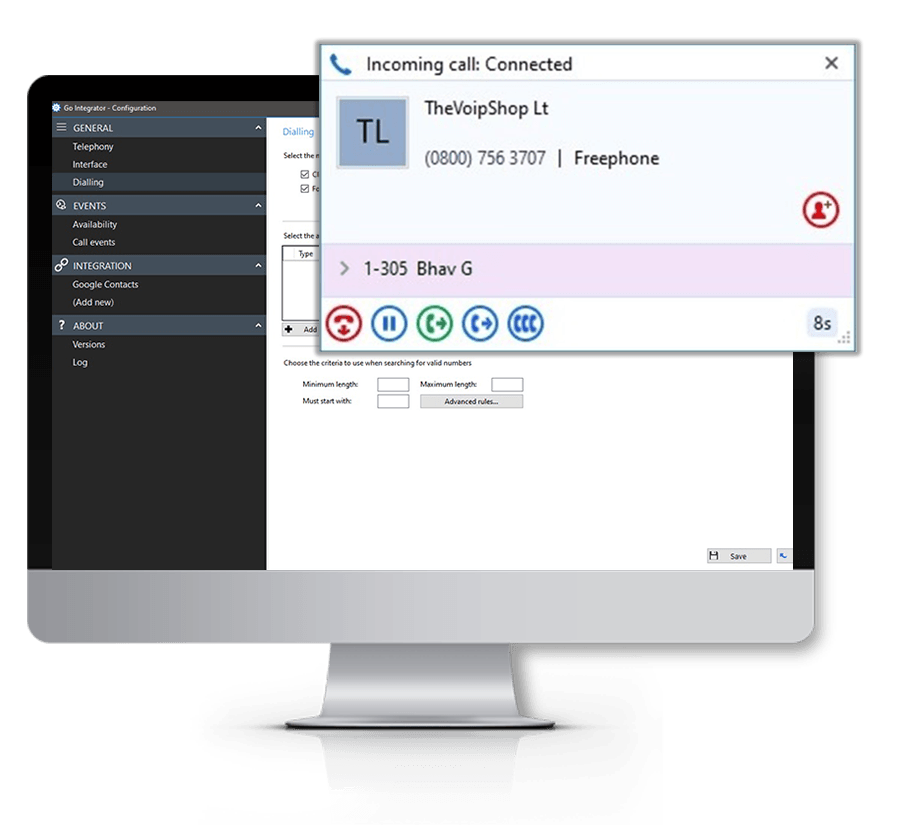
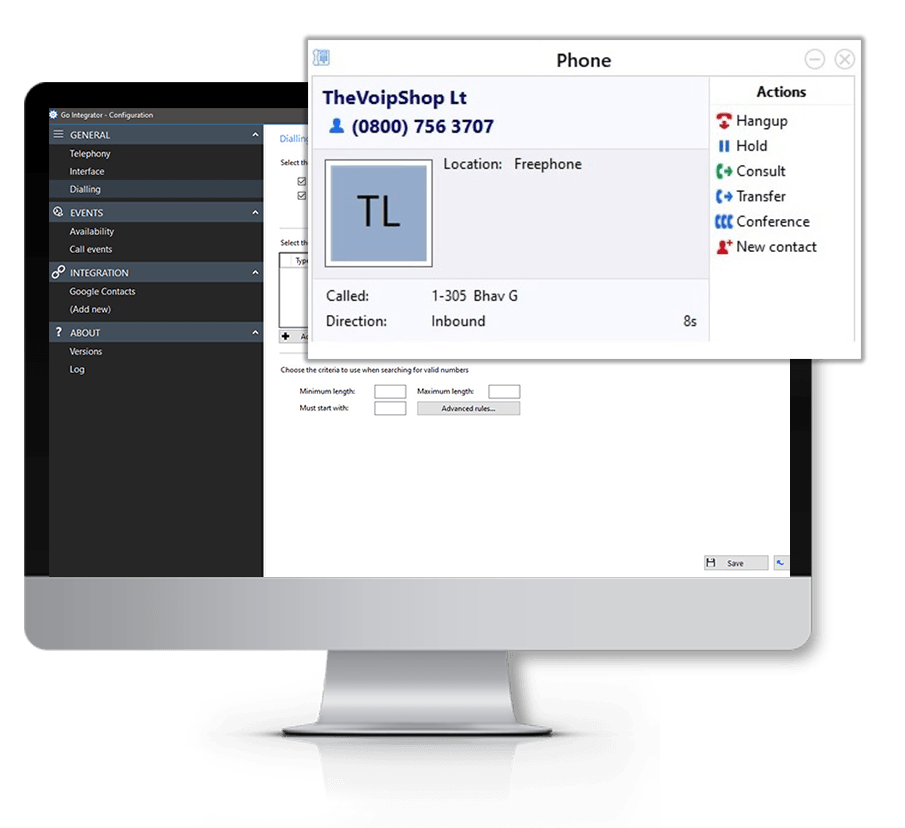
Answer, transfer, hold, mute, and manage calls directly from pop-up notifications using integrated call controls, where supported by your telephony platform.
Hotkey Dial from CRM
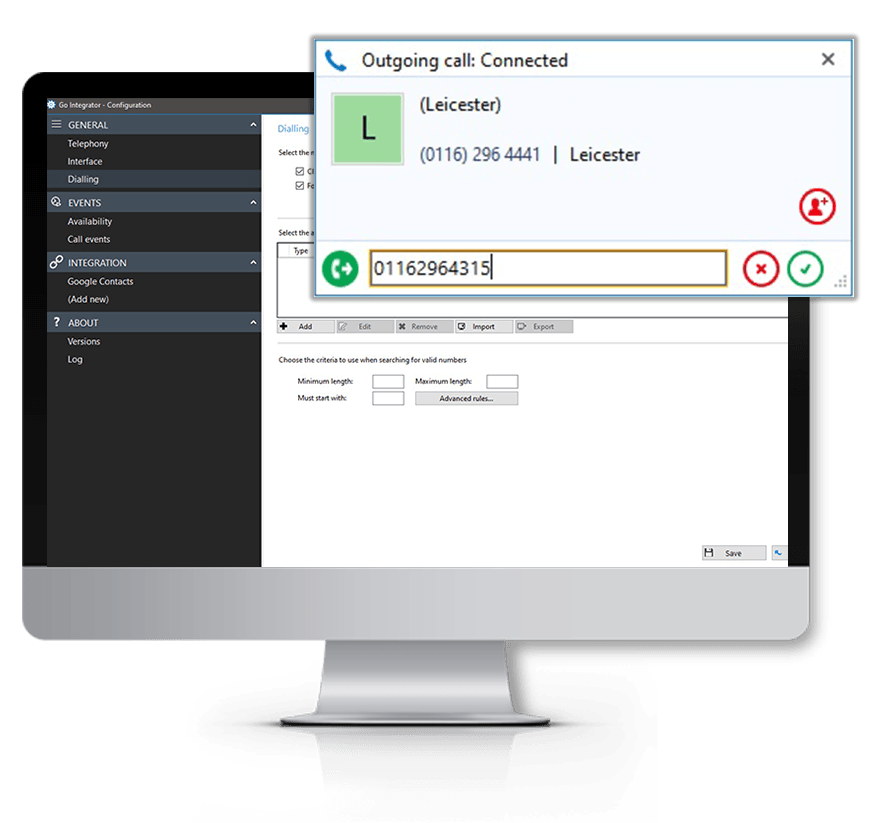
Dial a phone number directly from Pipedrive using configurable keyboard shortcuts, even when a number is not clickable within the record.
Copy to Dial
Select any phone number on your desktop and get an instant suggestion to place the call through your phone system.
Activity Hub
Review activities such as a call log with notes or a conversation transcription still waiting to be saved in Pipedrive. Save automatically or manually, with notes and transcriptions editable before they are written to the record.
Call Notes
Save call notes and AI-generated transcriptions directly into Pipedrive for better record-keeping and shared visibility across the sales team.
Call Waiting
If a second call comes in while you are already on the phone, it appears in the pop-up for an easy one-click switch between calls.
Custom Field Variables
Pull through custom fields already configured in Pipedrive so staff see the deal and contact context that matters most before they answer.
Multi-Result Caller Matching
Move quickly between multiple Pipedrive matches when the same phone number appears across several records.
Search Bar
Search Pipedrive contacts and organisations directly from the pop-up interface without switching applications.
Computer Telephony Integration with Pipedrive
See how connecting your telephony platform to Pipedrive helps sales teams manage customer conversations more effectively. With real-time caller notifications, deal and activity visibility, and advanced call handling built in, your team can spend more time selling and less time on repetitive admin.
How The VoIP Shop's Pipedrive CRM Integration Empowers Sales Teams
Instant Customer Visibility
See contact details, open deals, and activity history the moment a call comes in.
Reduce Manual Administration
Automatically log call activity against the correct Pipedrive record and cut down on repetitive data entry.
Improve Every Conversation
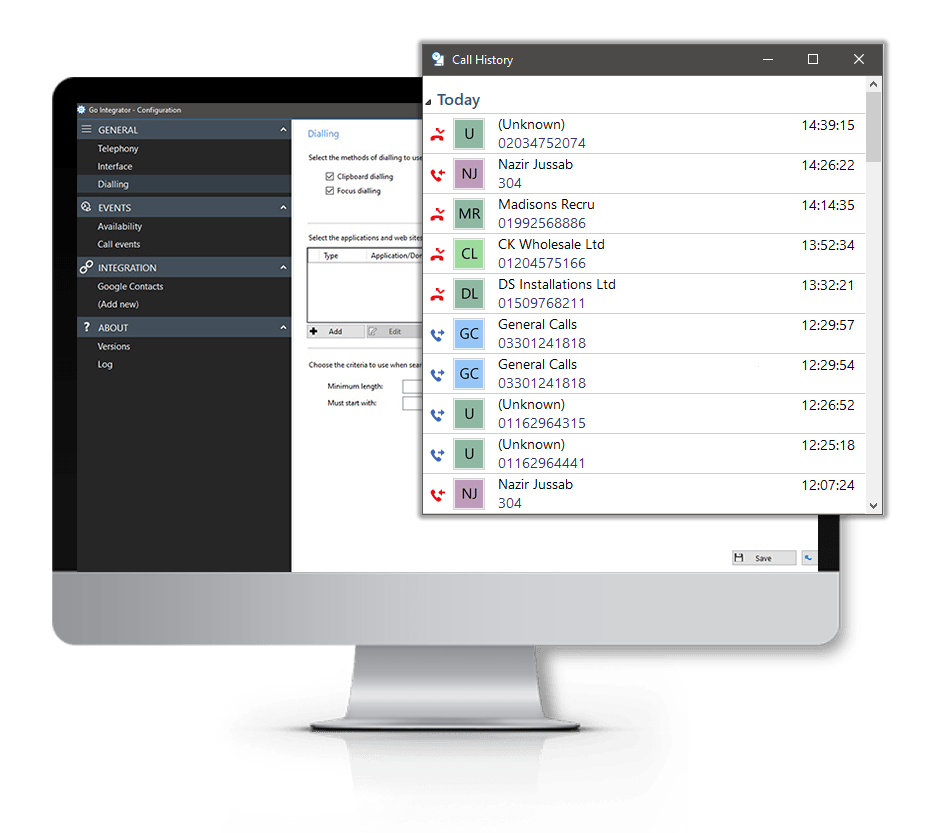
Review previous interactions, notes, and call history before picking up the phone.
Faster Response Times
Real-time caller notifications help reps respond to prospects and customers without delay.
Improve Team Collaboration
Keep call notes, transcripts, and activity visible to the whole sales team.
Better Customer Experience
Hold more informed, personalised conversations using centralised CRM visibility.
How The VoIP Shop's Pipedrive CRM Integration Supports Businesses
Better Pipeline Management
Track call activity and customer engagement against deals from one platform.
Improved Workflow Efficiency
Spend less time switching between Pipedrive and separate communication tools.
Access Deal Data Instantly
View contact records, notes, activities, and interaction history during live calls.
Improve Follow-Up Processes
Manage callbacks and next steps without losing context on a deal.
Support Flexible Working
Access the integration through desktop or cloud-hosted deployment, supporting teams working across multiple sites.
Better Communication Visibility
Keep conversations, notes, and activities organised in one central location.
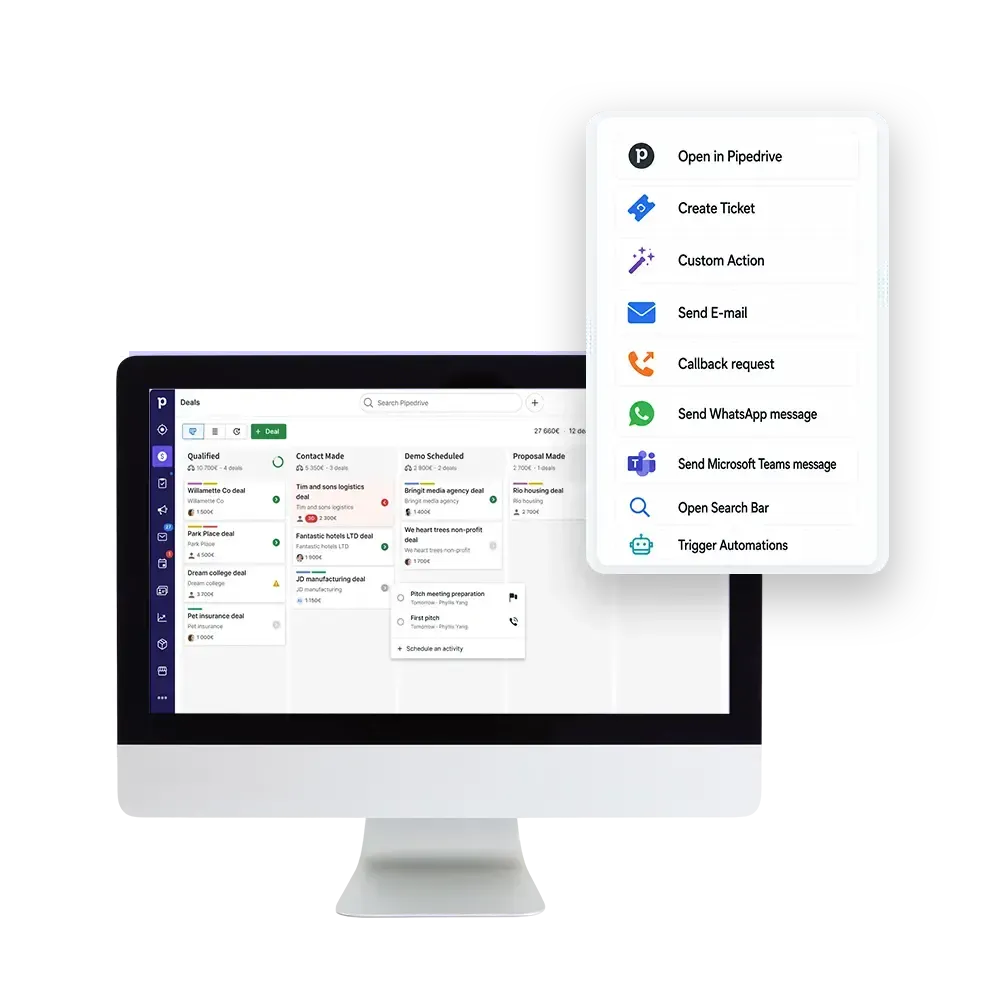
Buttons
Below is the list of available buttons. These are both CRM specific and generic pop-up functions.
Open in Pipedrive
Create Ticket
Custom Action Standard
Send E-mail Standard
Callback request Standard
Send WhatsApp message Standard
Send Microsoft Teams message Standard
Open SearchBar Standard
Trigger Automations Standard
Parameters
Determine the content of the pop-up per user, department or organisation with information from Pipedrive.
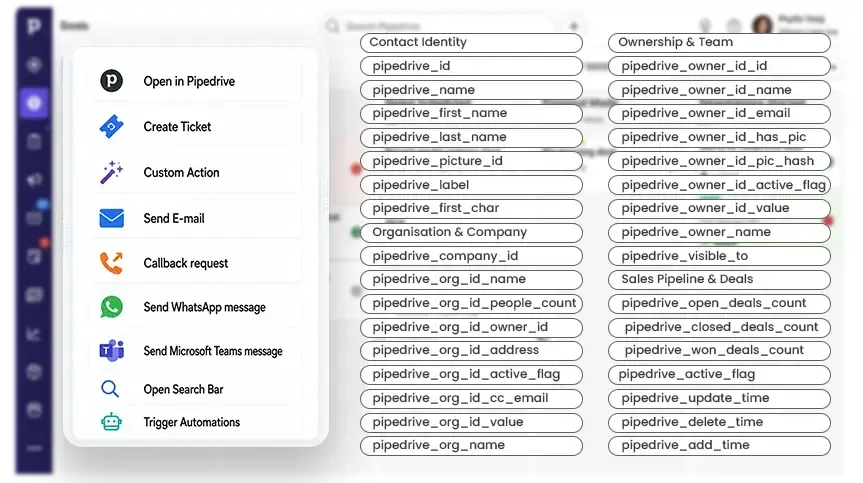
Contact Identity
- pipedrive_id
- pipedrive_name
- pipedrive_first_name
- pipedrive_last_name
- pipedrive_picture_id
- pipedrive_label
- pipedrive_first_char
Sales Pipeline & Deals
- pipedrive_open_deals_count
- pipedrive_related_open_deals_count
- pipedrive_closed_deals_count
- pipedrive_related_closed_deals_count
- pipedrive_participant_open_deals_count
- pipedrive_participant_closed_deals_count
- pipedrive_won_deals_count
- pipedrive_related_won_deals_count
- pipedrive_lost_deals_count
- pipedrive_related_lost_deals_count
Organisation & Company
- pipedrive_company_id
- pipedrive_org_id_name
- pipedrive_org_id_people_count
- pipedrive_org_id_owner_id
- pipedrive_org_id_address
- pipedrive_org_id_active_flag
- pipedrive_org_id_cc_email
- pipedrive_org_id_value
- pipedrive_org_name
Activities & Engagement
- pipedrive_activities_count
- pipedrive_done_activities_count
- pipedrive_undone_activities_count
- pipedrive_next_activity_date
- pipedrive_next_activity_time
- pipedrive_next_activity_id
- pipedrive_last_activity_id
- pipedrive_last_activity_date
- pipedrive_last_incoming_mail_time
- pipedrive_last_outgoing_mail_time
Files & Notes
- pipedrive_files_count
- pipedrive_notes_count
- pipedrive_followers_count
- pipedrive_note
Ownership & Team
- pipedrive_owner_id_id
- pipedrive_owner_id_name
- pipedrive_owner_id_email
- pipedrive_owner_id_has_pic
- pipedrive_owner_id_pic_hash
- pipedrive_owner_id_active_flag
- pipedrive_owner_id_value
- pipedrive_owner_name
- pipedrive_visible_to
Communication
- pipedrive_phone_0_0_label
- pipedrive_phone_0_0_value
- pipedrive_phone_0_0_primary
- pipedrive_email_0_0_value
- pipedrive_email_0_0_primary
- pipedrive_primary_email
- pipedrive_cc_email
- pipedrive_email
- pipedrive_email_messages_count
System & Metadata
- pipedrive_active_flag
- pipedrive_update_time
- pipedrive_delete_time
- pipedrive_add_time
- pipedrive_type
- pipedrive_url
Please note: Available CRM variables may vary depending on your Pipedrive configuration and permissions.
Available as a desktop installation or cloud-hosted deployment, CRM Connect allows you to offer unique CRM solutions that are tightly integrated with market leading communications services.

Easy to provision via Self-Service Portals

Windows and MacOS installation wizard

Full control of telephone handset from desktop

Instant access to CRM information
Advanced call control from within CRM applications
Bring phone features and functionality into the applications you use every day, eliminating the need to switch between programmes to message, call, and meet.
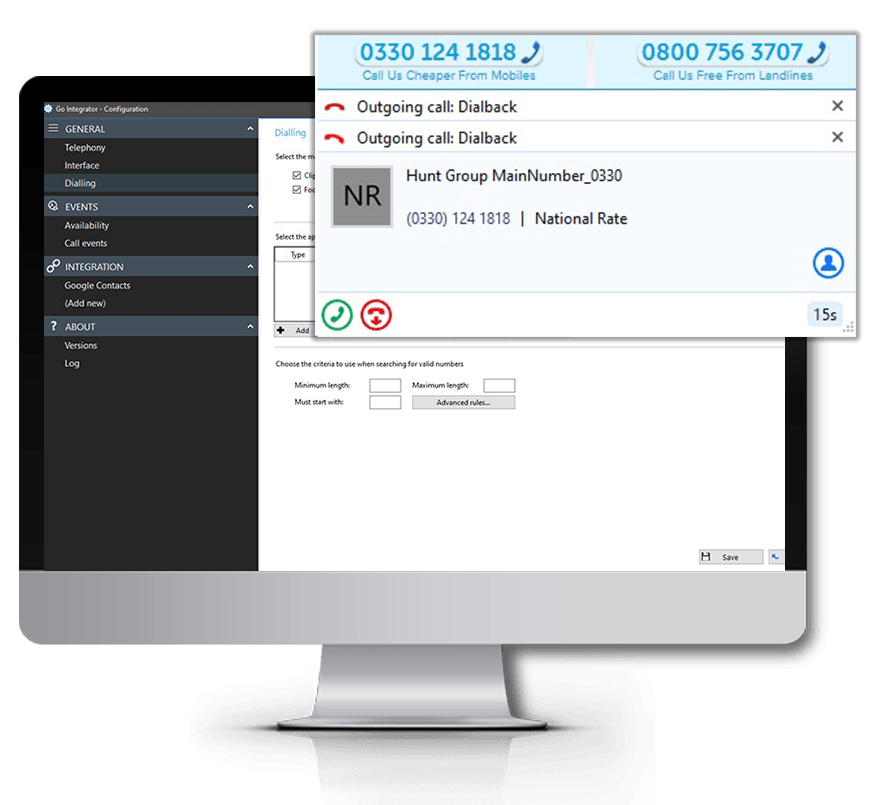
Click to Dial
Web-Page Dialing
Click to Hold
Click to Transfer
Built-in Call History
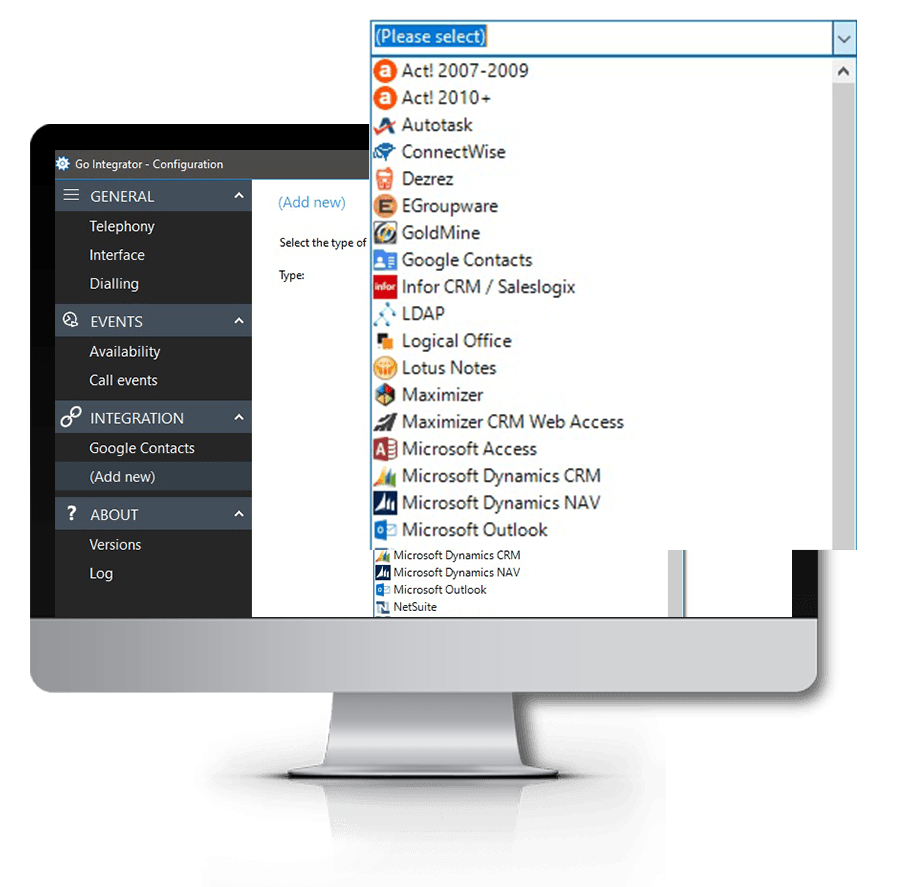
CRM Application Integration
Our Popular Similar Integrations to Pipedrive

Find out More
FAQs
Answers to some of our most commonly asked Pipedrive Buttons CRM Integration questions…