How to Connect a VoIP Phone to a Router?
Connecting a VoIP phone to your router is an essential step to start making internet-based calls. Whether you’re setting up for a home or office, following these simple instructions will get your VoIP phone up and running quickly. Have questions about the process? Let’s dive into the details.
How to Connect a VoIP Phone to a Router: Step-by-Step Guide
Key Takeaways
- Connecting a VoIP phone to a router requires an Ethernet cable, a powered VoIP phone, and SIP credentials from your provider.
- Most VoIP phones connect to a router's LAN port using a standard Ethernet cable and are ready to configure within minutes.
- Wireless connections are possible using Wi-Fi-enabled VoIP phones or a wireless bridge.
- Quality of Service (QoS) settings on your router help prioritise voice traffic and prevent call quality issues.
- A stable broadband connection with at least 100kbps per call is needed for reliable VoIP performance.
- Common connection problems usually come down to incorrect SIP credentials, closed ports, or insufficient bandwidth.
Connecting a VoIP phone to your router is one of the first things you need to do when switching to internet-based calling. Whether you are setting up a single phone at home or rolling out handsets across an office, the process is straightforward once you know the steps.
VoIP phones work by converting your voice into data packets and sending them over your internet connection. Unlike traditional analogue phones that plug into a phone socket, VoIP phones plug into your router or connect over Wi-Fi. The setup takes a few minutes, and you do not need an engineer to do it.
What You Need Before Connecting a VoIP Phone
Before you start, make sure you have the following ready:
- A VoIP phone or IP desk phone. Most modern handsets connect directly using Ethernet.
- A router with at least one free LAN port.
- A Cat5e or Cat6 Ethernet cable. Cat6 offers slightly better performance over longer distances.
- SIP credentials from your VoIP provider. Your provider will supply a SIP username, password, and server address.
- A stable business broadband connection. VoIP uses roughly 100kbps per active call, so bandwidth is rarely an issue on modern connections.
If you are using an older analogue handset, you will also need a VoIP adapter (ATA) to bridge it to the digital network. An ATA plugs into your router and converts analogue signals into VoIP data.
How to Connect a VoIP Phone to a Router Using Ethernet
A wired Ethernet connection is the most reliable way to connect a VoIP phone. Wired connections avoid the interference and latency issues that can affect Wi-Fi calls.
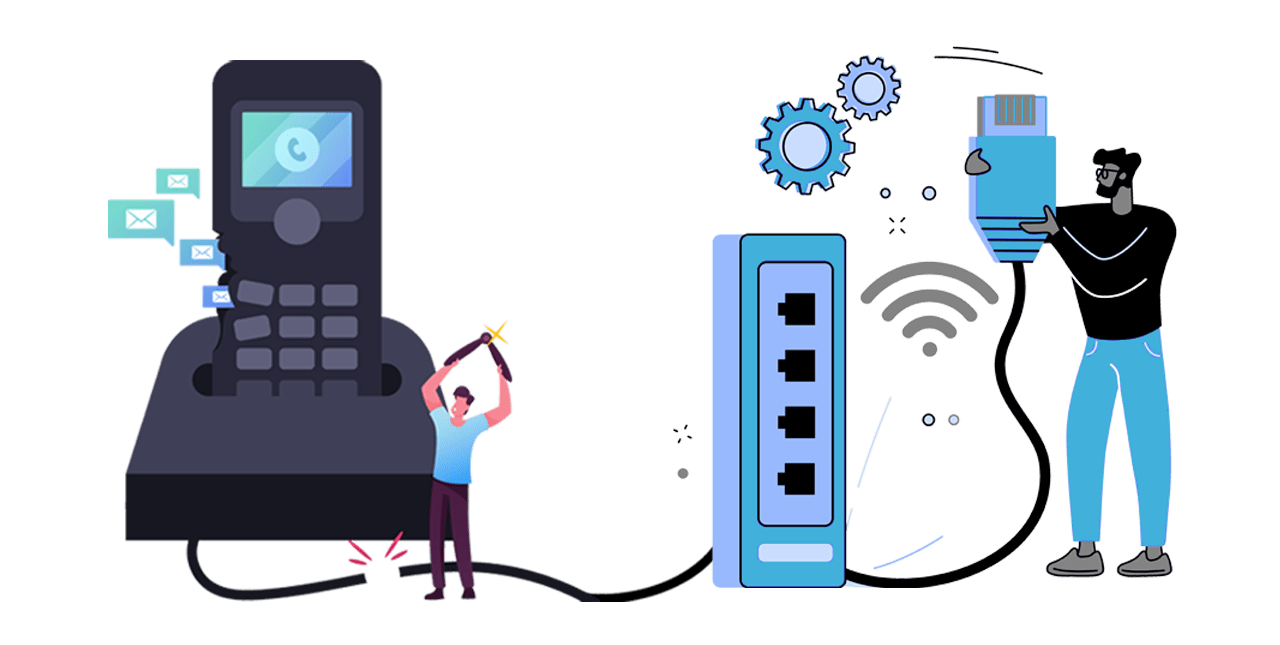
Step 1: Plug the Ethernet Cable Into Your Router
Take one end of the Ethernet cable and connect it to a free LAN port on the back of your router. Connect the other end to the network port on your VoIP phone. Some
VoIP hardware includes a pass-through port, which lets you daisy-chain a computer through the phone using a single network point.
Step 2: Power On the Phone
Plug in the phone's power adapter and switch it on. Some IP phones support Power over Ethernet (PoE), meaning they draw power directly from the Ethernet cable if your router or network switch supports PoE. In that case, no separate power adapter is needed.
Step 3: Enter Your SIP Credentials
Once the phone boots up, access the settings menu on the handset or through the phone's web interface. Enter the SIP credentials your VoIP provider gave you. You will typically need the SIP username, SIP password, and registrar server address. Save the settings, and the phone will attempt to register with your provider's server.
Step 4: Make a Test Call
After registration completes, make a test call to check audio quality in both directions. If the call connects and sounds clear, your phone is ready to use.
How to Connect a VoIP Phone Wirelessly
A wireless connection suits situations where running an Ethernet cable is not practical.
If your VoIP phone has built-in Wi-Fi, navigate to the phone's network settings, select your Wi-Fi network, and enter the password. The phone connects to your router over Wi-Fi, and you can then enter your SIP credentials as normal.
If your phone does not have Wi-Fi, use a wireless bridge. Connect the bridge to the phone using an Ethernet cable, then configure the bridge to join your Wi-Fi network.
Wired connections still deliver more consistent call quality than Wi-Fi, particularly in busy environments with many devices competing for bandwidth.
How to Connect a VoIP Phone Without a Router
In some setups, you may want to connect a VoIP phone directly to a modem. Plug an Ethernet cable from the modem's LAN port into the phone's network port, power on the phone, and enter your SIP credentials as described above.
You can also use a
mobile and desktop app as a softphone on your laptop or smartphone. A softphone does not require a physical handset. Download the app, enter your SIP credentials, and start making calls over your existing internet or mobile data connection.
How to Optimise Your Router for VoIP
A few router settings can make a noticeable difference to call quality.
- Enable Quality of Service (QoS) if your router supports it. QoS prioritises voice traffic over other data, so a large file download or video stream does not interrupt your calls.
- Open the necessary SIP ports. VoIP typically uses ports 5060 and 5061 for SIP signalling. If calls fail to connect, check that your router's firewall is not blocking these ports.
- Keep your router firmware up to date. Firmware updates often include performance improvements and security patches that benefit VoIP stability.
If your
cloud phone system provider offers specific router configuration guidance, follow their recommendations for the best results.
Troubleshooting Common VoIP Connection Problems
Most VoIP connection issues fall into three categories.
Registration failures happen when the phone cannot connect to your provider's server. Double-check that the SIP username, password, and server address are entered correctly. Even a single wrong character will cause registration to fail.
Poor audio quality is usually caused by insufficient bandwidth or network congestion. Check your internet speed and enable QoS on your router. A wired connection will almost always produce better audio than Wi-Fi.
Dropped calls or one-way audio often point to a firewall or NAT issue. Make sure SIP ports 5060 and 5061 are open, and check whether your router's SIP ALG (Application Layer Gateway) setting is causing conflicts. Disabling SIP ALG resolves the problem in many cases.
Get Your VoIP Phones Connected With The VoIP Shop
The VoIP Shop supplies a full range of IP desk phones, VoIP adapters, and cloud phone systems with free onboarding and UK-based 24/7 support. A dedicated account manager walks you through the setup, from plugging in your first handset to configuring advanced call routing. Whether you need one phone or 100, a free consultation covers your options with no obligation.
Frequently Asked Questions (FAQs) About VoIP to Router
Can I just plug a VoIP phone into my router?
Yes. Most VoIP phones connect to a router's LAN port using a standard Ethernet cable. Once connected, you enter the SIP credentials from your VoIP provider, and the phone is ready to make calls. No additional hardware is needed unless you are using an older analogue handset, which requires a VoIP adapter.
Do I need a special router for VoIP?
No. Any router with a free LAN port and a stable internet connection will work. For better call quality, choose a router that supports QoS settings so you can prioritise voice traffic. A minimum broadband speed of 1Mbps upload and download is recommended, though most modern connections exceed this comfortably.
What is the best Ethernet cable for VoIP?
Cat5e or Cat6 cables are both suitable for VoIP. Cat5e supports speeds up to 1Gbps over short distances, while Cat6 handles higher speeds and longer cable runs with less interference. For most office and home setups, Cat5e is perfectly adequate.
Can I connect a VoIP phone over Wi-Fi?
Yes, if your VoIP phone has built-in Wi-Fi capability. Navigate to the phone's network settings, select your wireless network, and enter the password. Alternatively, a wireless bridge can connect a non-Wi-Fi phone to your network wirelessly. Wired connections are still recommended for the most reliable call quality.
What are SIP credentials?
SIP credentials are the login details your VoIP provider gives you to register your phone on their network. A SIP (Session Initiation Protocol) credential set typically includes a username, password, and server address. Without these, your VoIP phone cannot connect to the provider's system to make or receive calls.
Why is my VoIP phone not registering?
The most common cause is an incorrect SIP username, password, or server address. Check each field carefully for typos. If the credentials are correct, make sure your router's firewall is not blocking SIP traffic on ports 5060 and 5061, and try disabling SIP ALG in your router settings. Contact your VoIP provider if the problem persists.