Zoho CRM Integration with The VoIP Shop
Zoho CRM Integration with The VoIP Shop Sales and Business Development teams Business Development teams get everything they need the moment a call comes in when your phone system is connected to Zoho CRM. Contact, lead, and account records appear as a call comes in, calls are logged automatically against the right record, and callbacks can be managed without ever leaving Zoho CRM.
Deals close faster, and accounts stay on track when manual admin between calls is handled automatically.
Speed up follow-ups, keep every record current, and give your team a clearer view of every contact, lead, and account they manage by connecting Zoho CRM to The VoIP Shop today.

Key Features of Zoho CRM Integration
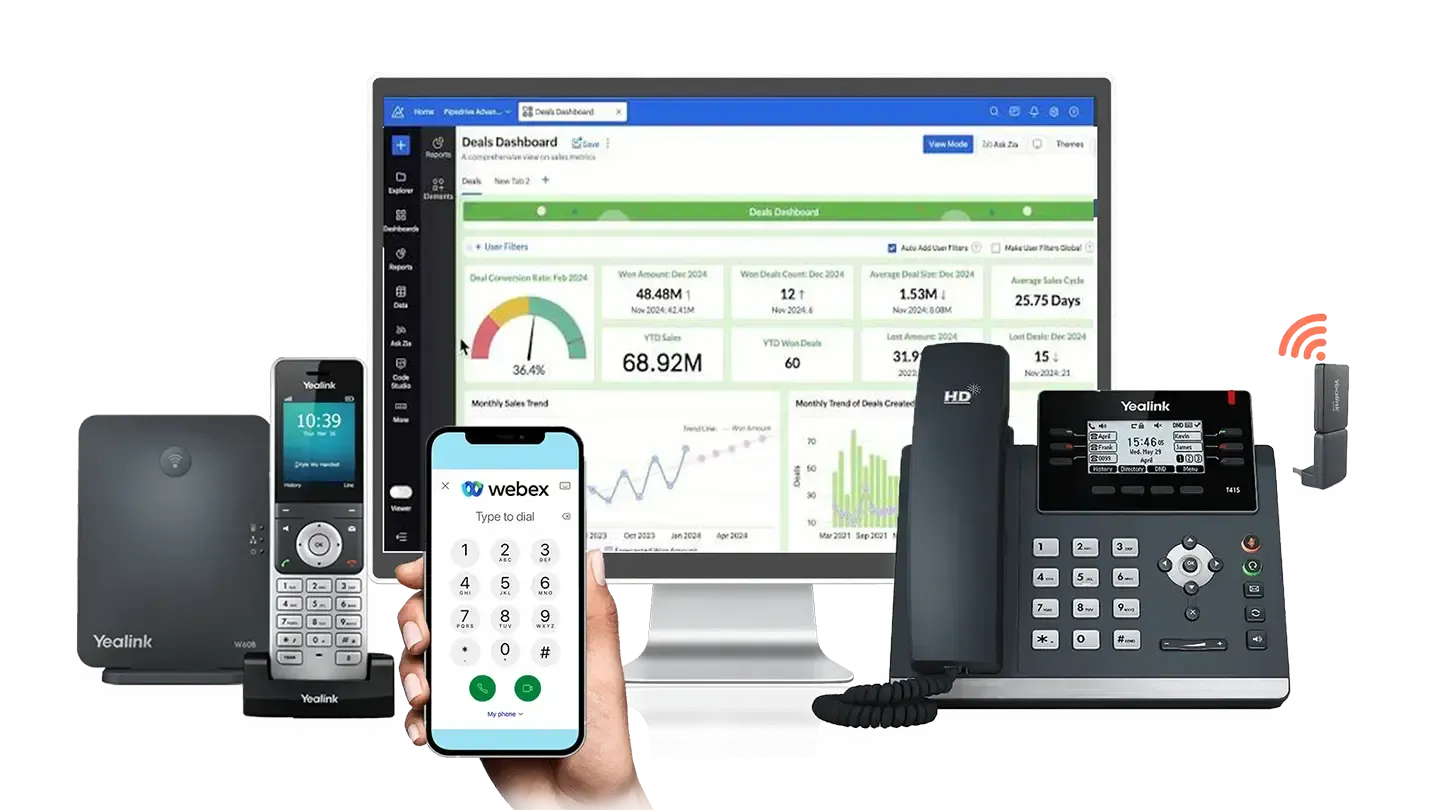
Phone system functionality sits directly inside the CRM your Zoho CRM Integration with The VoIP Shop Sales and Business Development teams already work from. Click-to-dial, instant caller pop-ups, and detailed record parameters mean teams get the context they need without switching screens.
AI Call Transcription
Calls are transcribed automatically and stored within Zoho CRM, so teams can see what was discussed instead of typing up notes afterwards.
Call Logging with Notes
Written notes attach directly to the customer record alongside the call, building a clearer account history over time.
Call Waiting
A second incoming call appears at the bottom of the pop-up notification, letting agents switch between calls with a single click.
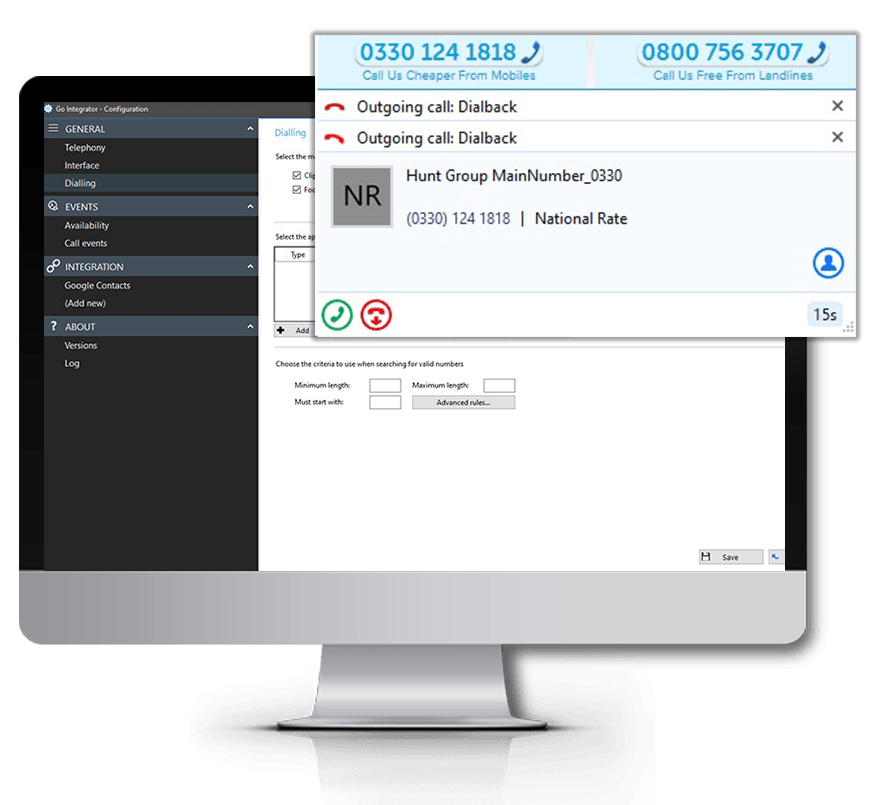
Click to Dial from CRM
Start a call from any contact, lead, or account record in Zoho CRM, no manual dialling required.
Hotkey Dial from CRM
Configurable keyboard shortcuts let teams dial numbers even where a number is not clickable within a Zoho CRM record.
Copy to Dial
A phone number highlighted anywhere on the desktop triggers an instant prompt to place the call through the phone system.
Activity Hub
Call logs, notes, and transcriptions wait here until saved to Zoho CRM. Everything can be edited before it is written to the record, and saving can be set to automatic or manual.
Call Control
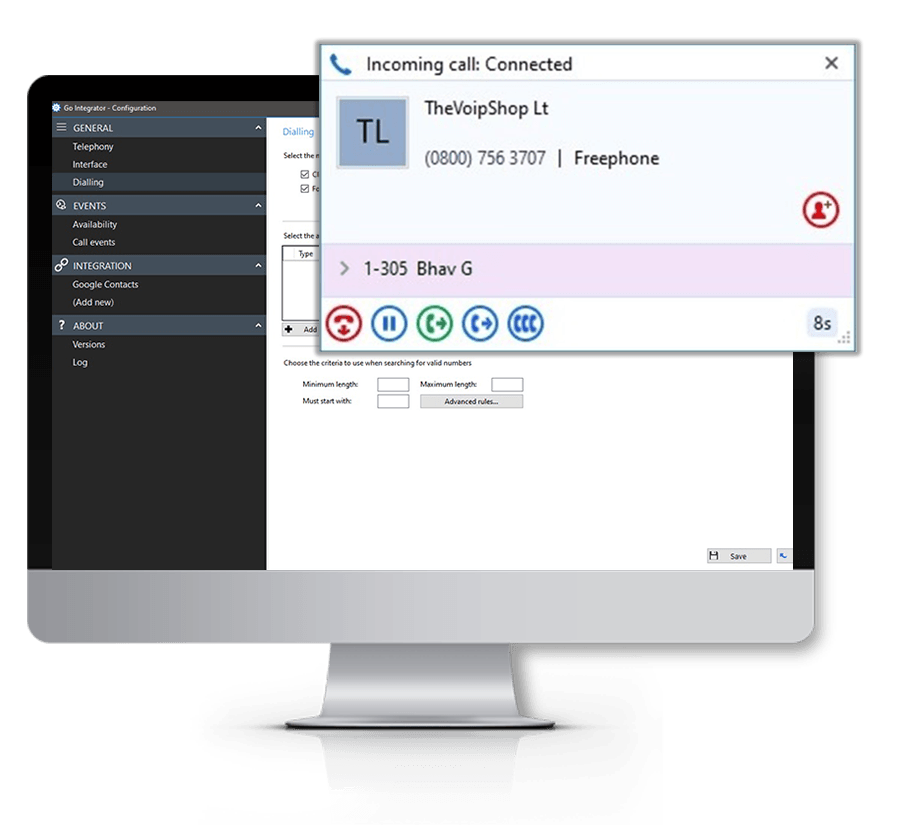
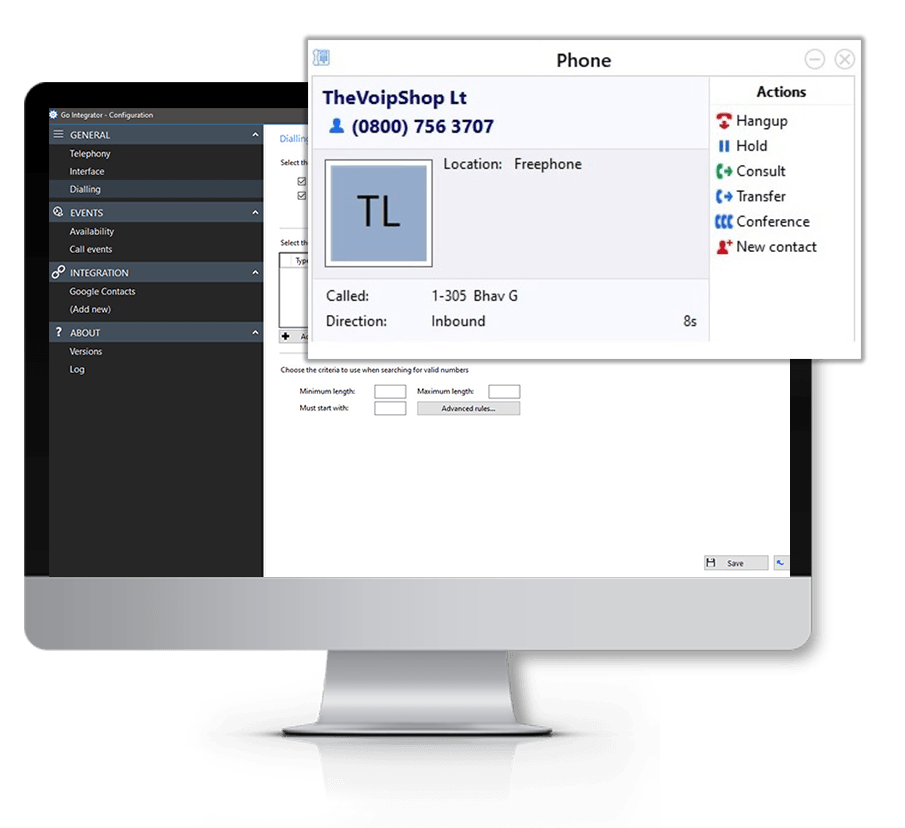
The pop-up notification carries full call control, including answer, transfer, hold, and mute, where the connected telephony platform supports it.
Automatic Call Logging
Every call is recorded against the relevant contact, lead, or account record in Zoho CRM with no manual entry needed.
Custom Field Variables
Custom fields from Zoho CRM pull straight into the pop-up notification, surfacing the exact detail each team needs.
Multi-Result Pop-Up
If a phone number matches more than one record in Zoho CRM, agents choose the correct result from the list.
SearchBar
Search Zoho CRM records from the desktop toolbar and access calls, messages, and call history without switching applications.
Computer Telephony Integration with Zoho CRM
Calls get handled with far less friction once a phone system connects to Zoho CRM. Caller pop-ups, contact and account history, and integrated call controls arrive in real time, so teams can focus on the conversation rather than hunting for context.
How The VoIP Shop's Zoho CRM Integration Empowers Zoho CRM Integration with The VoIP Shop Sales and Business Development teams
Instant Customer Visibility
Contact, lead, and account details appear the moment a call comes in.
Reduce Manual Administration
Automatic call logging cuts down on repetitive data entry between calls.
Improve Customer Conversations
Previous activity and notes are visible before the phone is even picked up, so no team member starts from scratch.
Faster Response Times
Callers get a quicker response thanks to real-time pop-ups.
Improve Internal Collaboration
Any colleague can pick up where another left off, since notes and call records stay visible across the team.
Better Customer Experience
Conversations become more informed and more personal when teams have the right context on hand.
How The VoIP Shop's Zoho CRM Integration Supports Businesses
Better Customer Management
Zoho CRM Integration with The VoIP Shop Sales and account teams Business Development teams' engagement is tracked from a single platform.
Improved Workflow Efficiency
Switching between Zoho CRM and separate communication tools becomes unnecessary.
Access Customer Data Instantly
Contact, lead, and account records are available mid-call, not after it.
Improve Follow-Up Processes
Callbacks are managed from directly within the CRM.
Support Flexible Working
Desktop installation or cloud-hosted deployment both suit teams working across multiple sites.
Better Communication Visibility
Conversations, activities, and notes stay organised in one place for the whole team.
Buttons
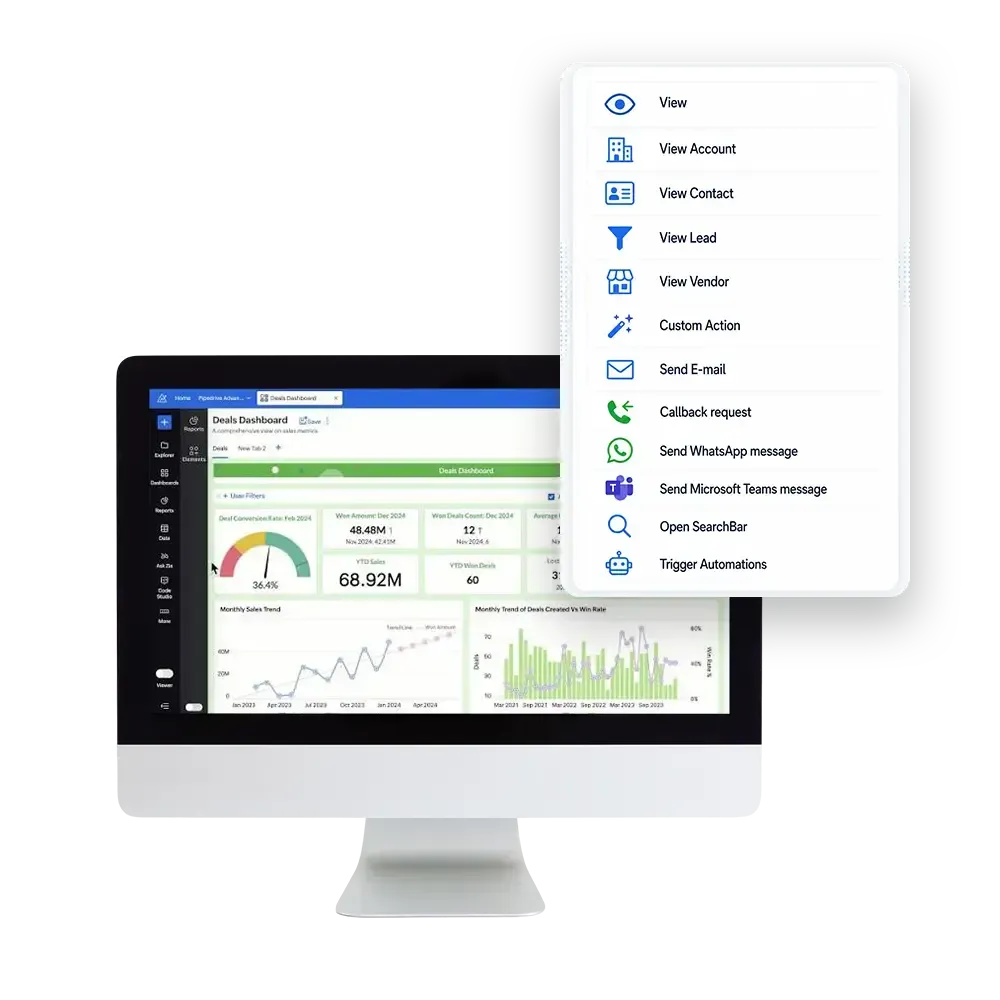
Below is the list of available buttons. These cover both CRM-specific actions and generic pop-up functions.
View
View Account
View Contact
View Lead
View Vendor
Custom Action Standard
Send E-mail Standard
Callback request Standard
Send WhatsApp message Standard
Send Microsoft Teams message Standard
Open Search Bar Standard
Trigger Automations Standard
Parameters
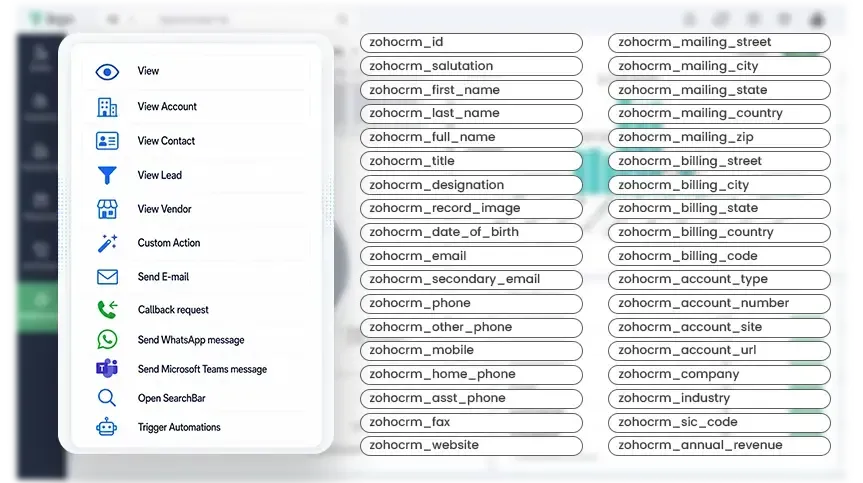
Determine the content of the pop-up per user, department, or organisation using information pulled directly from Zoho CRM.
Contact Identity
- zohocrm_id
- zohocrm_salutation
- zohocrm_first_name
- zohocrm_last_name
- zohocrm_full_name
- zohocrm_title
- zohocrm_designation
- zohocrm_record_image
- zohocrm_date_of_birth
Other Address
- zohocrm_other_street
- zohocrm_other_city
- zohocrm_other_state
- zohocrm_other_country
- zohocrm_other_zip
Lead Address
- zohocrm_street
- zohocrm_city
- zohocrm_state
- zohocrm_country
- zohocrm_zip_code
Lead Information
- zohocrm_lead_source
- zohocrm_lead_status
- zohocrm_lead_conversion_time
- zohocrm_lead_url
- zohocrm_converted
Activity and Timestamps
- zohocrm_created_time
- zohocrm_created_by_name
- zohocrm_created_by_id
- zohocrm_created_by_email
- zohocrm_modified_time
- zohocrm_modified_by_name
- zohocrm_modified_by_id
- zohocrm_modified_by_email
- zohocrm_last_activity_time
- zohocrm_last_enriched_time__s
- zohocrm_enrich_status__s
Communication
- zohocrm_email
- zohocrm_secondary_email
- zohocrm_phone
- zohocrm_other_phone
- zohocrm_mobile
- zohocrm_home_phone
- zohocrm_asst_phone
- zohocrm_fax
- zohocrm_website
- zohocrm_skype_id
- zohocrm_twitter
- zohocrm_url
- zohocrm_contact_url
Billing Address
- zohocrm_billing_street
- zohocrm_billing_city
- zohocrm_billing_state
- zohocrm_billing_country
- zohocrm_billing_code
Ownership and Assignment
- zohocrm_owner_name
- zohocrm_owner_id
- zohocrm_owner_email
- zohocrm_reporting_to
- zohocrm_sharing_permission
- zohocrm_department
Approval and Process
- zohocrm_approved
- zohocrm_approval_state
- zohocrm_approval_delegate
- zohocrm_approval_approve
- zohocrm_approval_reject
- zohocrm_approval_resubmit
- zohocrm_review
- zohocrm_review_process_approve
- zohocrm_review_process_reject
- zohocrm_review_process_resubmit
- zohocrm_process_flow
- zohocrm_orchestration
- zohocrm_pathfinder
Mailing Address
- zohocrm_mailing_street
- zohocrm_mailing_city
- zohocrm_mailing_state
- zohocrm_mailing_country
- zohocrm_mailing_zip
Shipping Address
- zohocrm_shipping_street
- zohocrm_shipping_city
- zohocrm_shipping_state
- zohocrm_shipping_country
- zohocrm_shipping_code
Account Information
- zohocrm_account_name
- zohocrm_account_type
- zohocrm_account_number
- zohocrm_account_site
- zohocrm_account_url
- zohocrm_company
- zohocrm_industry
- zohocrm_sic_code
- zohocrm_annual_revenue
- zohocrm_employees
- zohocrm_no_of_employees
- zohocrm_ownership
- zohocrm_rating
- zohocrm_ticker_symbol
- zohocrm_parent_account_name
- zohocrm_parent_account_id
System and Metadata
- zohocrm_entity_type
- zohocrm_editable
- zohocrm_in_merge
- zohocrm_field_states
- zohocrm_currency_symbol
- zohocrm_unsubscribed_mode
- zohocrm_unsubscribed_time
- zohocrm_email_opt_out
- zohocrm_assistant
- zohocrm_description
Please note: Available Zoho CRM variables may vary depending on configuration and permissions.
Available as a desktop installation or cloud-hosted deployment, connect Zoho CRM to phone systems for a support experience that is tightly integrated with market-leading communications services.

Easy to provision via Self-Service Portals
Windows based installation wizard

Full control of telephone handset from desktop

Instant access to CRM information
Advanced call control from within CRM applications
Click to Dial
Web-Page Dialing
Click to Hold
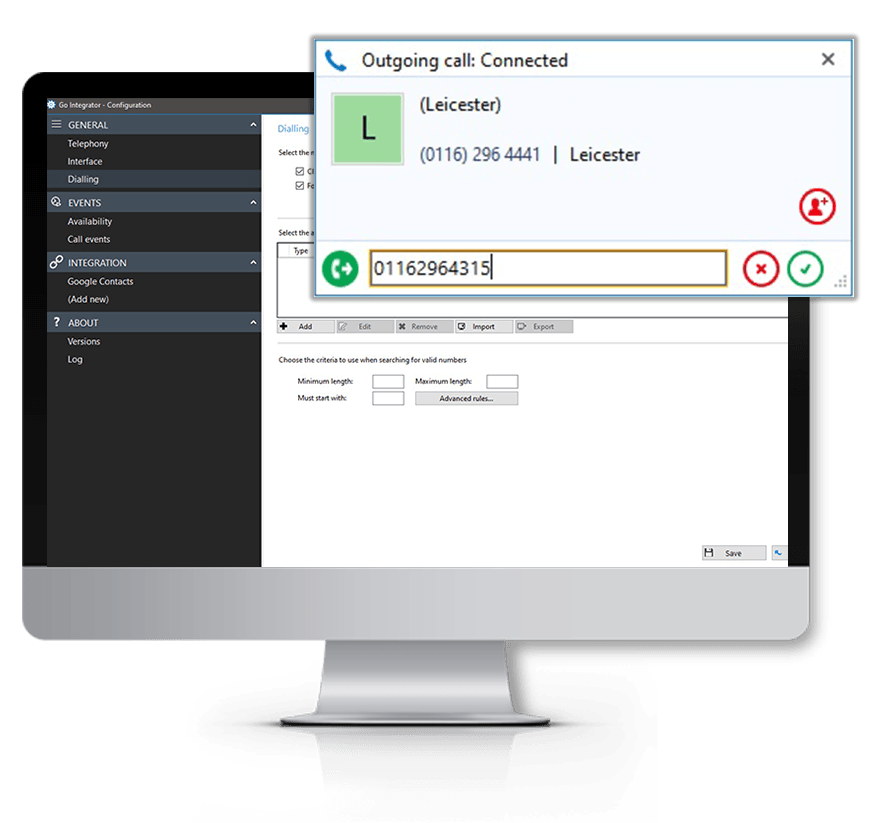
Click to Transfer
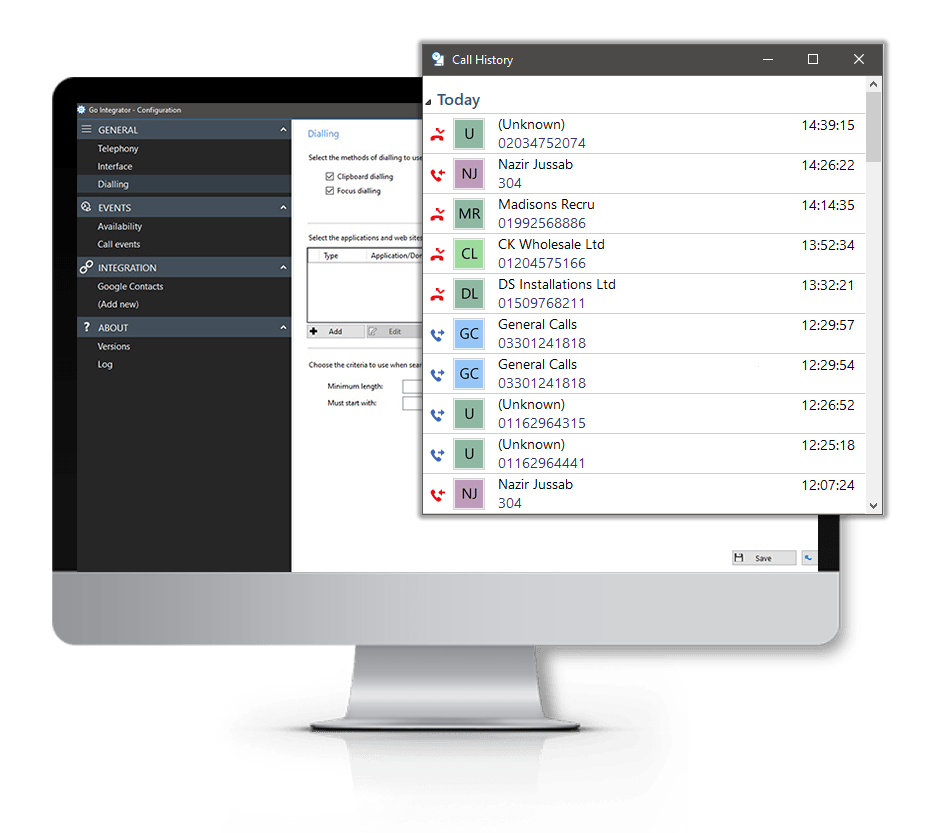
Built-in Call History
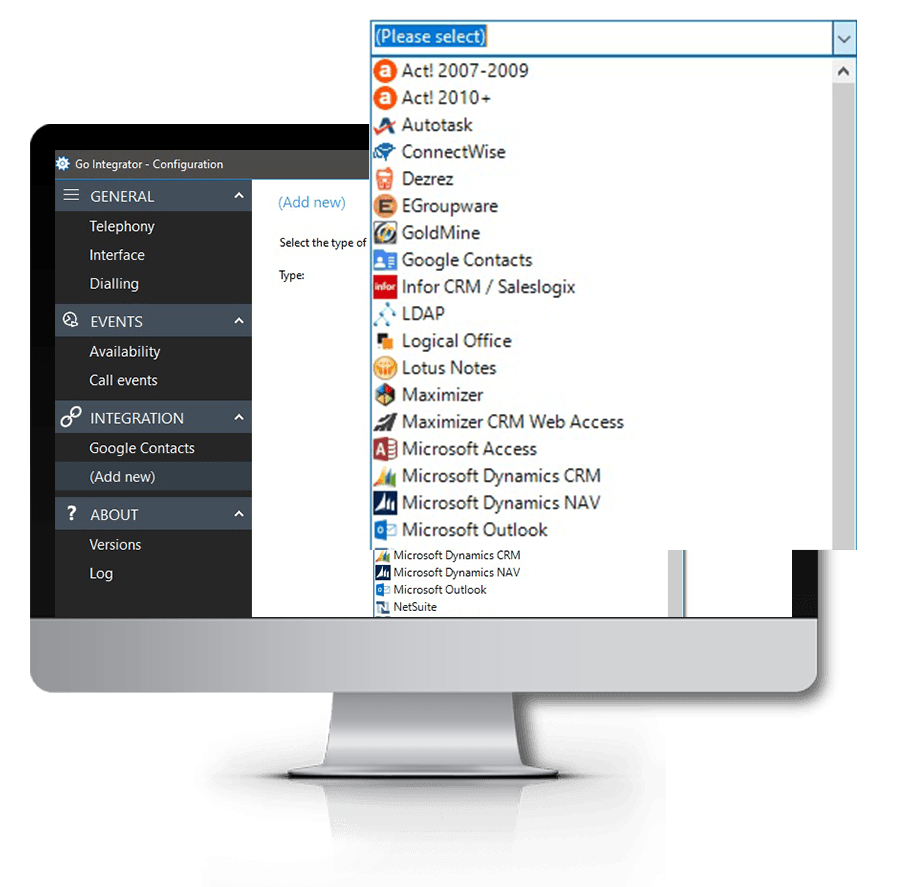
CRM Application Integration
Our Popular CRM Integrations Similar to Zoho CRM

Find out More
FAQs
Answers to some of our most commonly asked Zoho CRM Buttons CRM Integration questions…