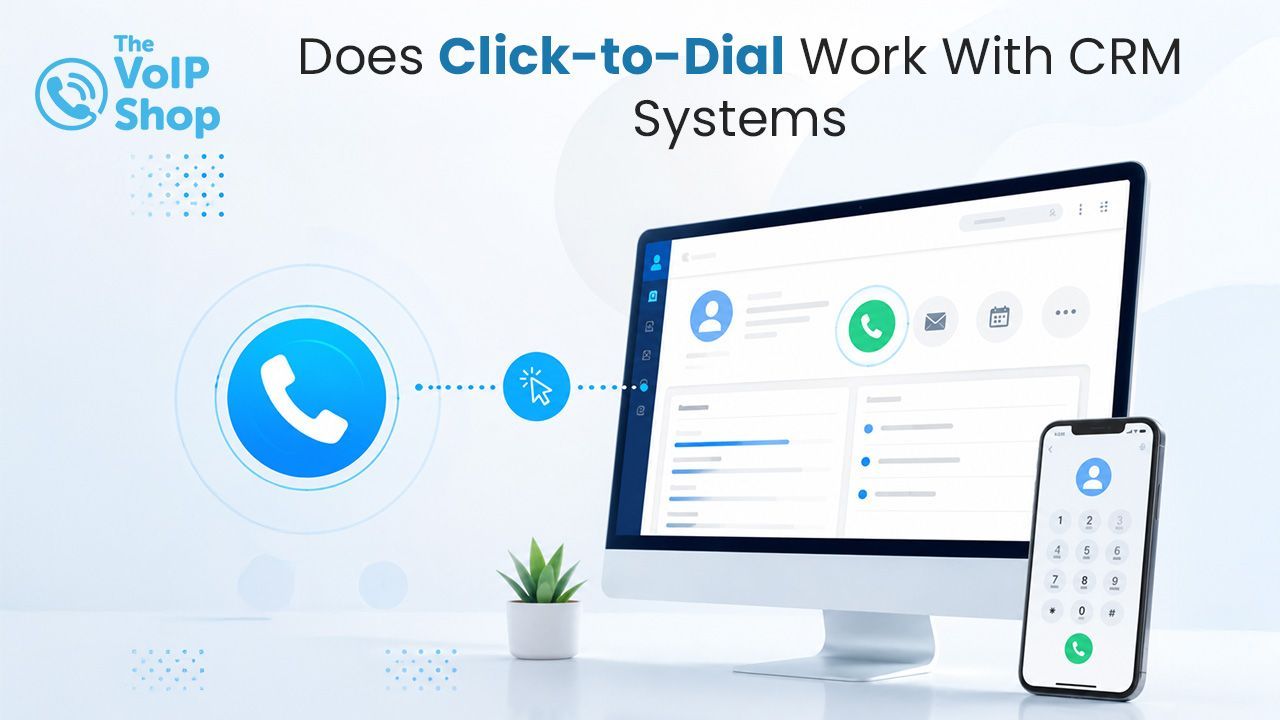
Does Click-to-Dial Work With CRM Systems?
Yes. Click-to-dial works with many popular CRM systems, including Salesforce, HubSpot, Zoho CRM, Microsoft Dynamics and Pipedrive. When integrated with a cloud VoIP system, users can simply click a contact's phone number within their CRM to start a call instantly. The call is connected through the phone system, logged automatically against the contact record, and supports additional functionality such as call recording, note-taking and customer record pop-ups.

About the Author
What Is Click-to-Dial?
Click-to-dial is a feature that lets users start phone calls by clicking a telephone number displayed within a CRM, browser, email or business application, rather than manually dialling the number on a handset or mobile.
Once the number is clicked, the phone system automatically places the call through the user's desk phone, softphone or mobile app. Users keep access to standard call handling features such as hold, transfer, call recording and conferencing. By removing manual dialling, click-to-dial saves time, reduces errors and improves productivity.
How Does VoIP CRM Integration Work?
VoIP CRM integration connects a business phone system directly to a CRM platform, creating a flow of information between the two. It typically works in three directions: incoming calls surface customer records, outbound calls are launched from within the CRM, and call activity is logged back automatically.
What Happens When a Customer Calls In?
When an existing customer calls, the phone system can identify the caller using their phone number and automatically display their CRM record before the call is answered. This usually includes:
- Customer name.
- Company details.
- Previous interactions.
- Open support tickets.
- Sales opportunities.
- Notes and account history.
Having this information available immediately means staff can answer calls with context and provide a more personalised experience. For more on how Caller ID matches a record across devices, see our Caller ID guide.
How Do Outbound Calls Work With Click-to-Dial?
Instead of manually dialling a number, users click the phone number within the CRM record. The system then:
Initiates the call automatically.
- Connects through the cloud phone system.
- Records call details.
- Logs the activity against the contact record.
This removes the need to copy and paste numbers or switch between multiple applications.
How Are Calls Logged Against CRM Records?
One of the biggest practical benefits of CRM integration is automatic call logging. For every inbound and outbound call, the system can automatically record:
- Date and time.
- Call duration.
- The user handling the call.
- Call outcome.
- Notes and activity history.
This keeps CRM records accurate and up to date without manual data entry. For a wider view of how calls are tracked across the whole team, see our team call history guide.
Can Call Recordings and AI Summaries Be Attached to CRM Records?
Yes. Many cloud VoIP systems can attach call recordings, AI-generated summaries, transcripts and notes directly to CRM records. This gives teams a complete communication history alongside the contact, useful for review, training and accurate record-keeping. For more on the AI side, see our voicemail to email transcription guide, which uses the same speech-to-text technology..
Which CRM Systems Support Click-to-Dial?
Most modern cloud VoIP platforms support integrations with a wide range of CRM and business applications, including:
- Salesforce.
- HubSpot.
- Zoho CRM.
- Microsoft Dynamics.
- Pipedrive.
- Freshdesk.
- Monday.com.
- Zendesk.
- SugarCRM.
Many platforms also offer open APIs, allowing custom integrations with industry-specific software and bespoke business applications. If a CRM does not have a native integration, API connectivity can usually provide a suitable alternative.
What Are the Business Benefits of CRM Integration?
Time saved on every call. Manually searching for numbers, dialling contacts and updating CRM records consumes significant time across the day. Click-to-dial and automatic logging remove these repetitive tasks, so staff spend more time speaking to customers and less time on administration.
Fewer human errors. Manual processes can lead to incorrectly dialled numbers, missing call records, incomplete customer histories and inaccurate reporting. Automation improves consistency and keeps records complete and reliable.
Better customer experience. When customer information is displayed automatically during inbound calls, staff can respond faster and with more context. Rather than spending time identifying the caller and reviewing previous interactions, the conversation can start with the context already in front of them.
Higher sales productivity. For sales teams, CRM integration streamlines prospecting and follow-up. Reps can call prospects directly from pipelines, log activities automatically, track interactions accurately and spend less time updating records. The result is better efficiency and momentum through the sales process.
Can Click-to-Dial Be Used Outside the CRM?
Yes. Many cloud VoIP systems extend click-to-dial beyond the CRM platform. Phone numbers shown within:
- Websites.
- Emails.
- PDFs.
- Online directories.
- Web-based business applications.
can often become clickable automatically through browser extensions or number-detection tools. This means users can place calls from almost any business application without manually entering numbers.
Is CRM Integration Difficult to Set Up?
In most cases, no. CRM integration is usually straightforward and can be configured during initial phone system setup. Providers typically offer:
- Pre-built CRM integrations.
- Guided setup assistance.
- API connectivity.
- User training.
- Ongoing support.
Once configured, the integration runs in the background with little day-to-day management.
What Should I Check Before Choosing a Provider?
Most cloud VoIP systems offer CRM integration, but the depth varies. Key things to check:
- Which CRM platforms are supported with native integrations?
- Is click-to-dial available across CRM, web pages, emails and PDFs?
- Is automatic call logging included for inbound and outbound calls?
- Can call recordings, AI summaries and transcripts be attached to CRM records automatically?
- If your CRM is not in the native list, is open API connectivity available?
Final Thoughts
Click-to-dial and CRM integration are two of the most practical productivity gains from moving to a cloud VoIP system. Outbound calls happen with a single click. Inbound calls arrive with the customer record already on screen. Every call is logged against the right contact without manual updates. For sales, support and account-management teams, that adds up to meaningful time saved every day.
The VoIP Shop offers click-to-dial, CRM integration, automatic call logging, AI call summaries and customer record screen-pop as part of our cloud phone systems, backed by UK-based support.
Get in touch to see how click-to-dial and CRM integration could work for your team.
Written By | About the Author
Kully has over 15 years of experience in the VoIP and telecoms industry. Drawing on a background in telecoms sales and leadership, he provides expert, impartial advice on VoIP and cloud telephony solutions. As a lead author for The VoIP Shop, Kully helps businesses understand and adopt modern communication technologies