
Does VoIP Let Me See Who Is Calling Before I Pick Up, Even From a Mobile?
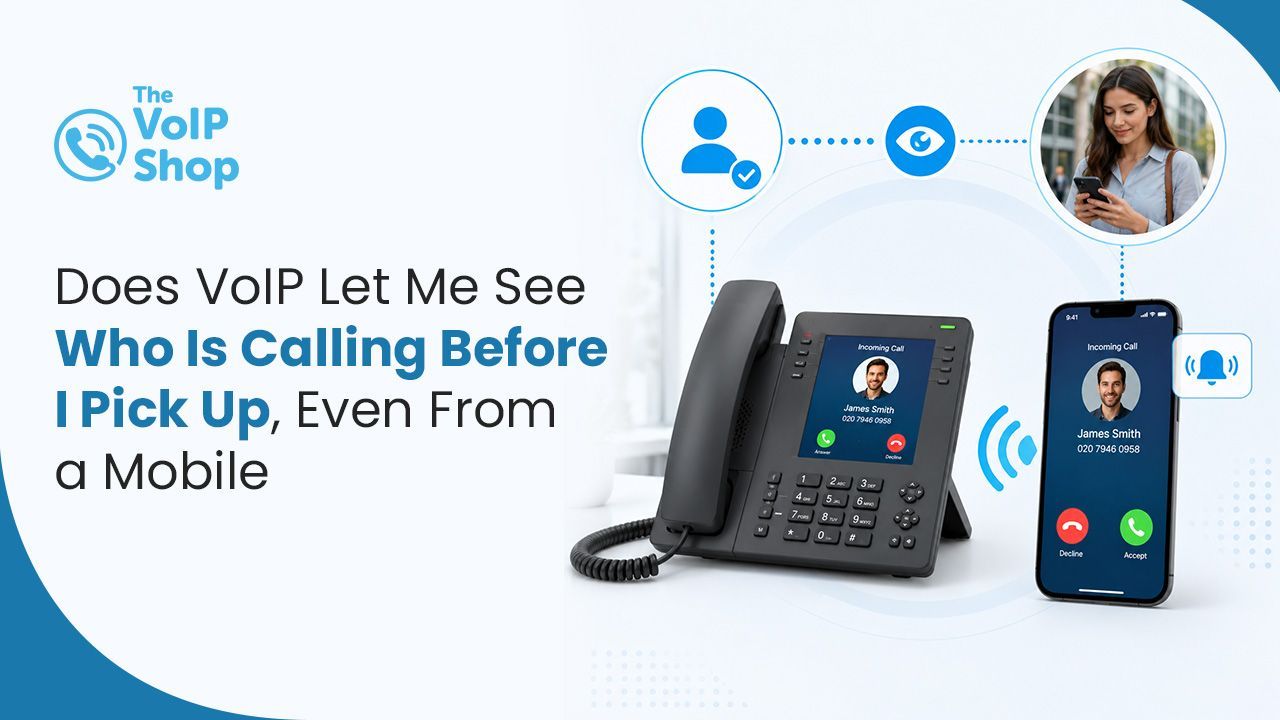
Yes. VoIP fully supports Caller ID across every device, including mobile. The caller's number, and their name where it matches a saved contact, appears on screen before you answer, whether you are at your desk, working from home, or out of the office. It looks and behaves the same as Caller ID on a traditional desk phone.

About the Author
How Does Caller ID Work Across VoIP Devices?
| Device | What You See | Notes |
|---|---|---|
| Desk phone | Number and name | Standard on most IP desk phones, including the Cisco 9841 and 9851 |
| Mobile app (iOS / Android) | Number and name | Matches against phone contacts and the company directory |
| Desktop app (Mac / Windows) | Number and name as a desktop notification | Answer, decline, or transfer in one click |
| With CRM integration | Number, name, and full CRM record | Customer history pulled up automatically |
The point is consistency. Whatever device a team member is using, they see the same caller information before they pick up.
What Is Caller ID on a VoIP System?
Caller ID, also known as CLI (Calling Line Identification), is the feature that displays the name and number of an incoming caller before you answer. On a traditional phone system, this works on desk phones. On a VoIP system, it works everywhere: desk phones, softphones on laptops, and mobile apps on smartphones and tablets.
This consistency is one of the most practical benefits of moving to VoIP, since it gives every team member the same information regardless of how or where they are taking calls.
How Does Caller ID Work on the Mobile App?
When you install a VoIP mobile app on your smartphone, your business phone system travels with you. The app turns your mobile into a full extension of your office phone system, including Caller ID.
When a call comes in to your business number:
- The caller's number appears on your mobile screen, just as it would on a desk phone.
- If the caller is a saved contact in your company directory or CRM, their name appears as well.
- You see this information before deciding whether to answer, send to voicemail or transfer.
This means you can make informed decisions about every call, even when you are away from the office. For more on the mobile app overall, see our mobile VoIP guide.
Can I Control What Callers See When I Call Out?
| Outbound Caller ID option | What the caller sees | Example use |
|---|---|---|
| Main business number | Main company number | Consistent business identity across the organisation |
| Department number | Sales, support or another department number | Helps customers identify the relevant team |
| Regional number | A local number for the relevant region, where supported | Useful for businesses operating across multiple regions |
| Mobile VoIP app | Configured business number rather than the employee's personal mobile number | Keeps staff personal numbers private |
Does Caller ID Work With My Company Directory and CRM?
Yes. Most VoIP systems integrate Caller ID with the built-in company directory. So:
- When a known contact calls, their name is displayed, not just their number.
- Internal extensions show the colleague's name on screen.
- The directory can be searched and updated from the online management portal.
With CRM integration, Caller ID goes further. When a known customer calls, their full CRM record can be pulled up on screen automatically, so before you have even said hello, you can see their account history, previous conversations, and any outstanding actions.
What About Privacy? Can Staff Keep Their Personal Numbers Hidden?
Yes. This is one of the key reasons businesses move to VoIP for mobile workers. Outbound calls made through the VoIP mobile app always show your configured business CLI, not the personal mobile number of the team member making the call.
This keeps staff personal numbers private while still maintaining a professional business presence on every outbound call.
Can Caller ID Be Faked? What About Spoofing?
Caller ID itself is reliable, but no system can guarantee an incoming number has not been spoofed. Voice phishing (vishing) attackers use cheap caller ID spoofing to impersonate trusted numbers, such as a bank or HMRC, to trick staff into sharing information or authorising payments.
The fix is process, not technology. Verify identities through a secondary channel before acting on any unexpected call, and never authorise payments based on a phone call alone. For the full picture, see our VoIP security risks guide.
Knowing More Than Just Who Is Calling
Alongside Caller ID, most cloud VoIP systems include Presence indicators across the system. These show the live availability status of each team member: on a call, available, in do-not-disturb mode, or away. Combined with Caller ID, this gives your team complete visibility into who is calling and who is free to help. It pairs especially well with after-hours and weekend call routing, where the right person needs to pick up at the right time.
What Should I Check Before Choosing a Provider?
Most modern cloud VoIP systems support Caller ID across devices, but the depth of integration varies. Key things to check:
- Does the mobile app show full Caller ID including matched names from the company directory?
- Can outbound Caller ID be configured per extension, per department, or per region?
- Does the system integrate with your CRM to surface customer records on incoming calls?
- Are presence indicators included so the team can see who is free to take a call?
- Are the desk phones included able to display name as well as number?
Final Thoughts
Caller ID on VoIP is not just a like-for-like replacement for the desk-phone version. It is the same feature working consistently across every device your team uses, with the option to add CRM context, configure outbound presentation, and protect personal mobile privacy. For any business with mobile, hybrid or multi-region teams, this consistency is one of the practical wins of moving to VoIP. The VoIP Shop offers Caller ID, mobile and desktop apps, and CRM integration as part of our cloud phone systems, set up during onboarding by our UK-based team.
Get in touch to see how Caller ID and CRM integration could work for your team.
Written By | About the Author
Kully has over 15 years of experience in the VoIP and telecoms industry. Drawing on a background in telecoms sales and leadership, he provides expert, impartial advice on VoIP and cloud telephony solutions. As a lead author for The VoIP Shop, Kully helps businesses understand and adopt modern communication technologies