VoIP Guide
What Is VoIP and How Does It Work?

This guide explains exactly what VoIP is, how it works, and whether it makes sense for your business. No technical jargon, just straight answers.
If you're running a business in the UK, you've probably heard people talking about VoIP. Maybe your current phone contract is coming to an end, or someone has suggested it's time to upgrade from the old landline.
Either way, you're in the right place.
What is VoIP?
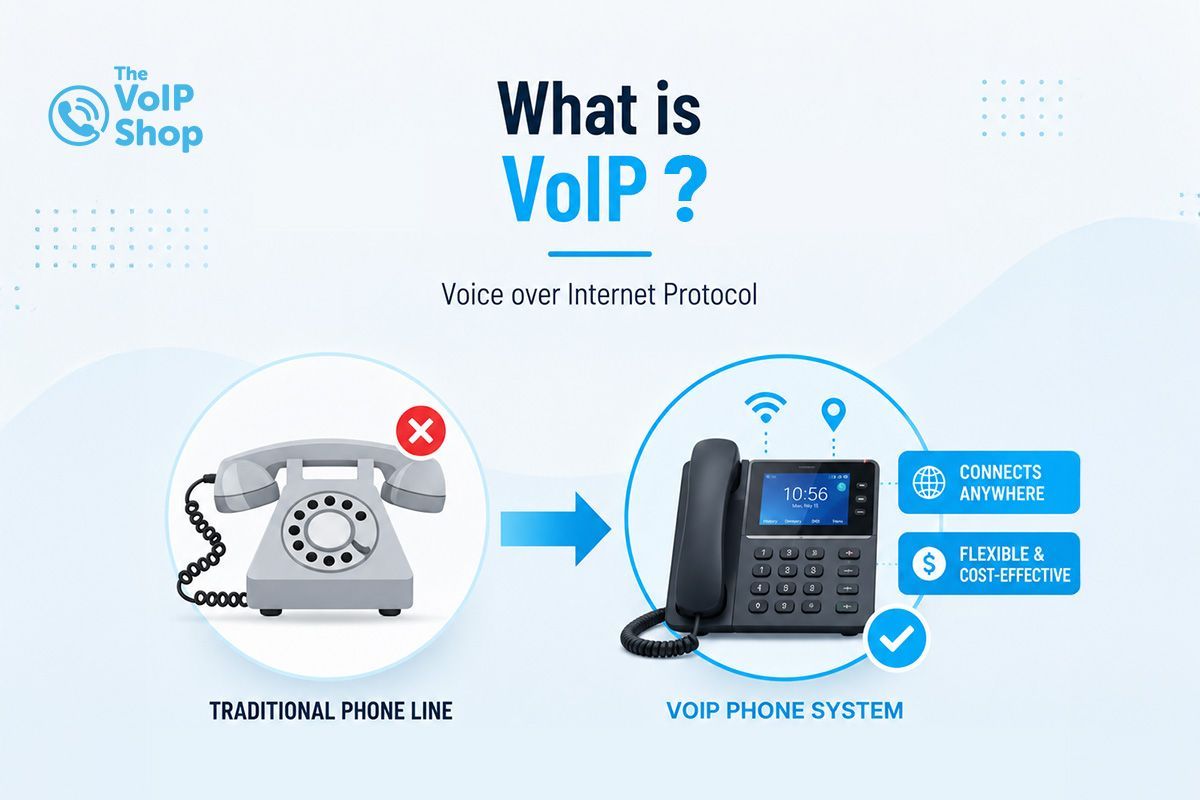
VoIP stands for Voice over Internet Protocol.
It simply means making phone calls over the internet instead of through a traditional phone line.
You still pick up a phone, dial a number, and have a conversation. The difference is that your voice travels over your broadband connection rather than down a copper wire.
A good way to think about it: sending a voice call over the internet is a bit like sending an email. Instead of a letter going through the postal system, your message goes through the internet. It's faster, cheaper, and far more flexible.
How Does VoIP Work?
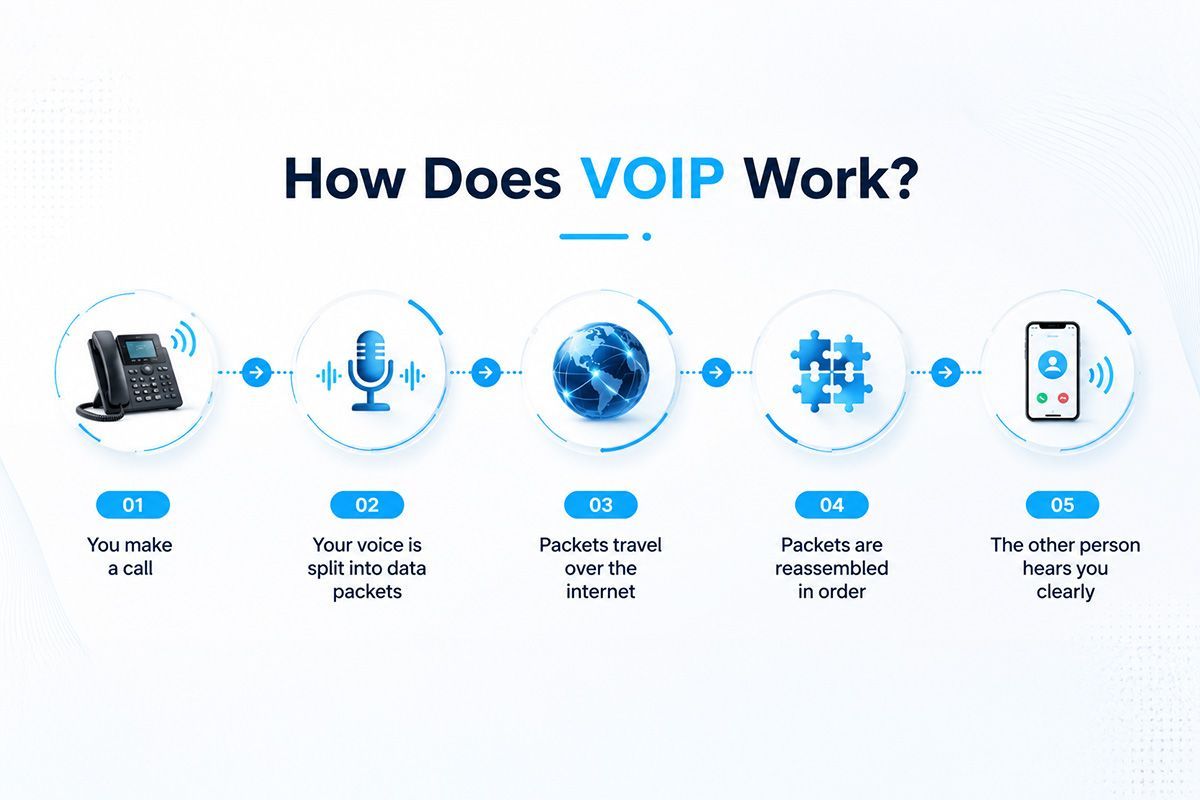
When you speak into a VoIP phone, your voice is converted into small packets of digital data. Those packets travel over your internet connection to the person you're calling. At the other end, they're reassembled and turned back into sound.
The whole process takes milliseconds. To you and the person you're speaking to, it sounds like a normal phone call, often clearer than a traditional landline.
You don't need to understand the technical side to use VoIP. But it helps to know that call quality depends on your internet connection, and a decent broadband connection is usually all you need.
What is VoIP Used For?
VoIP works for all the same things a standard phone does, plus a lot more.
Businesses use it for:
- Everyday calls to clients, customers, and suppliers
- Internal calls between team members
- Customer service and support lines
- Remote and hybrid working
- Managing calls across multiple office locations
- Field-based staff who need to stay reachable
The big difference from a traditional phone system is the flexibility. Your team can make and receive calls from the office, from home, or on the go, all using the same business number.
Is VoIP Right for Your Business?
For most UK businesses, the answer is yes.
Whether you're an independent trader, a growing SME, or an established organisation with multiple locations, a VoIP phone system offers the best flexibility, lower costs, and access to modern communication features that traditional phone lines simply can't match.
VoIP is particularly beneficial if your business:
- Has employees working remotely or in a hybrid environment
- Wants to reduce telecoms costs
- Needs a professional phone system without expensive hardware
- Wants features such as call recording, voicemail-to-email, call analytics, and CRM integrations
- Is preparing for the UK's PSTN and ISDN switch-off in 2027
- Plans to scale and add users as the business grows
Because VoIP works over your internet connection, your team can stay connected from virtually anywhere while maintaining a professional business presence. Calls can be answered on desk phones, laptops, or mobile devices using the same business number.
Can I Replace My Landline with VoIP?
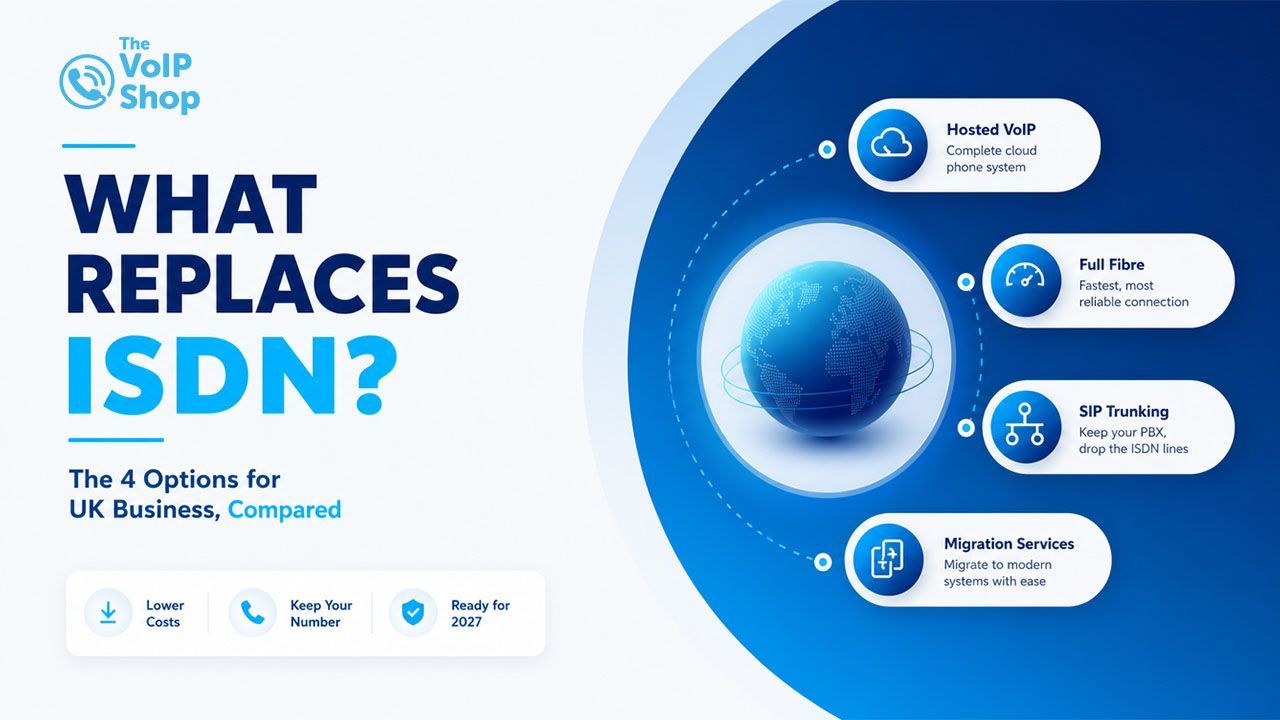
Yes, and most UK businesses will need to do this eventually.
VoIP is the most straightforward replacement. You can keep your existing phone number, your team can carry on as normal, and you'll gain features your old landline never had.
Most businesses that make the switch also notice their monthly phone bill drops.
BT is switching off the traditional PSTN phone network in January 2027. After that, old-style analogue landlines will no longer work. Every business will need an alternative.
If I Have VoIP Service, Who Can I Call?
Everyone you'd call on a normal phone line.
- UK landline numbers
- UK mobile numbers
- International numbers
- Other VoIP users
- Emergency services (999 and 112 are fully supported)
There are no restrictions on who you can call. VoIP connects to the standard phone network, so the person on the other end doesn't need to know or care how you're calling them. .
Is VoIP Cheaper Than a Regular Phone Line?
yes.
With a traditional landline, you pay line rental, call charges, huge maintenance cost and often separate rates for national and international calls. With VoIP, you typically pay a single monthly subscription that covers everything.
International calls are significantly cheaper on VoIP. Many plans include unlimited UK calls as standard.
There are also no costs for on-site phone equipment. Everything runs in the cloud, so you don't need a PBX box in a cupboard somewhere.
Does It Cost More to Call Someone Far Away?
No. With VoIP, it makes no difference whether you're calling someone down the road or on the other side of the country.
Because calls travel over the internet rather than through the old telephone network, distance doesn't affect the cost. Calling a client in Glasgow costs the same as calling someone across the street. .
Does VoIP Work Without Internet?
No. VoIP needs an internet connection to work.
If your broadband goes down, your desk phones will stop working. This is the most common concern businesses raise before switching, and it's worth thinking about.
The practical solution most businesses use is setting up the VoIP mobile app on their phones. If the office internet goes down, calls automatically divert to mobiles. Your customers still get through, and you're still reachable.
Is VoIP Safe and Secure?
Yes, when you use a reputable provider.
Good VoIP systems encrypt your calls so they can't be intercepted. The technology used is the same encryption that banks rely on for online transactions.
To keep things secure, you should:
- Choose a provider that encrypts calls by default.
- Use strong passwords on your account and devices
- Keep your apps and phones updated.
- Make sure your Wi-Fi network is secure
At The VoIP Shop, all our systems are hosted on secure UK infrastructure with encryption on as standard.
Can I Keep My Existing Phone Number?
Yes. Moving your number to VoIP is called number porting, and it's a straightforward process.
Your existing number stays active throughout, so there's no gap where customers can't reach you. The porting process usually takes between 7 and 14 working days, and your VoIP provider should manage it for you.
What Happens During a Power Cut?
If the power goes off in your office, your router and desk phones will stop working.
However, if your team has the VoIP mobile app on their smartphones, they can continue making and receiving calls using mobile data. Most businesses set up automatic call forwarding to mobiles as part of their standard configuration, so this happens without anyone having to do anything.
How Much Internet Speed Do I Need?
Less than you'd expect.
A single VoIP call uses around 85 to 100 Kbps of bandwidth. A standard 10 Mbps broadband connection can handle well over 50 simultaneous calls with bandwidth to spare for everything else.
For most small and medium businesses, the internet connection they already have is fine. Your VoIP provider can check this with you before you commit to anything.
Can I Use VoIP on My Mobile?
Yes. Most VoIP providers offer a mobile app for iPhone and Android.
You make and receive calls through your business number, just as if you were sitting at your desk. When a client rings your office number, it comes through on your mobile. When you call them back, they see your business number, not your personal one.
For anyone who regularly works away from the office, this is one of the most useful things about VoIP.
VoIP vs Traditional Landline: What's the Difference?
| Traditional Landline | VoIP | |
|---|---|---|
| Monthly cost | Line rental plus call charges | Single monthly subscription |
| International calls | Expensive | Low cost or included |
| Remote working | Not supported | Works from anywhere |
| Adding new users | Engineer visit required | Done online in minutes |
| Features | Basic | Call recording, analytics, CRM integration, and more |
| Setup | Physical installation | Online setup, often same day |
| Future-proof | PSTN switch-off in 2027 | Ready for the future |
| Hardware needed | PBX equipment on site | Nothing on site required |
What Features Does a VoIP Phone System Include?
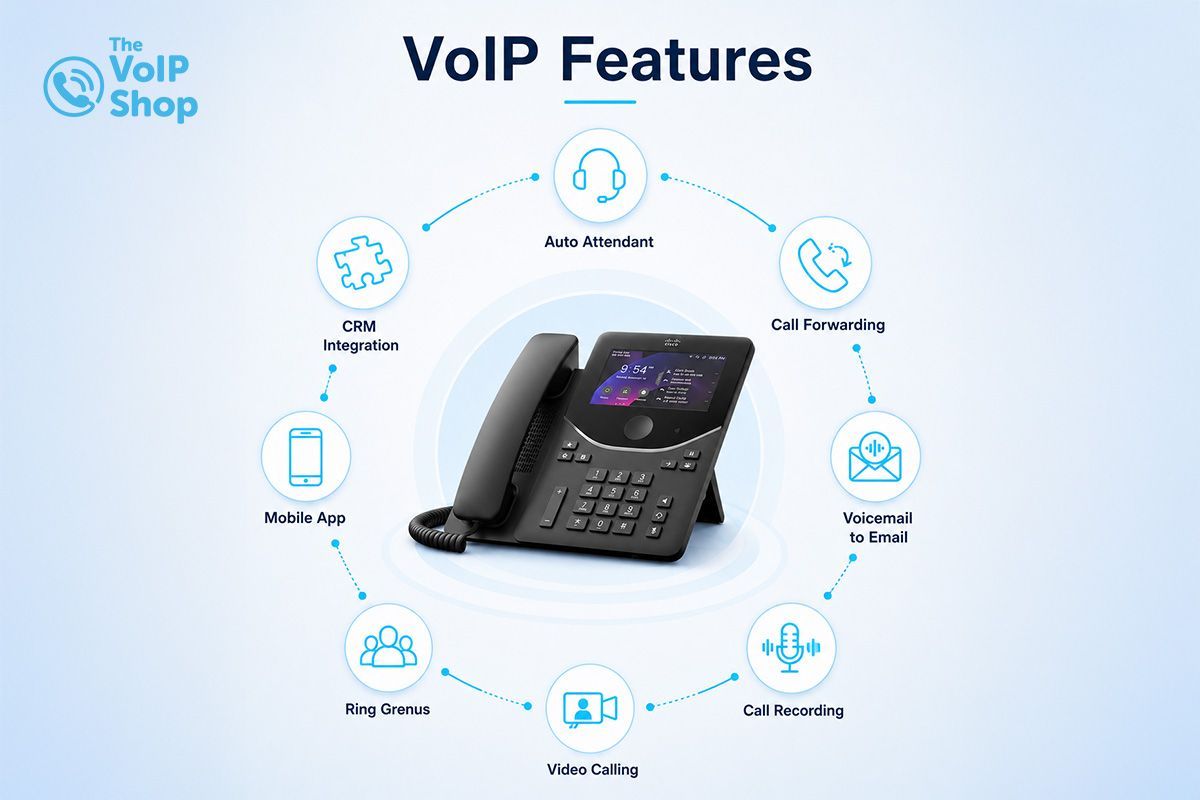
This is where VoIP really sets itself apart from a traditional phone line. Some of the best features of the VoIP Phone System are as follows:
Auto Attendant: A professional greeting that routes callers to the right person or department. It gives your business a polished first impression without needing a full-time receptionist.
Call Forwarding: Route calls to any device or number. If someone's away from their desk, calls go straight to their mobile or a colleague.
Voicemail to Email: Voicemails are sent to your email inbox as audio files. You can listen, forward, or respond without logging into a separate system.
Call Recording: Record calls automatically or on demand. Useful for compliance, training, and resolving disputes.
Call Analytics: See how many calls you're getting, how many are missed, and when your busiest periods are. Helpful for making sure you're properly staffed at the right times.
CRM Integration: Connect your phone system to tools like Salesforce, HubSpot, or Zoho. When a customer calls, their details appear on screen automatically.
Mobile App: Full phone system functionality on a smartphone. Your business number works wherever you are.
Ring Groups: Set multiple phones to ring at the same time when a number is called. Ideal for sales teams or customer service desks.
IVR Menus: "Press 1 for sales, press 2 for support." Handles high call volumes and gets callers to the right place quickly.
Video Calling: Many VoIP platforms include video calls, so you may not need a separate subscription for internal meetings.
What Are the Main Benefits of VoIP?
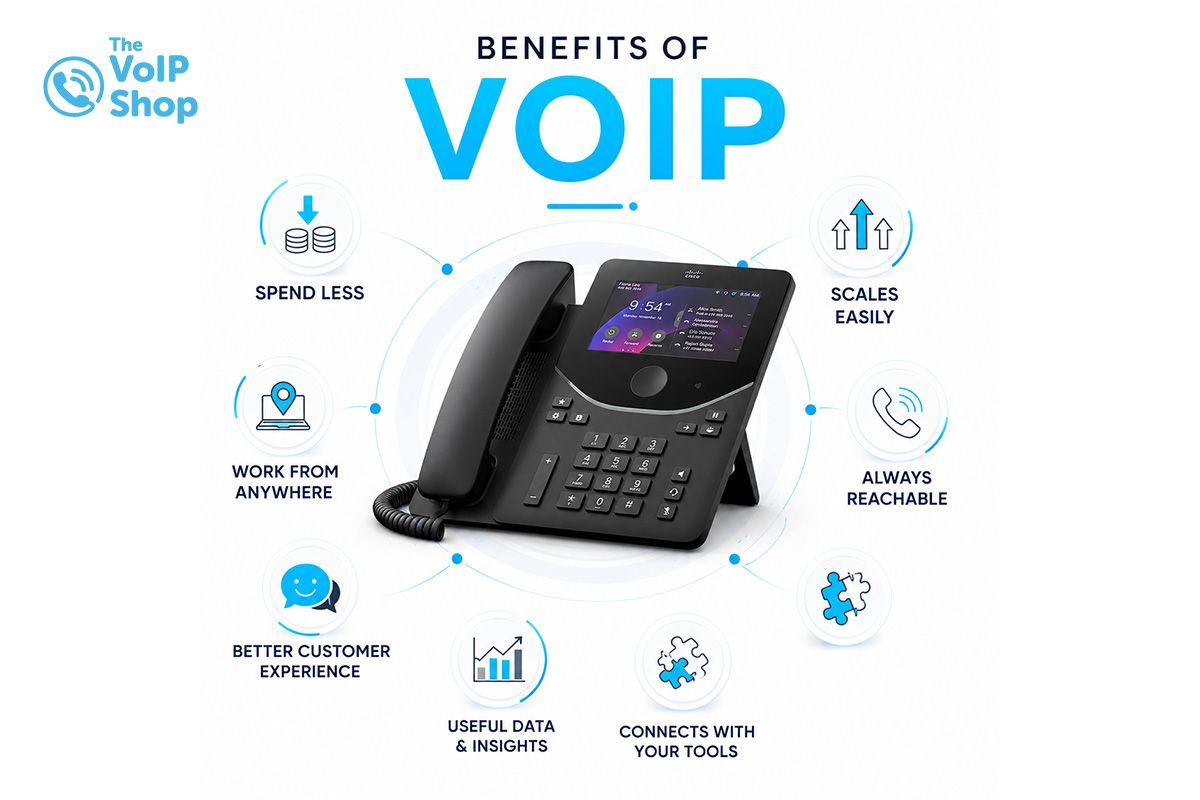
You spend less. No line rental, cheaper calls, and no expensive hardware to maintain.
Your team can work from anywhere. The phone system works the same whether someone is in the office, at home, or on the road.
It scales easily. Need to add a new team member? It's done online in a few minutes. No waiting for an engineer.
Your business stays reachable. Even if the office has an issue, calls can divert to mobiles automatically.
Customers get a better experience. Calls are answered faster, routed correctly, and handled more professionally.
You get useful data. Call analytics tell you what's actually happening with your phone lines.
It connects with your other tools. VoIP integrates with CRMs, helpdesks, and calendars so your team wastes less time on manual tasks.
Are There Any Downsides to Using VoIP?
There are a couple of things worth knowing about before you switch.
You need a reliable internet connection. If your broadband is poor or goes down frequently, that will affect your calls. The solution is a decent fibre connection and a mobile app as backup.
Desk phones need power. Unlike old landlines that drew power from the telephone exchange, VoIP phones need to be plugged in. A power cut will affect them. Again, the mobile app keeps you covered.
Call quality depends on your network. A congested Wi-Fi network can cause issues. Using a wired connection for desk phones helps, and your VoIP provider can help you set up Quality of Service (QoS) on your router to prioritise voice traffic.
None of these is a dealbreaker. They're just things to plan for, and a good VoIP provider will help you do exactly that.
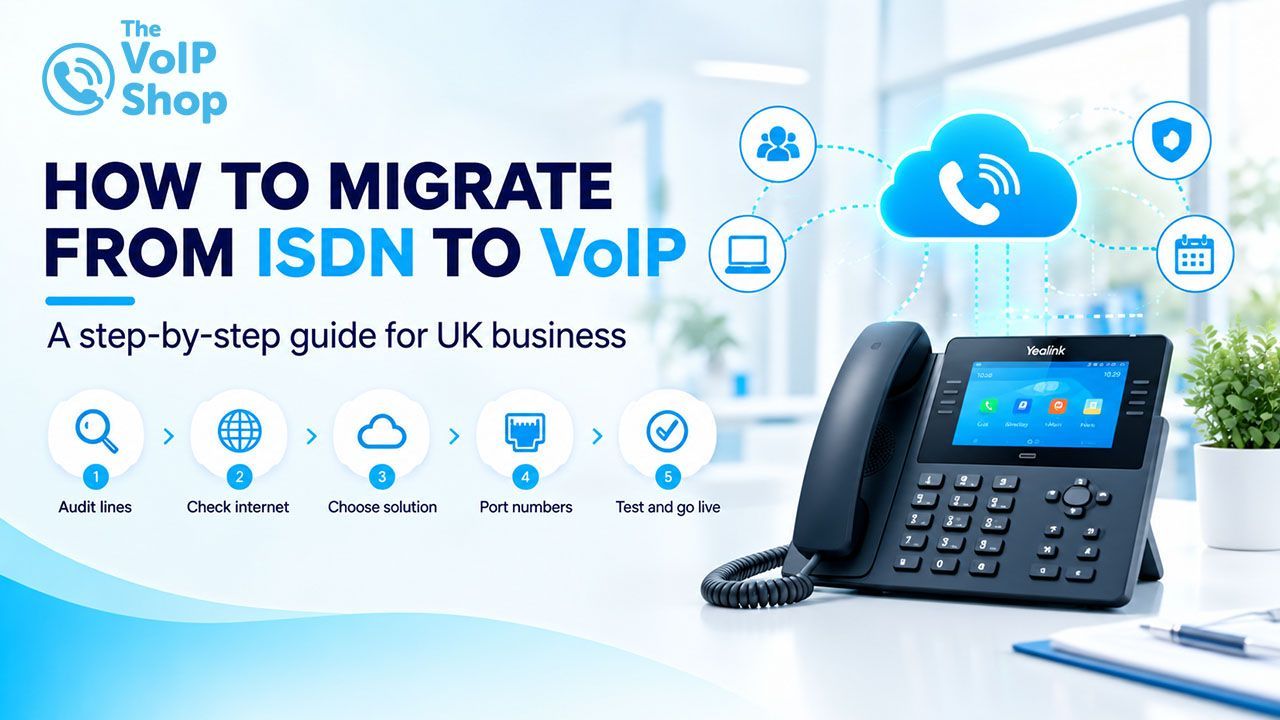
How Do I Set Up VoIP?
It's simpler than most people expect.
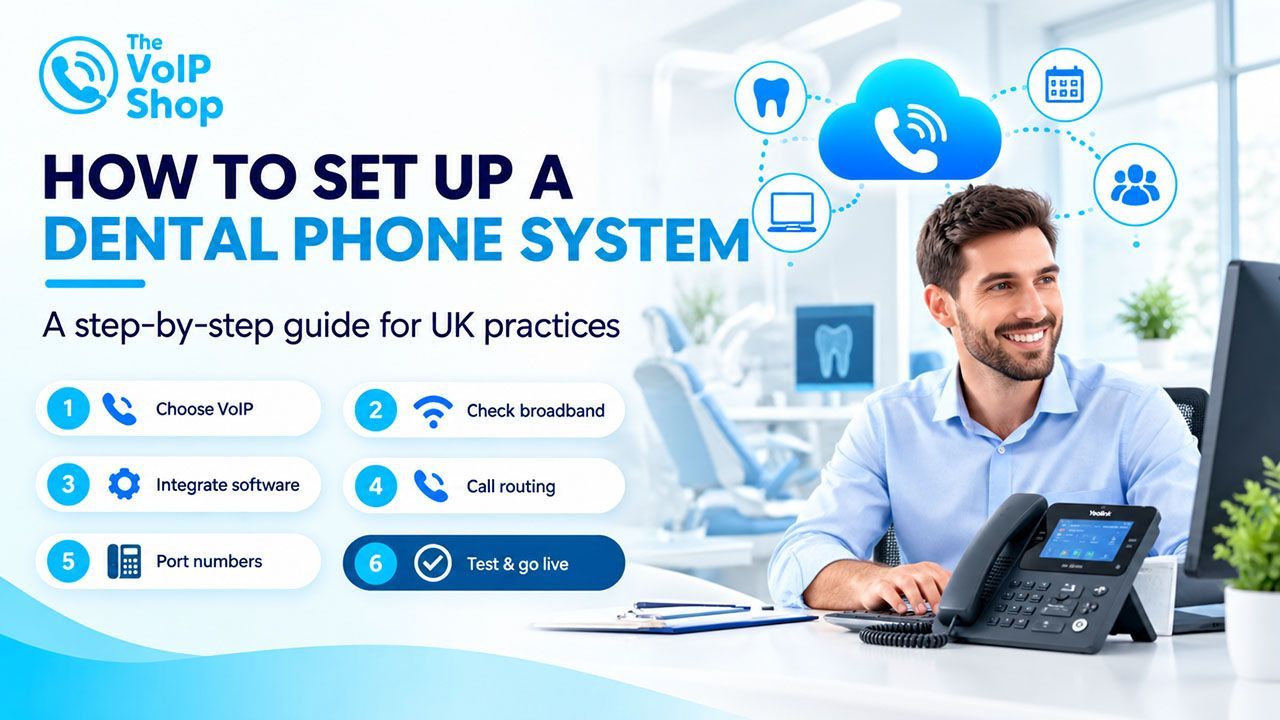
- Work out what you need. How many users? Do you want desk phones, mobile apps, or both? What features matter to you?
- Choose a provider. Look for a UK-based company with good support and clear pricing.
- Check your broadband. Your provider can confirm whether your current connection is up to the job.
- Sort your numbers. Keep your existing numbers or choose new ones. Your provider handles the porting process.
- Get set up. Users, ring groups, call routing, and greetings are all configured online. Many providers offer a guided setup.
- Brief your team. Most people pick it up quickly, but a short walkthrough helps everyone feel confident.
- Go live. Calls start coming through the new system. For most businesses, the changeover is completely seamless.
What Equipment Do You Need?
Not much.
- An IP desk phone like CISCO 9841, if you want a physical handset
- Yealink WH64 headset for staff who spend a lot of time on calls
- Your existing broadband connection
- A smartphone for the mobile app
If your team is mainly laptop or mobile-based, you may not need any new hardware at all. Softphone apps work on any device with a microphone.
Is VoIP Good for Small Businesses?
It's particularly well-suited to smaller businesses, for a few reasons.
You get enterprise-level features without enterprise-level costs. Auto attendants, call recording, CRM integration, analytics, and mobile working are all available on small business plans.
You also don't need an IT team to manage it. The online portal is straightforward, and adding or removing users takes a couple of minutes.
And because it scales easily, it grows with you. Start with three users, add fifteen more when you need to, without changing your setup or negotiating a new contract.
Whether you're a sole trader who wants a professional number, a small office team, or a growing company with remote staff spread across the UK, VoIP fits how you actually work.
Will my existing phones work with VoIP?
Older analogue phones can sometimes be connected using an adapter, but most businesses use IP phones or mobile apps for better quality and more features.
How long does setup take?
For a small business, the system can be live within a day or two. Number porting takes 7 to 14 working days, but your existing number stays active throughout.
Can I have more than one phone number?
Yes. You can have as many numbers as you need, local geographic numbers, national numbers, or international numbers, all on one account.
Key takeaway
VoIP lets your business make and receive calls over the internet. It's cheaper than a traditional landline, more flexible, and packed with features that actually make a difference to how your business communicates.
With the PSTN switch-off coming in 2027, the move to VoIP is something every UK business needs to plan for. The good news is that switching is straightforward, and most businesses wonder why they didn't do it sooner.
If you'd like to find out what a VoIP system would look like for your business, we're here to help.
Get a free quote from The VoIP Shop today or speak to one of our team members
who can walk you through the options.
Written By | About the Author
Kully has over 15 years of experience in the VoIP and telecoms industry. Drawing on a background in telecoms sales and leadership, he provides expert, impartial advice on VoIP and cloud telephony solutions. As a lead author for The VoIP Shop, Kully helps businesses understand and adopt modern communication technologies
FAQs
Which VoIP provider is best for the PSTN switch-off?
Look for a provider that handles the full migration, not just the SIM swap. Number porting, compatibility checks for alarms and card machines, and managing the handover from your current provider should all be included. The VoIP Shop offers a free migration assessment and covers all of this end-to-end.
Best VoIP provider with 24/7 UK-based support?
Most providers advertise support but deliver a ticketing system. Before signing, ask specifically about out-of-hours cover and average response times. The VoIP Shop provides UK-based support 24/7 with real people available when it matters.
Best VoIP for dental practices, care homes, and accountants?
Regulated sectors need more than just good call quality. Dental practices and care homes need secure, GDPR-compliant call recording, while accountants need encrypted calls and an auditable trail. The VoIP Shop provides solutions designed to support these requirements.
Best VoIP for remote and hybrid teams?
The technology is not the hard part. What matters is whether the mobile and desktop apps behave like a genuine office extension rather than a basic call forwarding service. Look for presence indicators, call recording, and transcription included as standard rather than bolt-ons.
Best VoIP system for a small office of around 5 users?
At five users, you do not need an enterprise system. The VoIP Shop keeps it simple: flat monthly pricing per user, same-day setup, no engineer visits, and no long-term contracts. Full features, with none of the complexity.
Is VoIP secure? Can VoIP calls be hacked?
Yes, it can be targeted, like any internet-connected system. The main risks are toll fraud, eavesdropping, and SIP brute-force attacks. These are well understood and addressable with SRTP encryption, TLS signalling, IP allowlisting, and a Session Border Controller. The question worth asking any provider is whether these protections are active by default or optional extras.
What internet speed do I need for VoIP?
Each active call uses around 100kbps. A five-user office with everyone on a call simultaneously needs less than 1Mbps. Standard business broadband handles this comfortably. Problems tend to come from latency and contention, not raw speed. A dedicated VLAN for voice traffic solves this for most offices.
Do I need to switch to VoIP before the 2027 PSTN switch-off?
Yes. The copper network closes in January 2027 with no extension confirmed. Start at least six months ahead to allow proper time for number porting, device compatibility checks, and testing. A rushed migration close to the deadline risks downtime and compatibility issues with non-phone devices on the line.
How much does VoIP cost for a UK small business?
Typically, between £14 and £25 per user per month. For most small businesses, that works out cheaper than the current line rental and call charges combined. Look for plans that include unlimited UK calls and core features as standard rather than pricing them separately.