Integrate Aerona Dental with The VoIP Shop Phone System
Enhance your practice's call handling by integrating The VoIP Shop phone system with Aerona Dental. Manage incoming enquiries, view patient details, and log conversations directly inside Aerona Dental. Every call stays organised, helping teams respond faster and work with confidence.
Missed calls can lead to missed appointments. Link Aerona Dental with The VoIP Shop today and enhance communication throughout your dental practice.
Don't let client calls slip through the cracks—connect Aerona with The VoIP Shop today and boost your team's efficiency by 50%!
Key Features of Aerona Dental Integration
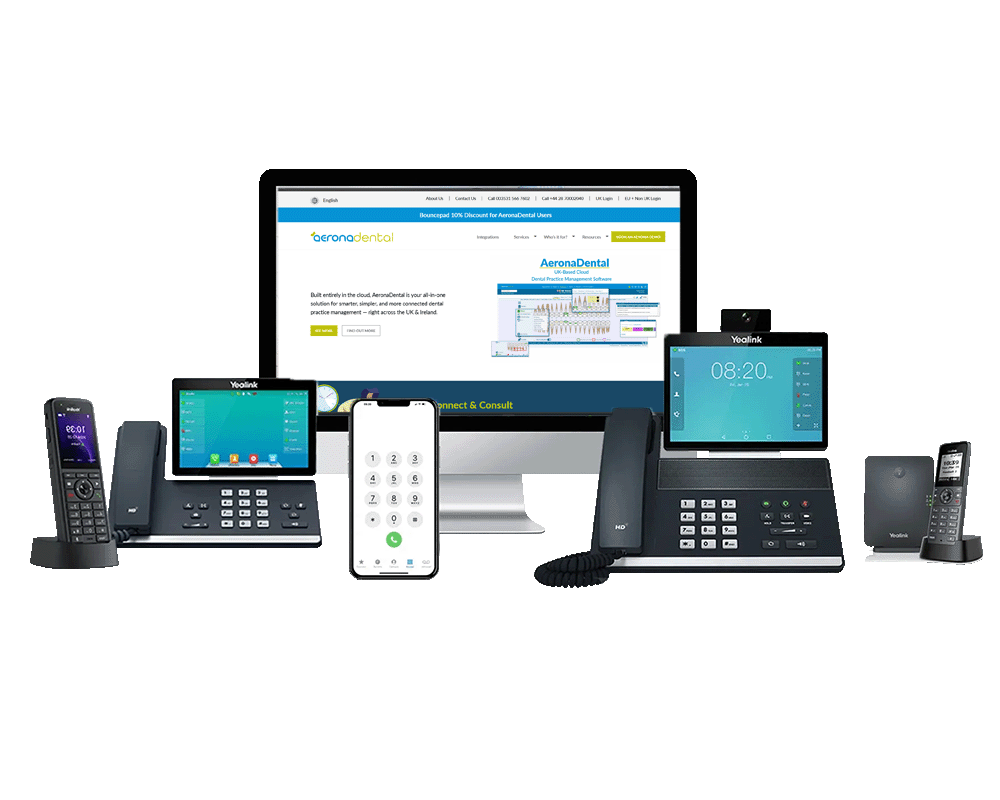
The VoIP Shop Aerona Dental integration helps dental practices manage calls with better control. Teams can handle patient enquiries, keep records updated, and reduce manual work during busy hours. Each feature below supports smoother call handling across daily operations.

Click-to-Call
Place calls straight from Aerona Dental with a single action. Staff no longer need to type numbers by hand. One click starts the call, reducing mistakes and saving time during patient follow-ups.
Aerona Contact Syncing
Patient and contact details stay updated between Aerona Dental and The VoIP Shop system. When records change, information remains current, helping teams view the right details before answering each call.
Enhanced Caller ID
Caller details appear before the call is answered. Teams can see names and related records linked to Aerona Dental, helping them respond with context and confidence from the first hello.
Aerona Dental Call Integration with The VoIP Shop
Aerona Dental supports dental practices by bringing patient records and daily tasks into one system. When connected with The VoIP Shop phone solution, calls link directly with Aerona Dental, giving teams clearer control over incoming and outgoing conversations.
This connection allows practices to manage calls, review patient details, and record activity inside Aerona Dental. Staff spend less time switching screens and more time focusing on patients, helping clinics stay organised during busy periods.
Key Benefits of The VoIP Shop VoIP Integration with Aerona Dental
The VoIP Shop VoIP integration with Aerona Dental helps dental practices manage calls in a more organised way. By linking call activity with patient records, teams can respond faster, reduce manual work, and keep communication clear across the practice.
Improve Communication Efficiency
Save time by reducing manual call tasks such as dialling numbers and writing notes. Calls link directly with Aerona Dental, allowing staff to focus on patient conversations instead of system admin during busy clinic hours.
Boost Sales and Marketing Productivity
Call details and activity records stay connected inside Aerona Dental. This helps teams review past interactions, manage follow-ups, and handle daily workloads with better control across reception and practice teams.
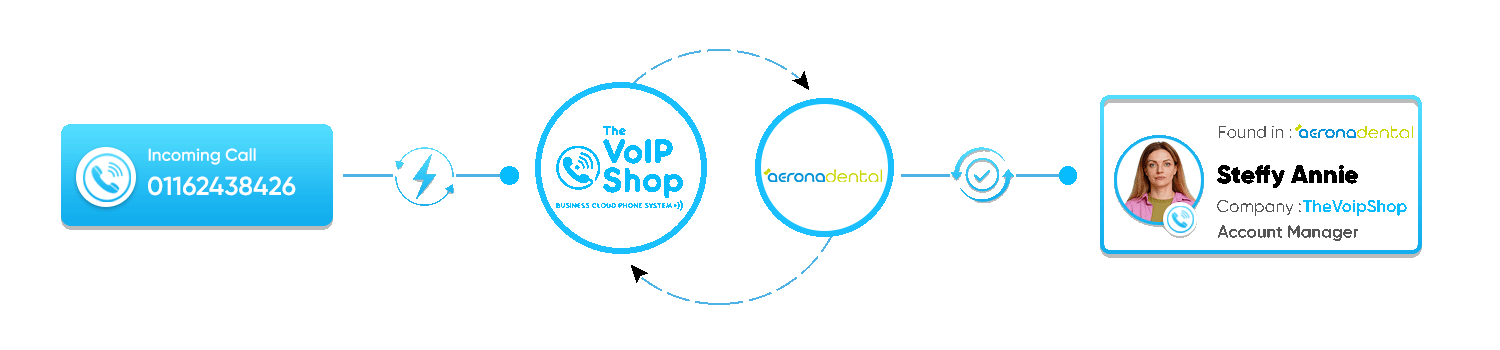
How Does The VoIP Shop Integrate with Aerona Dental?
Connecting The VoIP Shop phone system with Aerona Dental is quick and straightforward. Once linked, practices can start managing calls and contacts from one place. Follow the steps below to complete the setup.
1. Log in to The VoIP Shop
- Sign in to your The VoIP Shop account.
- Go to the Integrations section from the main dashboard.
- Select Aerona Dental from the available integration list.
2. Enable Aerona Dental Integration
- Switch on the Aerona Dental integration option.
- Choose the correct extension from the dropdown list.
- Confirm the setup to continue.
3. Authorise Aerona Dental
- You will be redirected to the Aerona Dental login page.
- Sign in and allow access permissions for The VoIP Shop.
- After approval, a confirmation screen will appear, showing that the connection is active.
Once completed, Aerona Dental and The VoIP Shop phone system will work together. Features such as call logging, contact syncing, and call handling will be available for daily use.
How The VoIP Shop Aerona Dental Integration Supports Practice Teams
The VoIP Shop integration with Aerona Dental helps practice teams manage incoming calls in a more organised way. From handling patient enquiries to reviewing call activity, the integration supports faster responses and better day-to-day coordination across the practice.
Access Patient Contacts Anywhere
Integration with Leading Dental Practice Management Software
Since 2012, The VoIP Shop has supported dental clinics with phone systems built around real practice needs. Our phone solutions connect with leading dental practice software, allowing teams to view patient details during calls and reduce time spent searching for records.
By linking The VoIP Shop phone system with Aerona Dental and other supported platforms, practices can handle calls with better awareness and consistency, helping teams deliver a clear and professional experience to every caller.
We currently connect with:
iSmile Dental Software, Orthotrack, DentalPlus, Pearl Dental Software, DenGro, Dentally, Open Dental, Software of Excellence, Aerona.
By connecting your phone system with these platforms, your practice can save time, improve call handling, and maintain a professional approach across all patient conversations.


Improve Patient Communication and Experience
Improve patient communication by combining The VoIP Shop phone system with Aerona Dental software. Calls become easier to manage, and staff gain quicker access to relevant patient information when it matters most.
- Appointment Call Support:
Help teams manage booking calls and follow-ups with clearer call visibility, reducing missed appointments. - Patient Record Visibility:
Allow staff to view patient details during calls, supporting more informed and personal conversations.
Boost Practice Efficiency and Productivity
Support daily clinic work and team coordination using The VoIP Shop phone system with Aerona Dental. Call handling becomes easier, helping staff stay organised during busy schedules.
- Unified Communication Platform:
Keep practice teams connected using voice and messaging from one system, supporting clearer internal communication. - Call Recording and Review:
Review recorded calls for training and quality checks, helping staff handle patient conversations with consistency.
Reliable and Secure VoIP Solutions for
Dental Practices
Rely on a phone system designed to support the communication needs of dental clinics. The VoIP Shop provides a stable service that helps practices stay reachable throughout the day.
- Data Protection Ready:
Patient call information is handled with care, supporting secure communication practices. - High Service Availability:
Calls remain clear and dependable, helping teams manage patient enquiries without disruption.

A vailable as a Windows desktop installation, Connect allows you to offer unique solutions that are tightly integrated with market leading communications services.

Easy to provision via Self-Service Portals

Windows based installation wizard

Full control of telephone handset from desktop

Instant access to information
Advanced call control from within applications
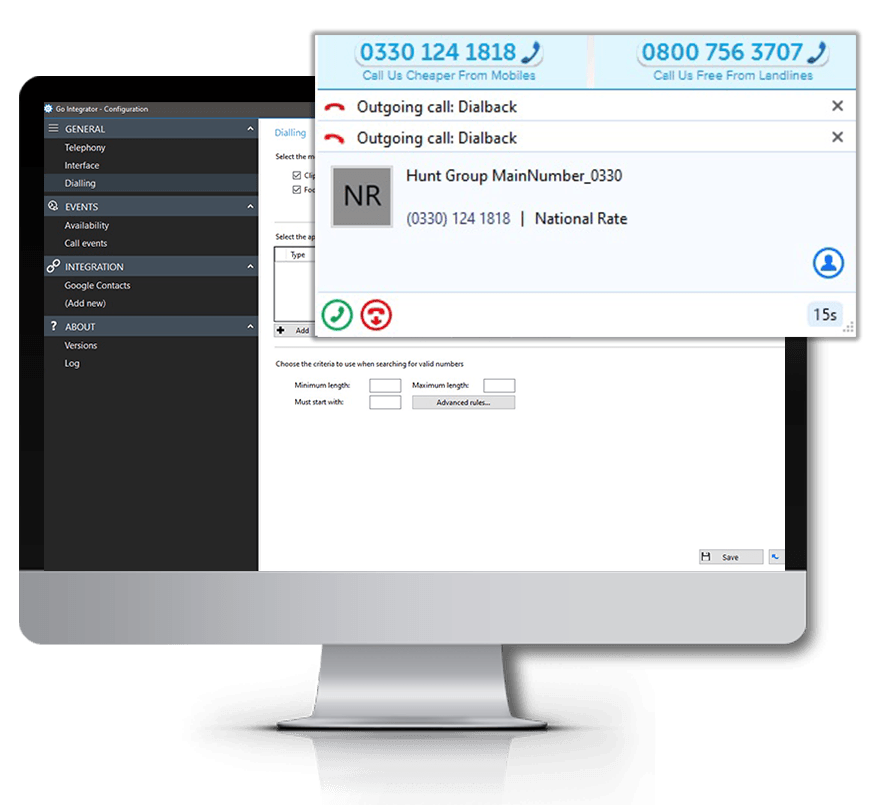
Click to Dial
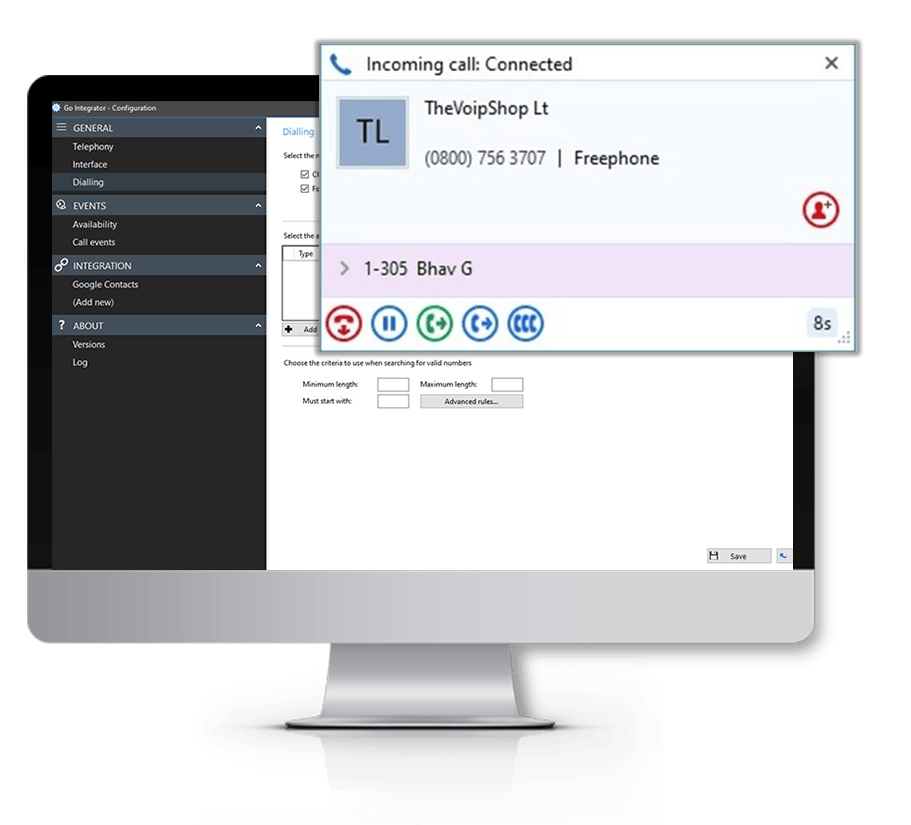
Web-Page Dialing
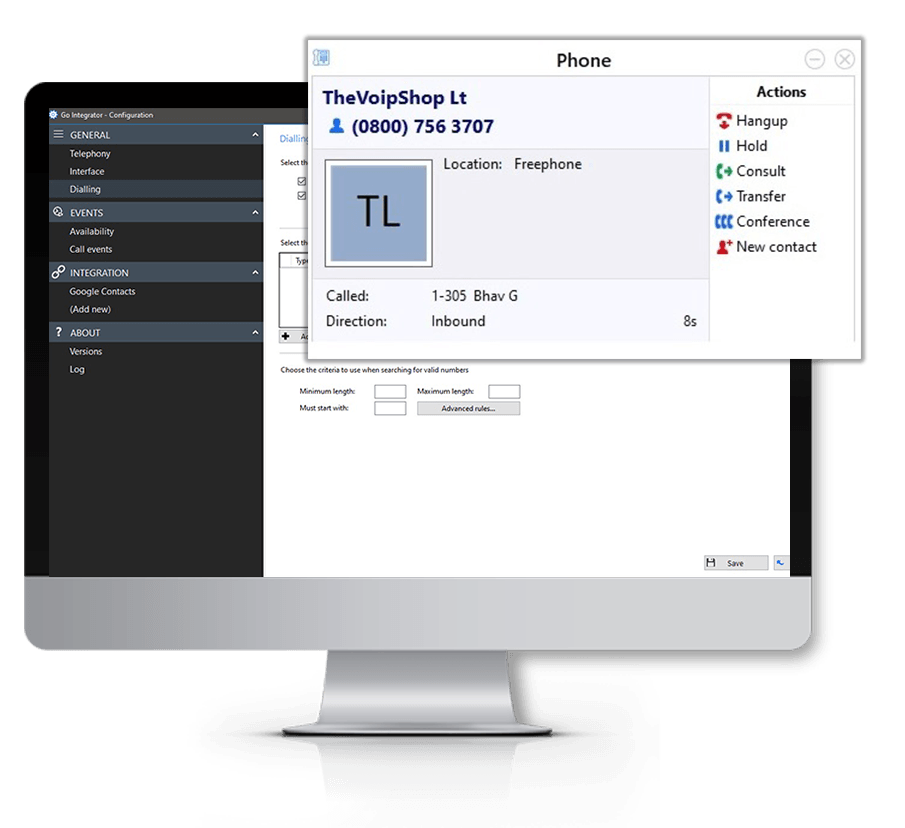
Click to Hold
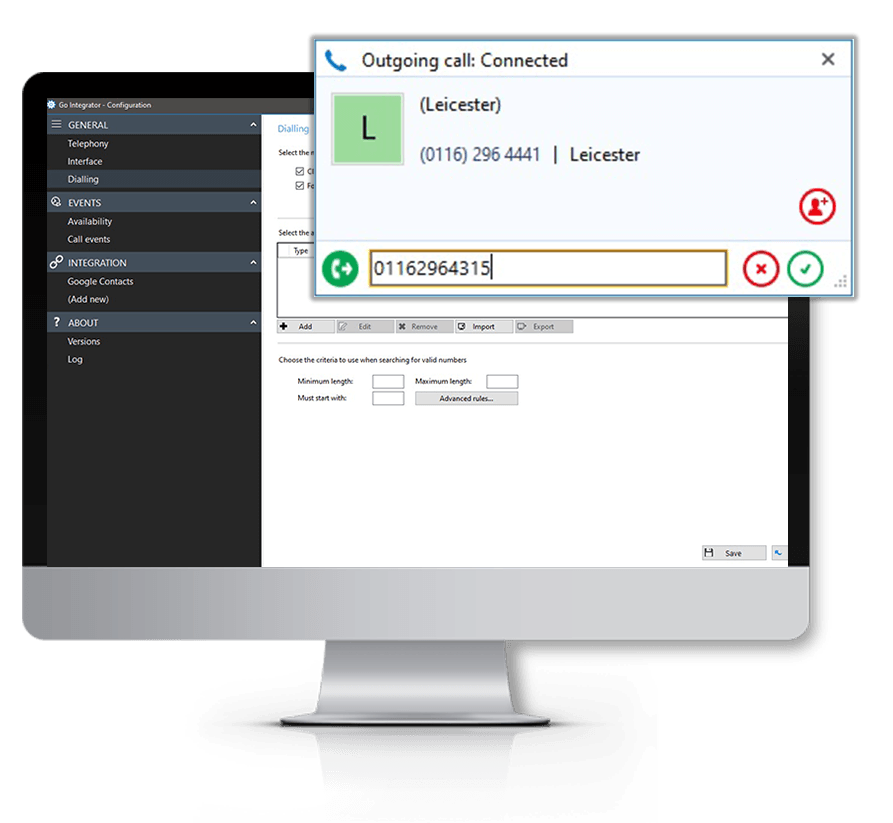
Click to Transfer
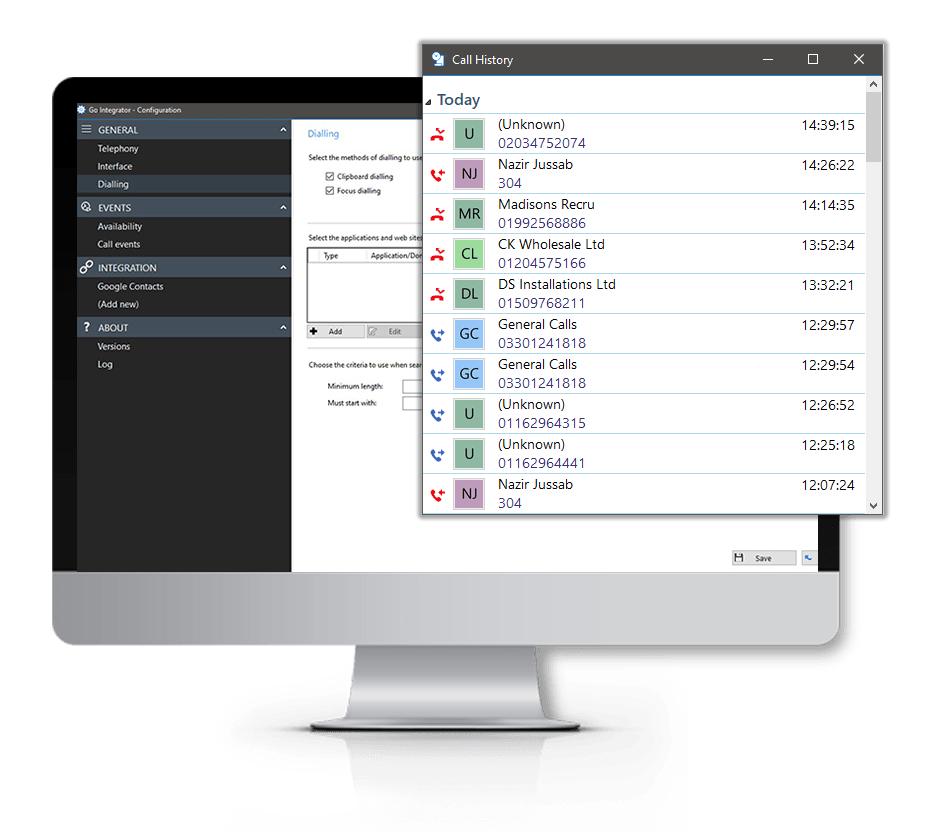
Built-in Call History
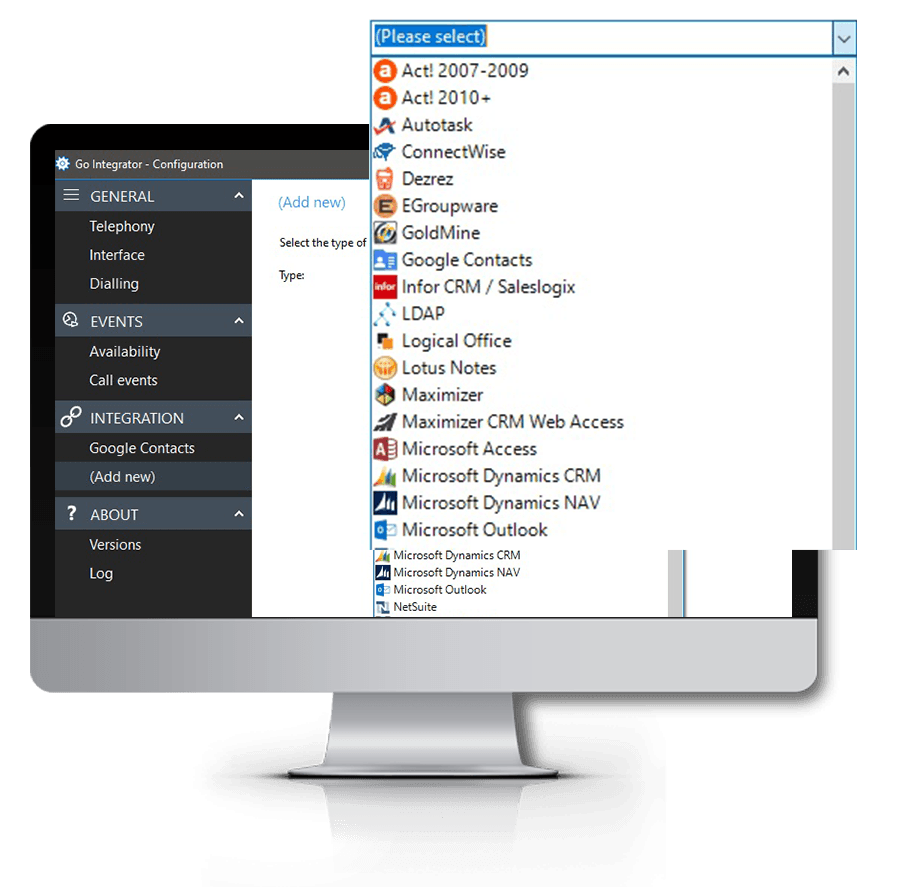
CRM Application Integration
Our Popular Similar Integrations to ZOHO

Find out More
FAQs
Answers to some of our most commonly asked Aerona Dental Phone Integration questions…