What Equipment Do You Need for VoIP?

About the Author
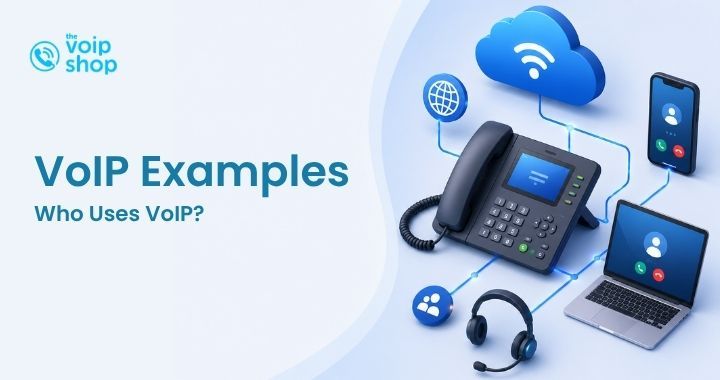
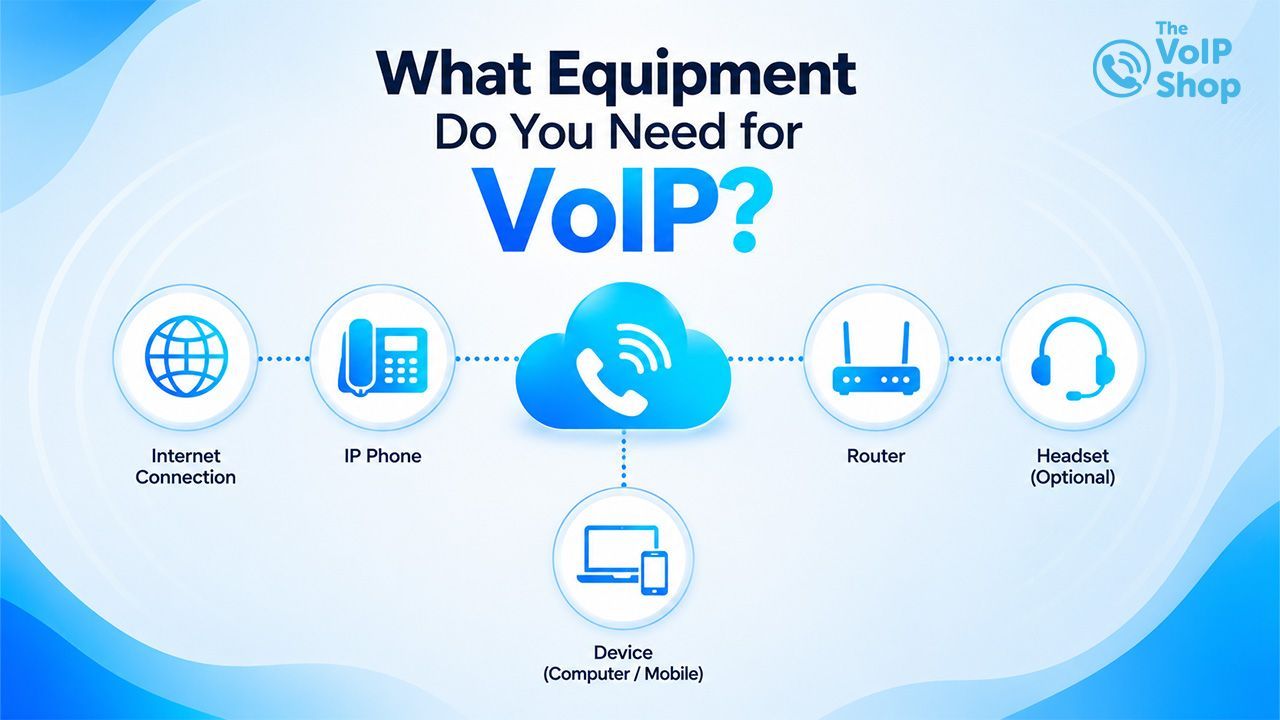
To use VoIP, you need three things: a reliable internet connection, a VoIP service provider, and a device to make calls on — that can be an IP desk phone, a laptop with a softphone app, or a smartphone with a mobile app. Most businesses already have much of this in place, so getting started is often simpler than expected. Here's the full picture, including the optional extras that improve performance.
What Are the Essential Pieces of Kit?
1. A reliable internet connection Because VoIP calls travel over the internet, connection quality directly affects call performance. For the best experience, businesses should have:
- Fibre broadband where available
- Sufficient upload and download speeds
- Stable network performance
- Business-grade internet services where possible
Most modern broadband connections can comfortably support VoIP. If you're not sure your connection is up to it, our guide on why VoIP call quality is poor and how to fix it covers the figures to look for.
2. A router Your router connects your devices to the internet and plays a key role in call quality. A modern router can prioritise voice traffic and keep calls clear even when other users are downloading files, joining video meetings, or accessing cloud apps. Many businesses use routers with Quality of Service (QoS) settings to optimise VoIP performance.
3. A VoIP service provider The provider hosts and manages your phone system, supplying business numbers, call routing, voicemail, auto attendants, reporting, call recording, and mobile and desktop apps. The provider is the backbone of your communications platform.
Which Devices Can You Use for VoIP?
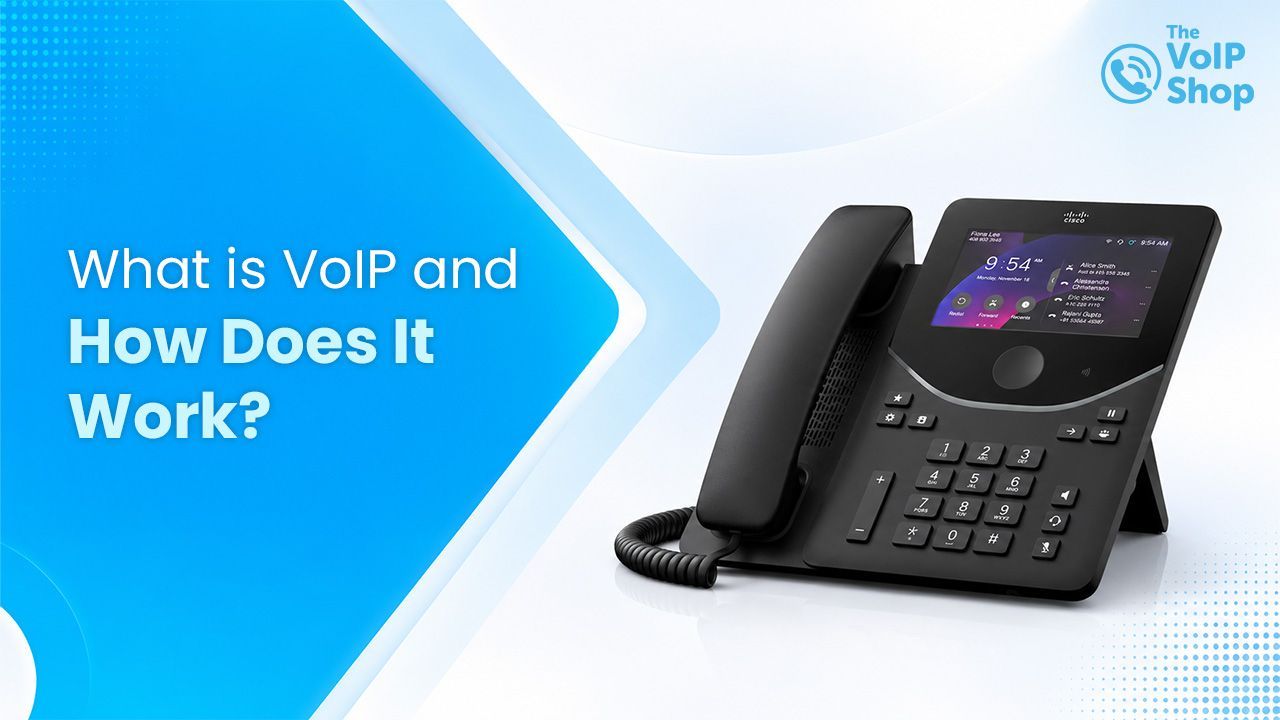
VoIP desk phones IP desk phones look similar to traditional business phones but connect through your network. They offer a familiar user experience, HD voice quality, and dedicated call controls — suited to reception desks and customer-facing teams. Many businesses choose the Cisco 9851 for these roles.
Mobile phones Most VoIP platforms include mobile apps so staff can make and receive business calls on their smartphones, showing the business number rather than their personal one. See our mobile VoIP guide for the full picture.
Laptops and computers Staff can use VoIP through desktop apps known as softphones. With a laptop and headset, they can make and receive calls, access directories, join meetings and manage communications from a single platform — popular with remote workers.
Tablets Many VoIP systems also support tablets, useful for mobile teams and customer-facing roles.
What Optional Equipment Improves a VoIP Setup?
- Headsets — a quality headset (such as the Yealink WH64) improves clarity, reduces background noise and supports hands-free working. Noise-cancelling models are particularly useful in busy offices.
- Network switches — larger organisations may need managed switches to support multiple VoIP devices and prioritise voice traffic across the network.
- Backup power — a UPS, backup internet connection or failover system keeps you online during outages. Our guide on keeping VoIP running during a power cut covers this in detail.
Do Small Businesses Need Special Hardware?
Not necessarily. Many small businesses start with their existing broadband, mobile devices, laptops and a VoIP app — keeping setup costs low while still getting all the benefits of a modern cloud phone system. Hardware can be added as the business grows.
Can I Use My Existing Phones With VoIP?
In some cases, yes. Businesses with compatible IP phones may be able to use their existing hardware with a new provider. Traditional analogue phones can sometimes be connected using an Analogue Telephone Adapter (ATA), though many businesses upgrade to modern VoIP-compatible devices. A VoIP specialist can advise whether your current equipment is suitable.
What Equipment Is Right for Different Business Sizes?
Small businesses
- Broadband connection
- Mobile app
- Laptop softphone
- Headset (e.g. Yealink WH64)
Growing businesses
- Business broadband
- IP desk phones
- Mobile apps
- CRM integrations
- Call reporting tools
Larger organisations
- Managed network infrastructure
- Multiple VoIP devices
- Dedicated internet services
- Business continuity solutions
- Advanced call management features
What's the Minimum to Get Started With VoIP?
At a minimum, you need a reliable internet connection, a VoIP provider, and one device — a desk phone, a laptop, or a mobile phone. From there, businesses can build a setup that supports growth, improves flexibility and enhances customer service.
The VoIP Shop helps UK businesses choose the right setup based on team size, requirements and budget, backed by UK-based support.
Get in touch for advice on the right VoIP equipment for your business.
Written By | About the Author
Kully has over 15 years of experience in the VoIP and telecoms industry. Drawing on a background in telecoms sales and leadership, he provides expert, impartial advice on VoIP and cloud telephony solutions. As a lead author for The VoIP Shop, Kully helps businesses understand and adopt modern communication technologies