How to Set Up a Dental Phone System: A Step-by-Step Guide
To set up a dental phone system, choose a cloud-based VoIP system, connect it to your practice management software, set your call routing and greetings, reserve or port your phone numbers, then test everything before you go live.
This guide walks through each step for a UK dental practice, whether you are opening a new site or replacing an old system.
Why dental practices use VoIP, not old phone lines
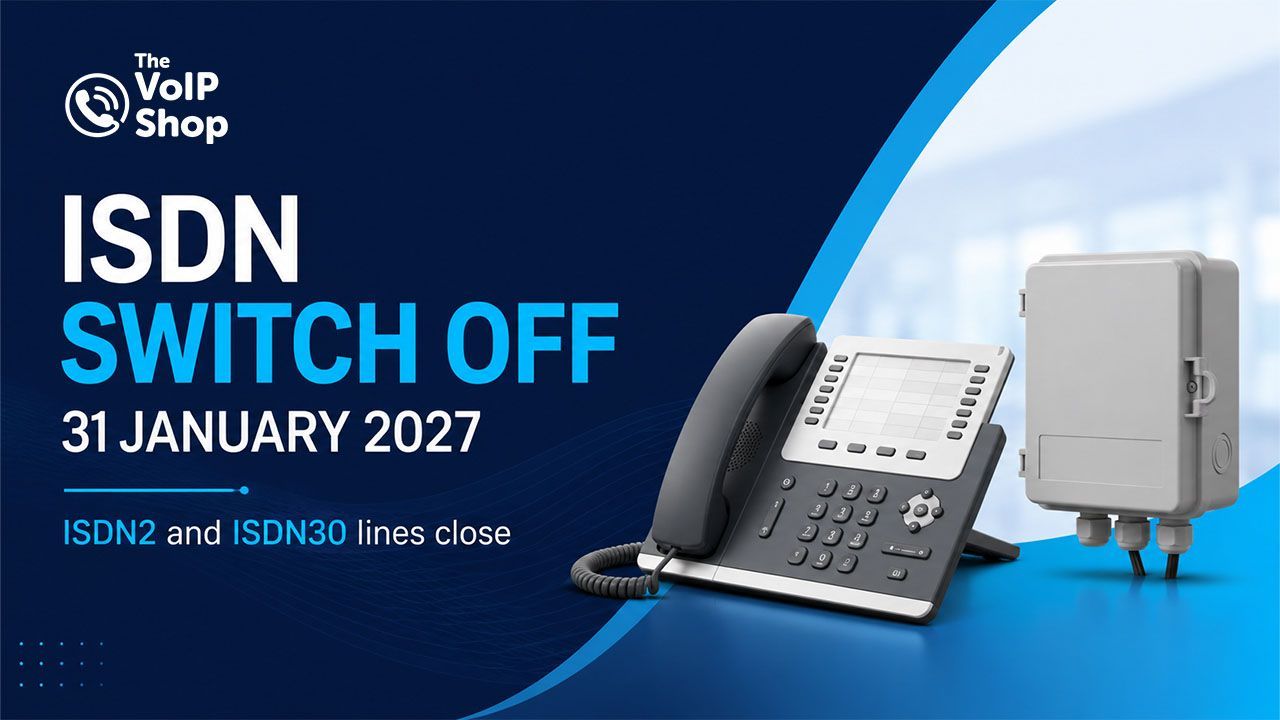
Modern dental phone systems run on VoIP (Voice over Internet Protocol), which carries calls over the internet instead of the old copper phone network. UK practices are moving to VoIP because the old ISDN and analogue lines are being switched off by 31 January 2027, and because VoIP adds features a dental practice needs: call queuing so patients never hear an engaged tone, integration with the patient record, and call recording.
The stakes for a practice are high. The average practice loses around £73,000 a year in missed calls, no-show rates run at 20 to 30 percent at £50 to £300 per empty chair, and reception spends 20 or more hours a week on the phone. A well set-up phone system is designed to reduce all three.
How to set up a dental phone system in 6 steps
To set up a dental phone system, work through these six steps in order: choose a VoIP provider, check your broadband, integrate your practice software, set up call routing and greetings, sort your phone numbers, then test and go live.
Choose a cloud VoIP provider
Choose a hosted VoIP provider that understands dental practices, not a generic phone company. Look for UK-based support, integration with dental practice management software, call recording that meets compliance rules, and per-user pricing that scales as you add surgeries. A dental-specific provider will already know how a practice runs its front desk.
Check your broadband can carry the calls
VoIP calls run over your internet connection, so it has to be sound. Allow roughly 100 kbps per concurrent call, and use a business-grade connection, ideally full fibre (FTTP), that also carries your imaging and cloud practice software. Set Quality of Service (QoS) on the router so voice takes priority over other traffic. In a new fit-out, get the cabling and Wi-Fi designed in before the walls close.
Integrate with your practice management software
Connect the phone system to your dental practice management software so reception works from one screen. Integration gives you screen pop (the patient's record opens the moment they call), enhanced caller ID, and click-to-call from the patient file. The VoIP Shop integrates with the major UK dental systems, and where a system is not on the list, an open API builds the same connection.
Set up call routing, queuing and greetings
Map how calls should flow: a branded welcome greeting, options for appointments or accounts, queuing that tells patients their position instead of an engaged tone, and out-of-hours routing for emergencies. Record professional greetings for open, closed and on-hold, and set opening hours so the system answers correctly around the clock.
Reserve or port your phone numbers
For a new practice, reserve a local number early so it can go on your signage, website and launch marketing before you open, with no porting needed on day one. For an existing practice, port your current numbers to the new system, and keep the old line active until the port completes, because a number attached to a ceased line can be difficult or impossible to recover.
Test, train and go live
Run the new system alongside the old where possible. Test every number, extension, voicemail and the emergency route, confirm the practice-software integration works, and train reception on the handsets and apps. Only once everything is proven do you cease the old line. A new practice simply goes live on opening day with the number already set up.
 Watch
Watch
How a dental phone system and AI receptionist work together.
Adding an AI receptionist to your dental phone system
An AI receptionist sits on top of your phone system and answers the calls reception cannot get to. It greets callers in your practice's voice, answers questions, books straight into your practice software, and calls patients back to confirm or rebook. You can start small and scale it up across four levels:
- Level 1, Answer and capture: takes calls, answers questions, emails the details to reception.
- Level 2, Read the record: looks up the patient live to confirm appointments, balances and recall status.
- Level 3, Read and write: books, moves and cancels appointments in the diary to your rules.
- Level 4, Outbound: rings patients out for reminders, overdue check-ups and campaigns.
This is how a small practice covers the calls it would otherwise miss, without adding front-desk headcount.
How long does it take to set up a dental phone system?
Replacing an existing system usually takes two to four weeks. A new-build practice runs on a longer timeline because it is coordinated with the fit-out: a typical new practice is live in around nine weeks, with the local number reserved from week two so it can go on marketing well before opening day.
How much does a dental phone system cost?
Most UK practices pay a per-user monthly subscription for hosted VoIP, typically including calls, maintenance and updates. Cost depends on the number of users, handsets and the features you need, such as call recording, reporting or an AI receptionist. Setup and number porting are planned and priced up front. A free assessment gives you a fixed monthly figure for your practice.
Dental phone system setup FAQs
How do I set up a dental phone system?
Can I use my own broadband for a dental VoIP phone system?
Does a dental phone system integrate with practice management software?
Can I keep my phone number when I set up a new dental phone system?
How long does it take to set up a dental phone system?
Do I need an AI receptionist for my dental practice?
How much does a dental phone system cost?
Setting up a phone system for your dental practice?
We will plan your dental phone system, broadband and practice-software integration together, and give you a fixed monthly cost with no obligation. New practice or replacing an old system, our UK-based team sets it up around your timeline.
Written By | About the Author

Kully Hothi
Sales Director
Kully Hothi is Sales Director at The VoIP Shop and one of the company's lead authors. He has worked in UK telecoms since 2011, and has taken thousands of businesses through the move off ISDN and analogue lines onto cloud phone systems, porting numbers and cutting over without downtime. He is sales certified across 3CX, Yeastar and Cisco as well as Openreach and all four major UK mobile networks, which is why he looks at phones, mobiles and connectivity together rather than as three separate problems. More about Kully Hothi.