VoIP Call Apps
Best VoIP Calling Apps for UK Businesses in 2026

Picking the right VoIP call app is no longer as simple as choosing between a couple of basic dialler apps. UK businesses now have dozens of options, and the right one depends entirely on how your team works. This guide explains what a VoIP call app is, what to check before you commit, and which apps suit which type of business.
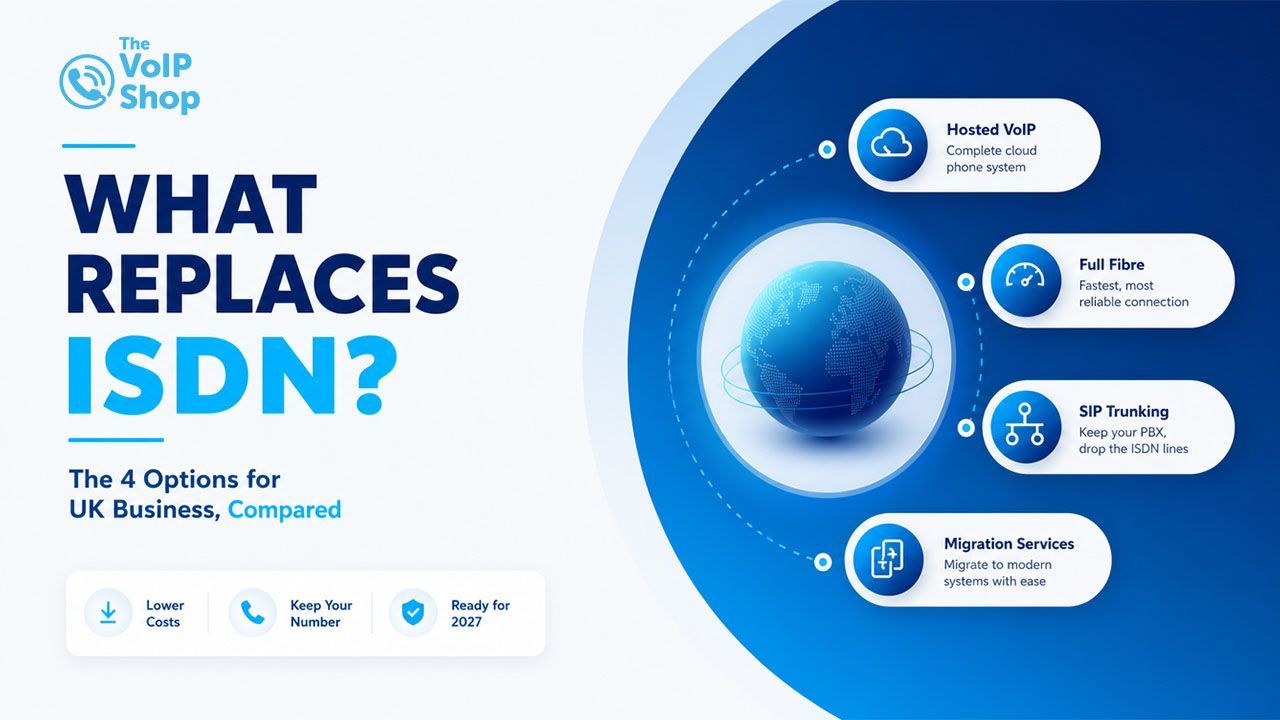
If you're still using a traditional landline, the UK's traditional analogue and ISDN phone networks are being retired, with the
PSTN switch-off
progressing towards 2027.
Key Takeaways
- A VoIP call app turns your smartphone, laptop or tablet into a business phone by routing calls through your internet connection rather than a copper line.
- There isn't one "best" VoIP app for every business; the right choice depends on your team size, budget and working style.
- Smaller businesses tend to get on well with an all-in-one app that combines calling, texting and support in a single plan, such as The VoIP Shop App.
- Remote and hybrid teams often gravitate towards collaboration-first platforms like Microsoft Teams or Cisco Webex.
- Businesses that are scaling up and need a proper phone system behind their app should look at 3CX, Yeastar or iPECS.
What Is a VoIP Call App?
A VoIP call app is software that lets you make and receive phone calls over the internet, rather than through a traditional phone line. You install it on your mobile, desktop or tablet, sign in, and it behaves much like a normal phone, except your voice travels as data over broadband or mobile data instead of copper wire.
Many business VoIP apps go further than basic calling and can include features such as text messaging, voicemail,
call recording and a full company directory, all from the same screen you already carry around.


How Do VoIP Call Apps Work?
When you talk into a VoIP app, your device's microphone captures your voice, and software known as a codec converts that audio into small packets of digital data. Those packets are sent across the internet to whoever you're calling, where they're put back together and played almost instantly. Most people on the receiving end wouldn't be able to tell it apart from a call made on a traditional line.
How Do VoIP Apps Work on Mobile?
On a mobile, a VoIP app means you can use your business number from your own handset instead of giving out your personal mobile number. Calls generally run over wifi when you're near a router and can switch across to mobile data automatically once you're out and about, depending on the app and the plan you're on. In practice, that means business calls can land on the same phone you already use every day.
Why Use a VoIP Call App?
Cost
Calls made over the internet are generally cheaper than calls made on a traditional line, especially for landline numbers and international dialling.
Flexibility
Staff can take calls from home, the office or on the move, all using the same business number regardless of location.
Features
Depending on the app and plan, you can get call recording, voicemail, call queues and reporting built in.
What to Look for in a VoIP Call App
Not all VoIP apps offer the same features or level of service. The right choice will depend on your team size, how your staff work, and the features your business actually needs. When comparing providers, focus on the following areas.
1
This is the one thing you shouldn't compromise on. A cheap app that drops calls or lags will end up costing you more in lost business than it ever saved in fees. Look for a provider with its own UK network infrastructure, the ability to forward calls to mobiles or other locations if your internet goes down, and clear, published reliability figures rather than vague marketing promises.
2
The best VoIP app for your team is the one people will actually use. Call transfer, hold music, voicemail transcription and a clean interface matter far more in day-to-day use than a long feature list nobody ever opens. If staff need training just to answer a call, the app is working against you rather than for you.
3
Look at the full picture, not just the headline price. Check what's included as standard UK landline and mobile minutes, text messaging, versus what gets billed as an extra. A plan with a slightly higher monthly fee that covers everything you actually need often ends up cheaper than a low headline price loaded with add-ons.
4
Business calls often carry sensitive information, so your VoIP app should encrypt calls in transit and meet UK data protection standards, including UK GDPR. If you're in healthcare, finance or legal services, ask specifically about
call recording storage and compliance certification before signing anything.
5
Start from how your team actually picks up the phone, not from a spec sheet. Shops and call centres fielding a steady stream of customer questions need proper queuing and routing built in. Engineers and delivery staff out on the road need dependable mobile signal and a smooth way to pass a call between the office and a van. Pick the tool that fits your working pattern, not the other way round.
Best VoIP Call Apps by Use Case
There's no single winner here the right pick depends on your team size and working style. Below are three solid options, each suited to a different kind of business.
Best VoIP Call App for Small Businesses: The VoIP Shop App
For small and growing UK businesses, The VoIP Shop App gives you a way to manage business calls across mobile and desktop while staying connected to the wider phone system. It covers calling, messaging and voicemail, making it a good fit for teams who want everyday business communications handled from devices they already use.
The Standard VOICE plan starts from £13.95 per user per month and includes unlimited UK landline and mobile calls, plus access to both the mobile and desktop apps. The VoIP Shop also offers 24/7 UK-based support, with setup, onboarding and training included as part of the service.
For businesses after more advanced communication features, higher-tier plans add extras such as AI-powered call transcription and summaries, CRM integration and additional phone system features useful if you expect your setup to grow alongside your team.
Best VoIP Call App for Remote Teams: Microsoft Teams
If your business already runs on Microsoft 365, Teams Phone is the obvious route to take. Voice calling lives inside the same app your team already uses for chat, video meetings and file sharing, so there's nothing new to learn. Add Copilot into the mix, and you also get call transcription and summaries during the call itself.
The catch is licensing. You'll typically need a Teams licence, a Teams Phone licence and a separate calling plan, each priced on its own, which can make the overall cost trickier to pin down than a single all-in-one plan.
Best VoIP Call App for Business Collaboration: Cisco Webex
Webex Calling suits teams who spend as much time in video meetings as on the phone. It brings voice, video, messaging and whiteboarding together in one platform, alongside solid call management features such as call park, call queuing and reporting. Larger UK organisations with dedicated IT support tend to get the most value from Webex, since setting up its full feature set takes a bit of work.
Business VoIP Apps and Phone Systems
Beyond calling apps built for individual users, some UK businesses need a complete phone system capable of managing extensions, call routing and reporting across the whole organisation. These three platforms are commonly used either alongside a standalone calling app, or in place of one.
3CX
3CX is a software-based phone system that businesses can self-host or run through a hosted provider. It supports desk phones, softphones and mobile apps all from one central system, with features including call queues, video conferencing and live chat. It's a good fit for businesses that want more control over their setup and are comfortable handling some of the technical side themselves.
Yeastar
Yeastar makes both physical PBX hardware and cloud-based phone systems, so businesses can choose based on how they'd rather run things. Its cloud platform covers call routing, voicemail-to-email, and CRM integrations, and it's a common choice among resellers and IT providers setting up systems for UK small businesses.
iPECS
iPECS, from Ericsson-LG, offers both on-site and cloud phone systems designed for businesses that want a traditional PBX feel with modern features layered on top. It supports mobile apps, call-centre-style reporting and integration with common business software, making it well suited to established businesses looking to upgrade an older phone system.
Conclusion
The right VoIP call app comes down to how your business actually works, not which provider has the loudest marketing. If you run a small or growing UK business and want calls, texts, voicemail and support in one straightforward plan, The VoIP Shop App is built exactly for that. If you're already living inside Microsoft 365 or need heavier collaboration tools, Teams or Webex might be a better fit, and larger organisations may need a full phone system such as 3CX, Yeastar or iPECS running behind the scenes.
VoIP Call Apps FAQs
What Is the Best VoIP Call App?
What's the Difference Between a VoIP App and a Phone System?
Can I Make VoIP Calls From My Mobile Phone?
Can VoIP Apps Call Regular Phone Numbers?
Do I Need Wi-Fi to Use a VoIP Call App?
Not sure which setup suits your business?
Our UK-based team can talk you through the right option for your size and budget, with no obligation.
Written By | About the Author
Kully Hothi
has over 15 years of experience in the VoIP and telecoms industry. Drawing on a background in telecoms sales and leadership, he provides expert, impartial advice on VoIP and cloud telephony solutions. As a lead author for The VoIP Shop,
Kully Hothi
helps businesses understand and adopt modern communication technologies