
What Is Microsoft Operator Connect?
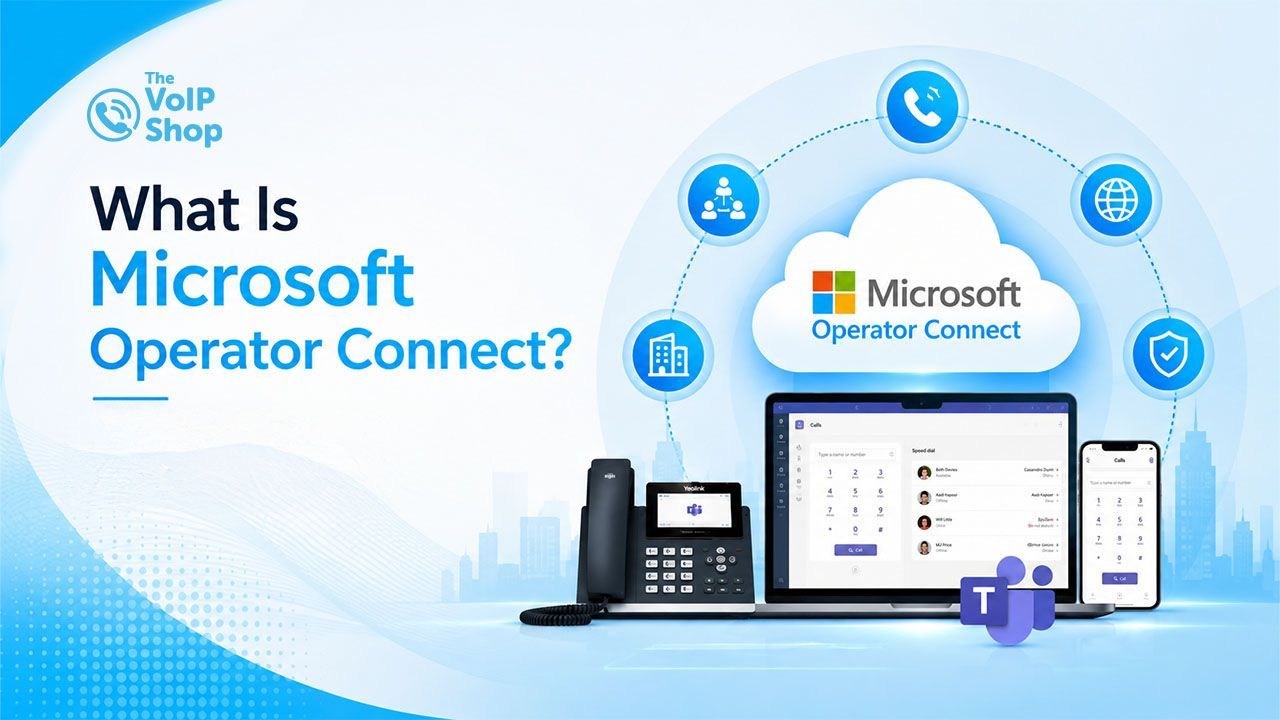
Microsoft Operator Connect is a certified way to connect a business phone number to Microsoft Teams, using a telecom operator instead of Microsoft itself as the carrier. It lets Teams users make and receive calls to and from normal phone numbers, without installing any on-site phone hardware, because the certified operator handles the connection to the phone network behind the scenes.

About the Author
More About Kully Hothi
Why Does Teams Need This at All?
Teams can only call other Teams users out of the box. To call or receive calls from an ordinary landline or mobile, it needs a connection to the phone network (the PSTN). Microsoft gives you three ways to get that connection:
- Microsoft Calling Plans, where Microsoft is the carrier
- Operator Connect, where a certified operator you choose is the carrier
- Direct Routing, where you connect almost any carrier yourself using an SBC
| Microsoft Calling Plans | Operator Connect | Direct Routing | |
|---|---|---|---|
| Who's the carrier | Microsoft | A Microsoft-certified operator of your choice | Almost any carrier you choose |
| Hardware needed on your side | None | None | An SBC (session border controller), on-site or hosted |
| Setup complexity | Simplest | Moderate, managed via Teams Admin Centre | Most technical, needs SBC configuration |
| Carrier flexibility | None, Microsoft only | Choice limited to certified operators | Almost unlimited |
| Best suited to | Businesses that want Microsoft to handle everything | Businesses that want to keep or choose an operator without managing hardware | Businesses with complex infrastructure or very specific routing needs |
Operator Connect exists specifically to solve the awkward middle ground: businesses that want to keep, or freely choose, their own operator, without taking on the hardware and technical management that Direct Routing involves.
Who Actually Provides Operator Connect?
This is the part most explainers skip. Microsoft doesn't provide the calling itself here; a certified operator does. There are over 90 operators certified worldwide, and in the UK that list includes names like Gamma and BT, alongside a number of smaller certified providers. Which operators are available to you depends on your country, so the practical first step isn't reading about the technology, it's checking Microsoft's Operator Connect directory (or asking a provider directly) to see who actually covers your business.
This matters because Operator Connect isn't a single Microsoft product with one price and one feature set. It's a framework, and the experience, pricing, and support you get depends entirely on which certified operator you choose.
Can You Keep Your Existing Phone Numbers?
Yes, in most cases. Certified operators can port existing business numbers across, so switching to Operator Connect doesn't usually mean giving up numbers customers already know. This is one of the more common questions businesses have before switching, and it's worth confirming directly with the operator, since porting timelines vary.
What Do You Actually Need to Set It Up?
Two things, in practice:
- A Microsoft Teams Phone licence for every user who needs a phone number. This provides the call control and PBX-style functionality inside Teams.
- Those users set to TeamsOnly mode, rather than coexisting with Skype for Business. This is the detail that trips people up. It does not need to be the whole organisation, just the users being set up for calling, but it is a real prerequisite.
Beyond that, there's no SBC to install, no PBX hardware, and nothing physical to maintain. Everything, from assigning numbers to changing call routing, is managed inside the Teams Admin Centre.
What Does It Cost?
There isn't a single Microsoft-set price, because the operator sets its own charges for numbers and calling. What you're not paying for is the SBC hardware, hosting, or specialist telecom engineering that Direct Routing typically requires, so the cost comparison against Direct Routing usually comes down to operator pricing versus infrastructure and maintenance costs, not calling quality.
What's the Catch?
The main trade-off is control. Operator Connect gives up some of the fine-grained routing customisation that Direct Routing allows, in exchange for a simpler setup. It's also worth knowing that using a certified operator doesn't transfer any compliance or regulatory responsibility to Microsoft, the business is still responsible for making sure its calling setup, data handling, and provider relationship meet whatever standards apply to it. Not every certified operator offers identical features either, so it's worth comparing operators on support, porting speed, and pricing rather than assuming Operator Connect means the same experience everywhere.
Is It the Right Choice?
If Microsoft Calling Plans don't cover your country, if you already have an operator you want to keep, or if you want carrier choice without managing SBC hardware, Operator Connect is generally the more practical route than Direct Routing. If you want the absolute simplest setup and don't care which carrier handles it, Calling Plans is usually simpler still. If you need highly specific routing control or have complex existing telecom infrastructure, Direct Routing remains the more flexible, if more technical, option. For a full overview of running your phone system inside Teams, see our Microsoft Teams phone system page.
In the Teams setups we handle for customers, Operator Connect is the route we recommend most often, because it keeps carrier choice and number porting simple without anyone having to manage an SBC.
Looking to Move Your Business Numbers into Microsoft Teams?
The VoIP Shop helps businesses set up Teams calling and port existing numbers across with minimal disruption. Book a free consultation and we will check which certified operators cover your business and handle the porting for you.
Written By | About the Author
Kully Hothi has over 15 years of experience in the VoIP and telecoms industry. Drawing on a background in telecoms sales and leadership, he provides expert, impartial advice on VoIP and cloud telephony solutions. As a lead author for The VoIP Shop, Kully Hothi helps businesses understand and adopt modern communication technologies