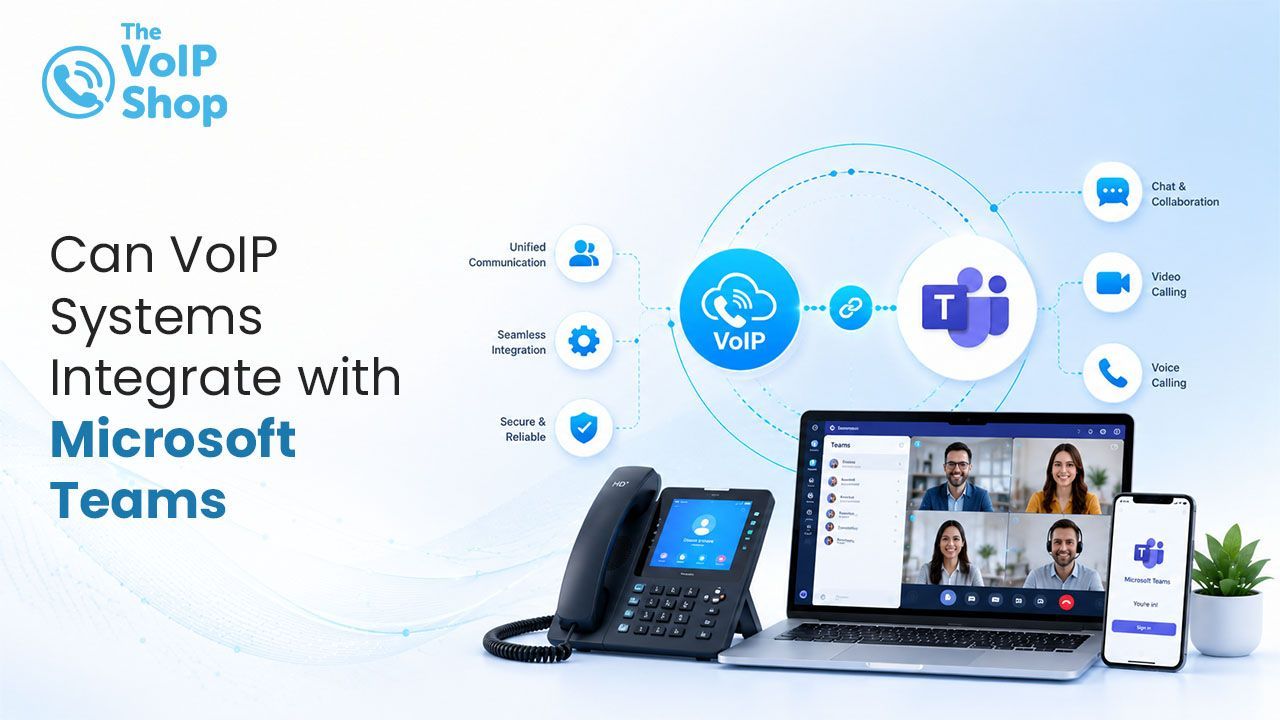
Can VoIP Systems Integrate with Microsoft Teams?
Yes. Most modern VoIP phone systems can integrate with Microsoft Teams using Direct Routing or Operator Connect. This allows businesses to make and receive external phone calls within the Teams app while retaining advanced VoIP features such as call queues, auto attendants, voicemail, and analytics. Most integrations also require a Microsoft Teams Phone licence alongside your VoIP provider's service.

About the Author
How Does VoIP Integration with Teams Work?
Microsoft Teams handles chat, meetings, and collaboration well, but by default it doesn't provide a standard telephone number that external customers, suppliers, or partners can dial. VoIP integration bridges that gap by connecting a business phone system to Teams so that a real, dialable number sits behind each user's Teams account.
Once connected:
- Incoming calls to a business number ring directly inside Teams, on any device the user is logged into
- Outgoing calls can be placed from within Teams using the business's real caller ID, rather than a personal mobile number
- Call routing, hold, transfer, and voicemail work in much the same way as a standalone VoIP system
- Call history and voicemails appear directly in the Teams interface, alongside chats and meetings
What Are the Integration Methods?
| Feature | Direct Routing | Operator Connect |
|---|---|---|
| Setup | More technical | Simpler |
| SBC required | Yes | No |
| Carrier choice | Broad | Certified operators |
| Technical control | Higher | Lower |
| Best for | Complex setups / existing carriers | Businesses wanting simpler Teams calling |
What Are the Business Benefits?
No New App to Learn
Staff continue working inside Teams, which they're likely already using daily for chat, meetings, and file sharing, rather than switching to a completely separate phone app. This reduces training time and the chance of missed calls due to unfamiliar software.
Centralised Communication
Calls, chats, meetings, and shared files all live in one interface, making it easier to track a full conversation history with a client or colleague without jumping between systems.
Retains VoIP-Specific Features
Businesses keep VoIP features such as call queues, auto-attendants, call recording, and analytics dashboards, while gaining a calling experience that feels native to Teams rather than bolted on.
In the Teams integrations we set up, the most common request is keeping existing call queues and auto attendants exactly as they were, so reception workflows carry over unchanged on day one.
Is Any Extra Hardware Needed?
Generally, no. Most Teams-VoIP integrations work through existing desktops, laptops, and mobile devices running the Teams app. Some businesses also choose to add Teams-certified desk phones or conference room devices for shared spaces, but this is optional rather than a requirement for the integration to function.
How Long Does Setup Usually Take?
Setup time varies depending on the method chosen. Operator Connect tends to be faster, often live within the same week, since the technical groundwork between the provider and Microsoft is already in place, leaving little more than number assignment and licensing to complete. Direct Routing typically takes one to two weeks, longer for larger organisations porting existing numbers or needing custom call-routing rules, and may benefit from IT involvement or support from the VoIP provider during setup.
What Should Businesses Check Before Switching?
It's worth confirming licensing requirements (a Teams Phone licence is usually needed alongside the VoIP provider's plan, from around £6 per user per month, whether existing phone numbers can be ported across, and what happens to call quality if internet connectivity drops, since, like any VoIP setup, Teams calling depends on a stable connection.
Looking for a VoIP System That Integrates with Teams?
The VoIP Shop provides VoIP systems that integrate with Microsoft Teams, so calls can be handled directly from within Teams alongside other business VoIP features. Book a free consultation and we'll walk you through Operator Connect and Direct Routing on a live setup.
Written By | About the Author
Kully has over 15 years of experience in the VoIP and telecoms industry. Drawing on a background in telecoms sales and leadership, he provides expert, impartial advice on VoIP and cloud telephony solutions. As a lead author for The VoIP Shop, Kully helps businesses understand and adopt modern communication technologies